(c) Copyright by OpusXenta Pty Ltd. All rights reserved.
Document Templates
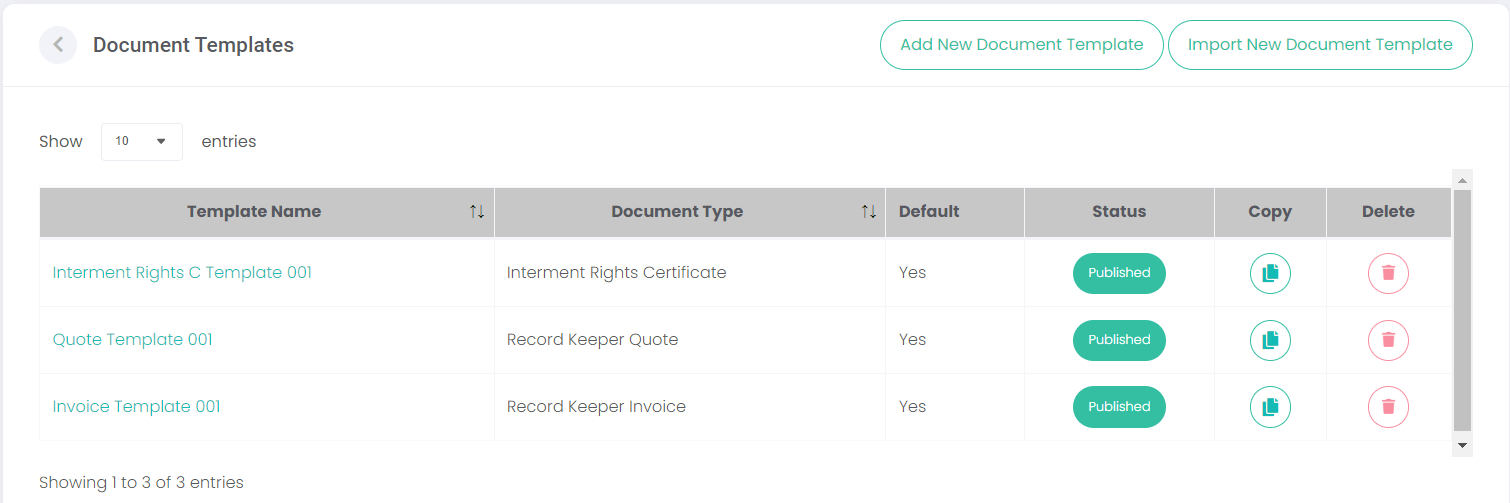
The Document Templates function allows templates to be created which allow for different document types to be quickly generated on demand. The documents could be used for invoices, quotes, and interment rights certificates.
On the Document Templates page, templates can be created, edited, and deleted.
The buttons in the top right allow the user to add and import templates.
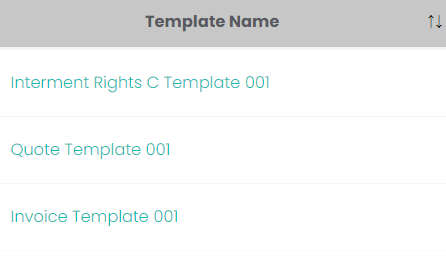
Below, previously created or imported templates are shown. Click Template Name hyperlink to open the document in Edit mode.
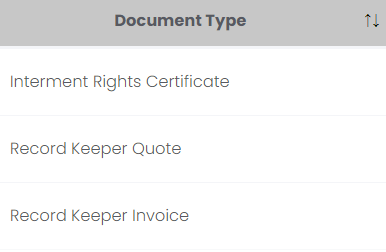
The Document Type tells us whether it is a quote, invoice, or interment rights certificate.
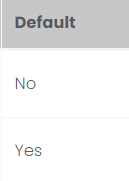
Default tells us whether this document is the default choice when generating that Document Type.
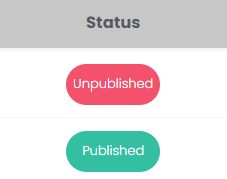
The Status can be Unpublished or Published.
Copy allows a duplicate to be made of the template. The user can then open the copy in edit mode and create a new document out of the original.
Delete removes the document template from the system. This can't be undone.