Add Payments
On the Invoices page you can Add Payments, view the Receipt and Invoice Status.
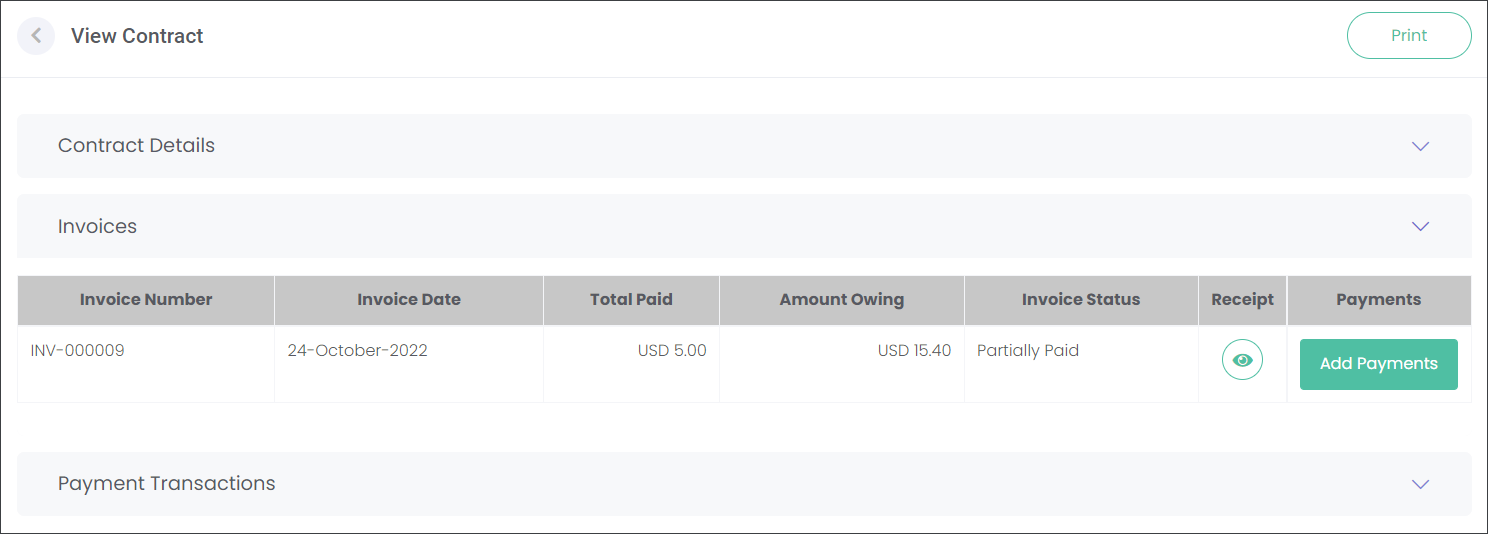
The invoices can have three statuses depending on the payment process:
-
Open - no payment has been processed against the Invoice.
-
Partially Paid - only a portion of the Amount Owing has been paid.
-
Fully Paid - the Invoice has been paid in full.
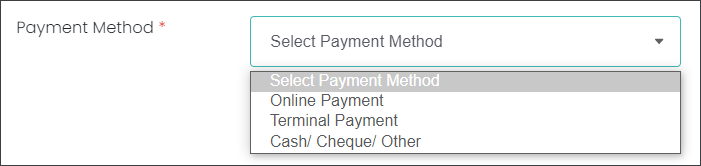
When processing a payment you can select from three payment options:
-
Online Payment - processing a payment through an online checkout hosted by opuspay via the gateway provider.
-
Terminal Payment - processing a payment using an EFTPOS device integrated with opuspay.
-
Cash/ Cheque/ Other - recording other payment methods that don't involve opuspay.
Navigate to the corresponding sections of the guide to find out how to process payments using different methods.
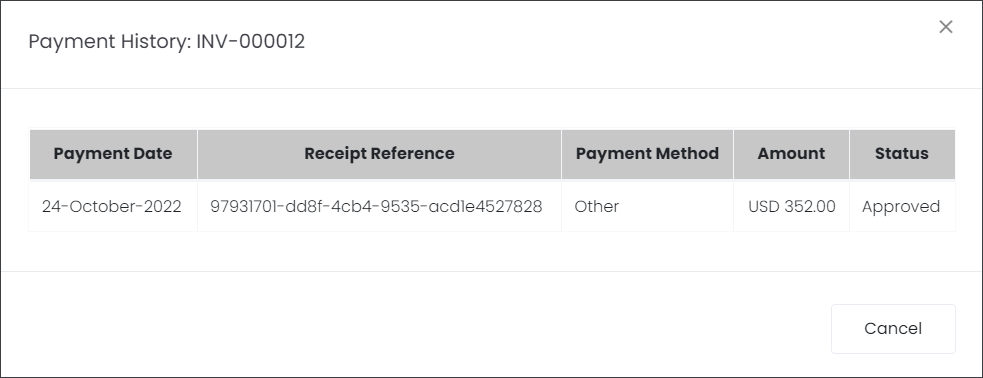
When a payment has been processed you can view the Receipt by pressing the green icon.