Add Package
Press the Add Package button.
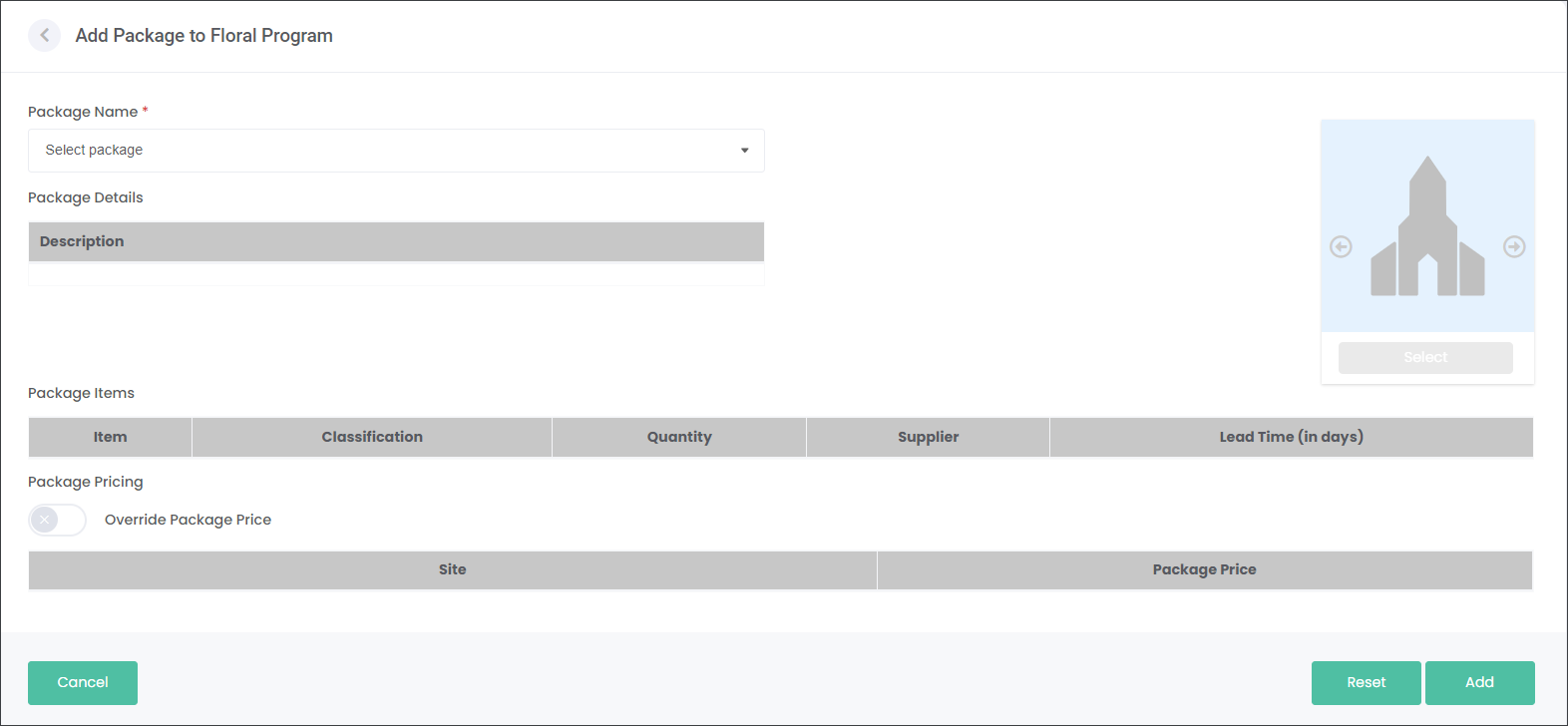
You will need to set up your Packages on the Configuration page.
In the Package Name field select from the pre-configured packages. The Package details will auto-populate as per the settings.
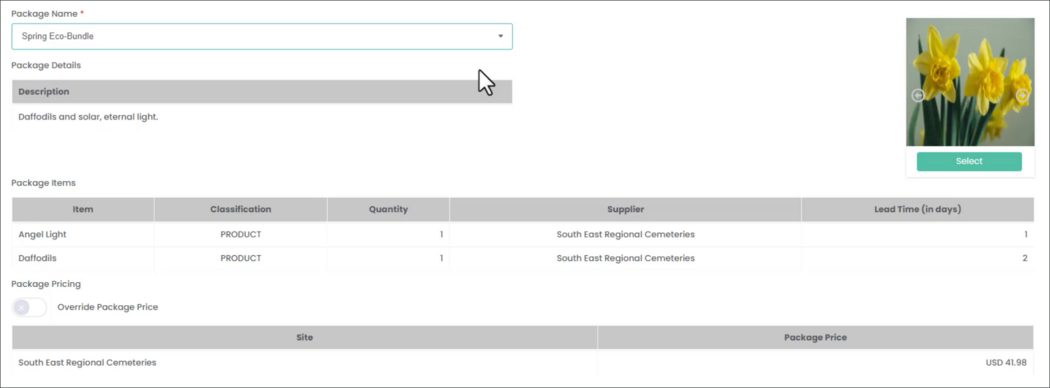
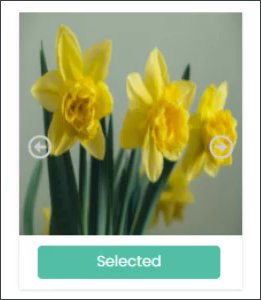
If your Package has more than one image showcasing the products, use the right and left arrows to scroll through the images. Then press Select on the image that will showcase the entire package. The image will be used in the paper brochures and/or emails sent out to the customers.
If you would like to change the price of the Package, select the Override Package Price slider. For example, if you might want to lower the price of the Package for this Floral Program, to make it more appealing to your customers.