To add a new location type, click New Location Type on the top right-hand side of the Location Type Management screen.
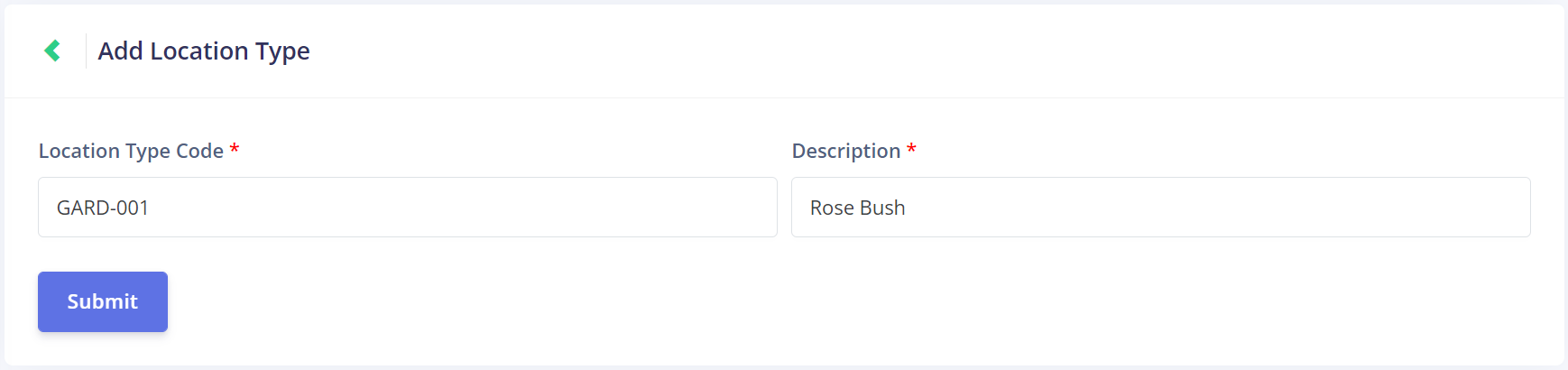
This opens the Add Location Type screen.
First, enter the Location Type Code. It would be ideal to match this code to the Job Type code that this location type is associated with.
We're using GARD-001 here, to match our GARD job type code. The numerics allow us to create multiple location types with this code format.
Next, add a Description. This should tell us about the kind of location we're referencing.
We're using Rose Bush in our example, which will be one of the location types associate with our Garden Bed Maintenance job type.
Once all the information is entered, click Submit to save the new location type.