(c) Copyright by OpusXenta Pty Ltd. All rights reserved.
Add New Contract
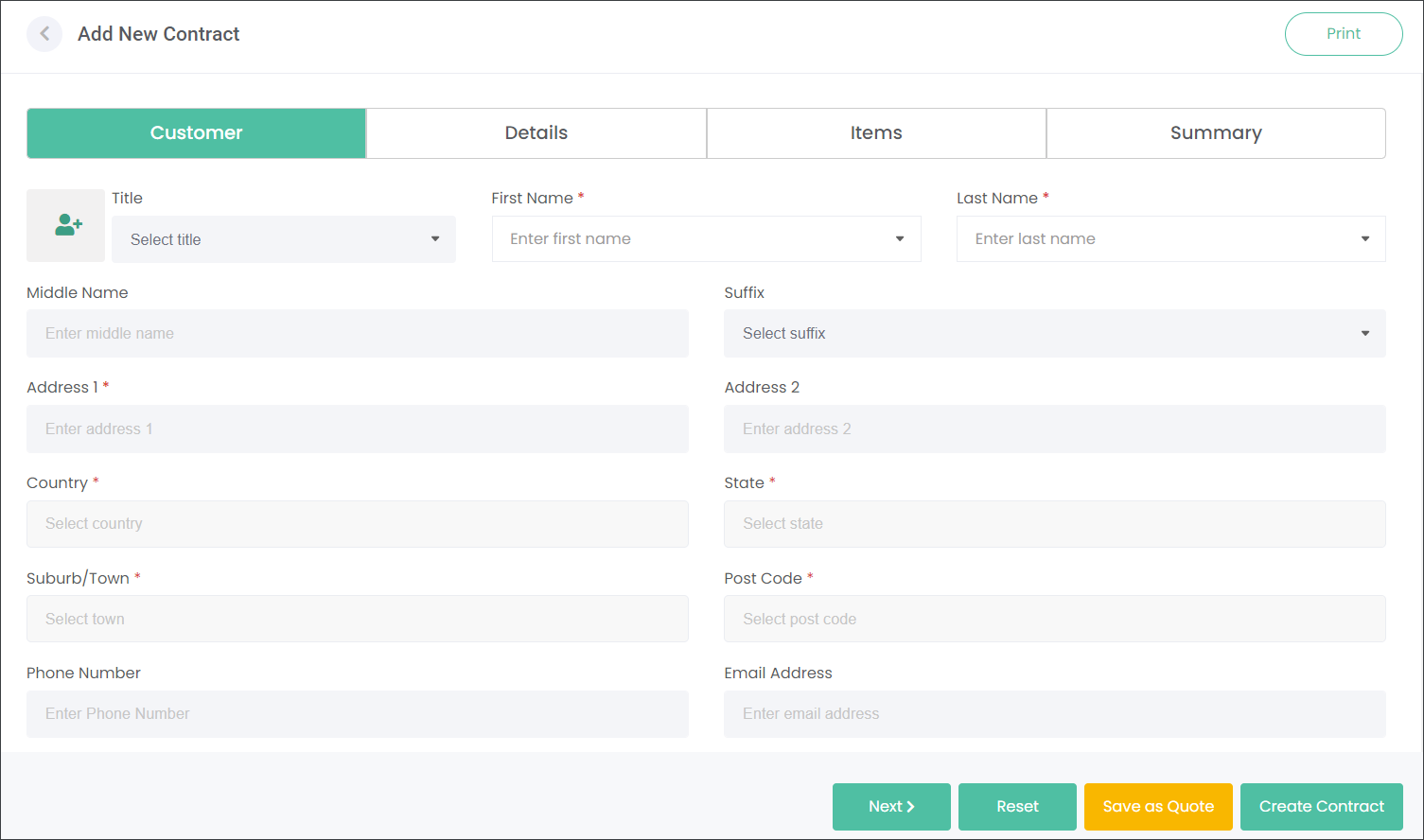
Press the Add New Contract button to sell a Care Program to a customer.
The Save as Quotebutton allows users to setup a contract and put it on hold to continue working on it at a later date.
The Create Contractbutton allows to save the changes and generate a new Contract. The systems will allow to save a new Contract when all mandatory fields, marked with a red asterisk symbol, are populated.
You can navigate between sections of the Contract by clicking on the tabs e.g. Customer, Details or by pressing the Next button.
You can clear the screen by pressing the Reset button.
Populate the tabs as outlined in the corresponding sections: