View & Manage Permits - byondcloud
Cemetery users have the choice to view and manage permit applications in either byondpro or byondcloud. Outlined below is the process for viewing and managing permit applications within byondcloud.
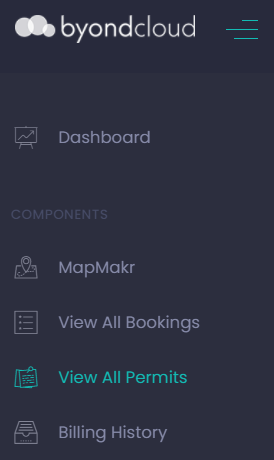
Users can view a list of permit applications in byondcloud, by either clicking the side menu option View All Permits:
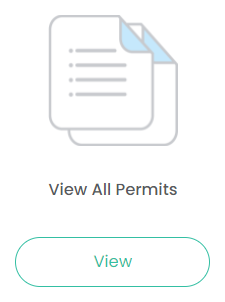
Or, by clicking the View button under View All Permits on the Dashboard:
A full list of permits is displayed, as shown below.
Filters at the top of the screen can be used to refine the search by
-
Site
-
Permit ID
-
Mason Ref No.
-
Deceased Reference No.
-
Mason.
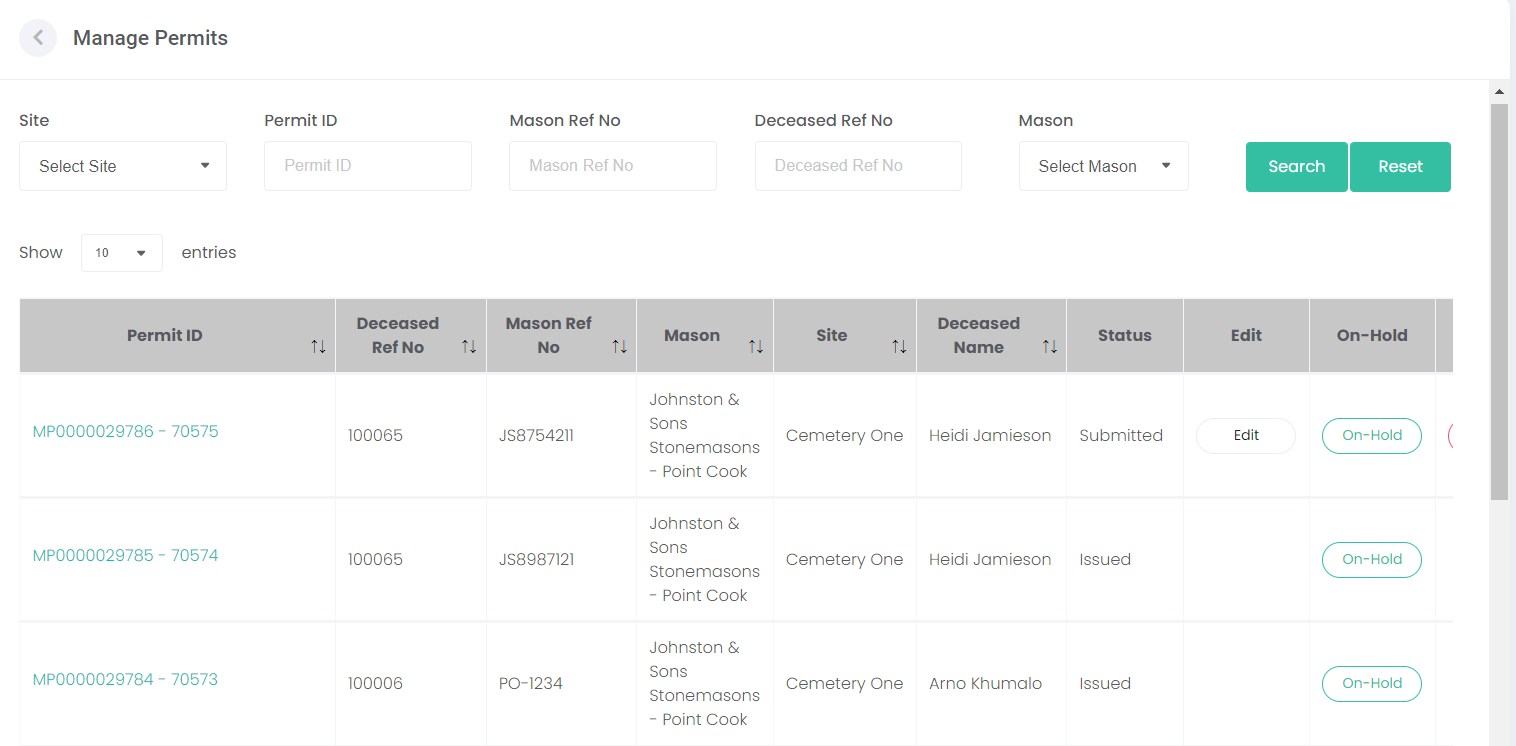
Click on the Permit ID hyperlink to View the details of the permit.
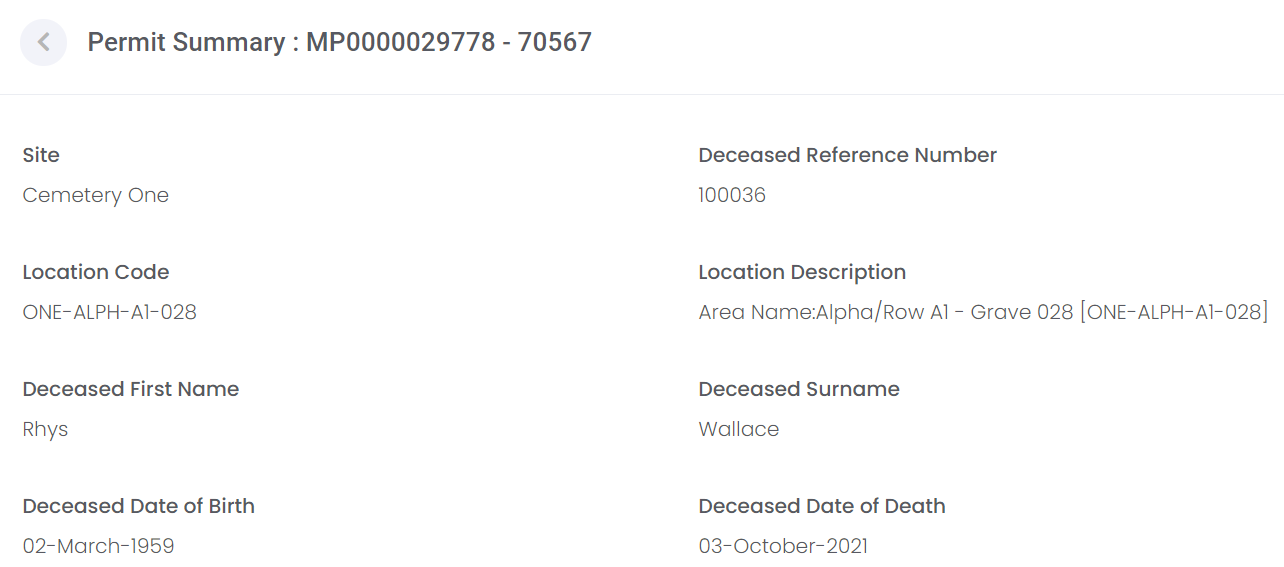
In View mode, you can see the details of the permit, including:
-
Location and Deceased Record details.
-
Authorising Person details, as inputted by the mason.
-
Permit details, such as permit type, permit details, and inscription details.
-
Dates of receipt, issue, permit expiry, and work completed.
You can also view and download any documents attached to the permit by clicking the Download (green arrow) button under View Document.
