View & Manage Bookings - byondpro
If the Funeral Director Application is integrated to byondpro, bookings can be viewed and approved via byondpro.
There are slight differences to how these bookings appear.
The procedures for managing bookings within byondpro may differ between cemeteries and the actions described next may not be completed in the same order as presented.
Locate the booking /s within byondpro.
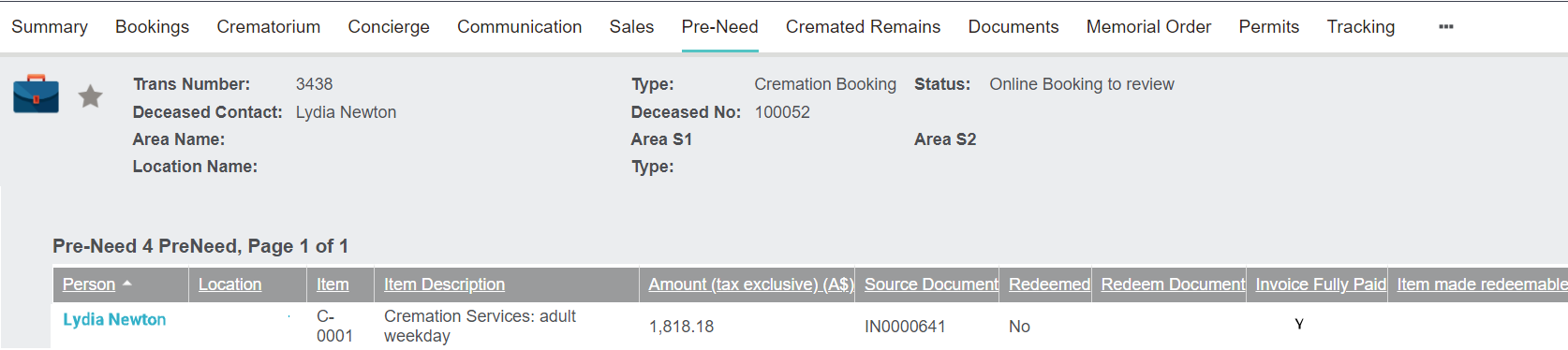
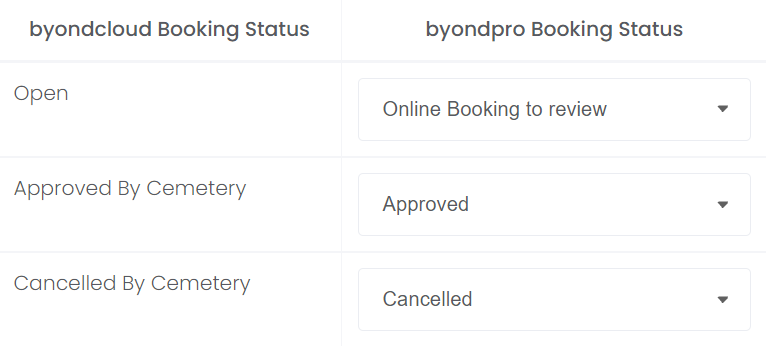
If using the Sales & Booking search screen, you may wish to search for bookings with the byondpro Booking Status mapped to the Open byondcloud Booking Status, such as Online Booking to review in our example.
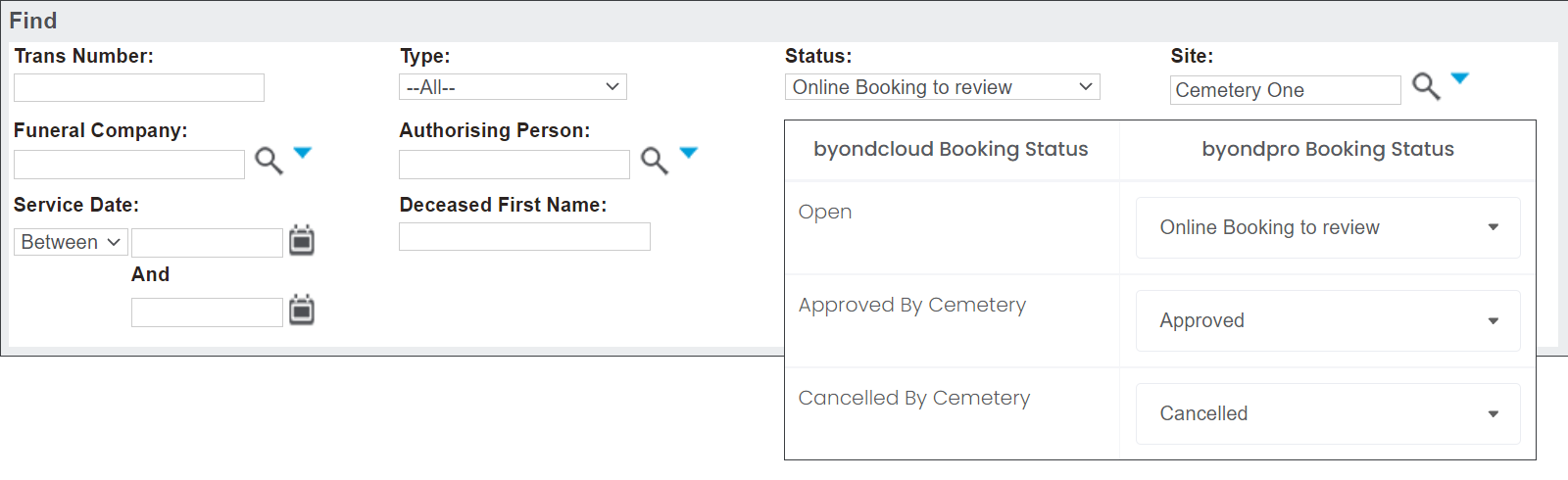
Once the booking has been located, the cemetery will commence their processes of reviewing the booking and may request and verify the paperwork.
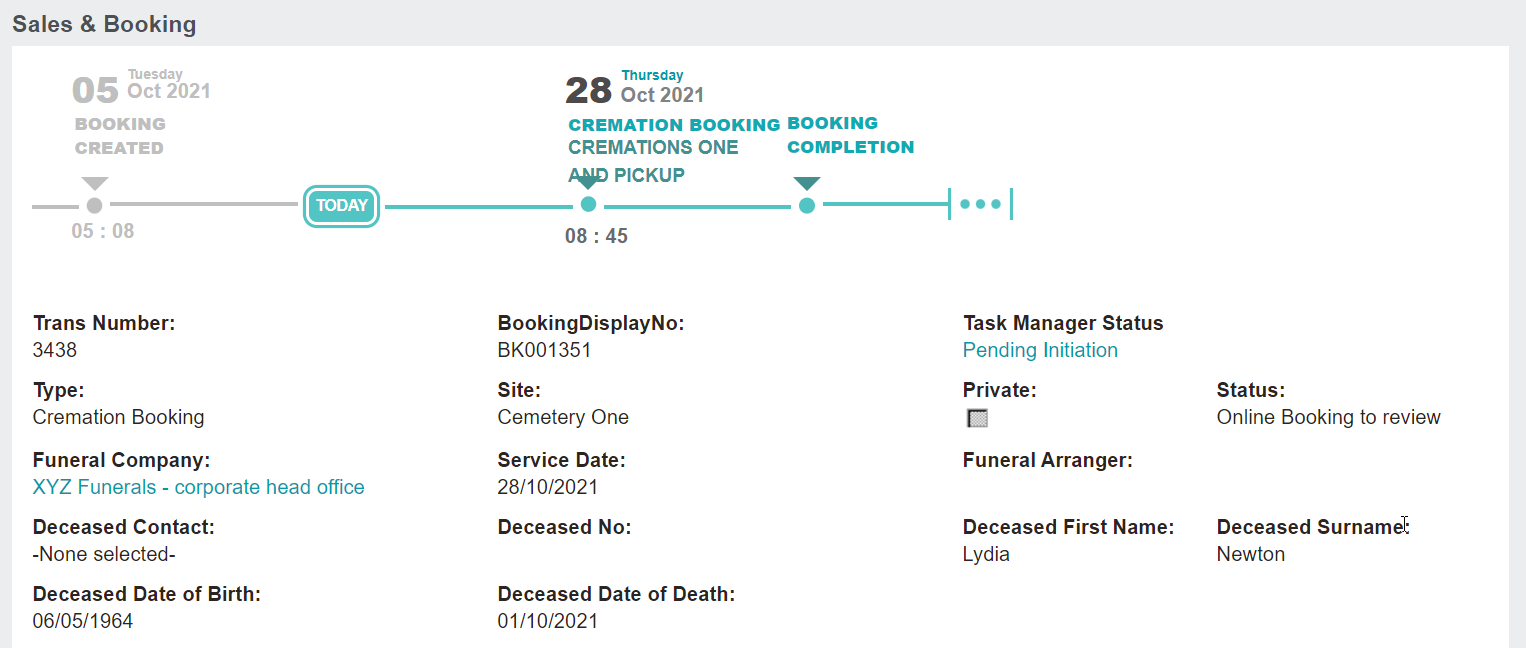
On the summary tab of the booking, the Deceased Contact and the Authorising Person are not linked to their relevant fields.
If the person records are not in byondpro yet, the person records would need to be created.
Use the information that the funeral director provided to cross-check the paperwork and records within byondpro.
If the person records are not in byondpro yet, the person records would need to be created.
Use the information that the funeral director provided to cross-check the paperwork and records within byondpro.
Once verified, link the records to the Sales & Booking.
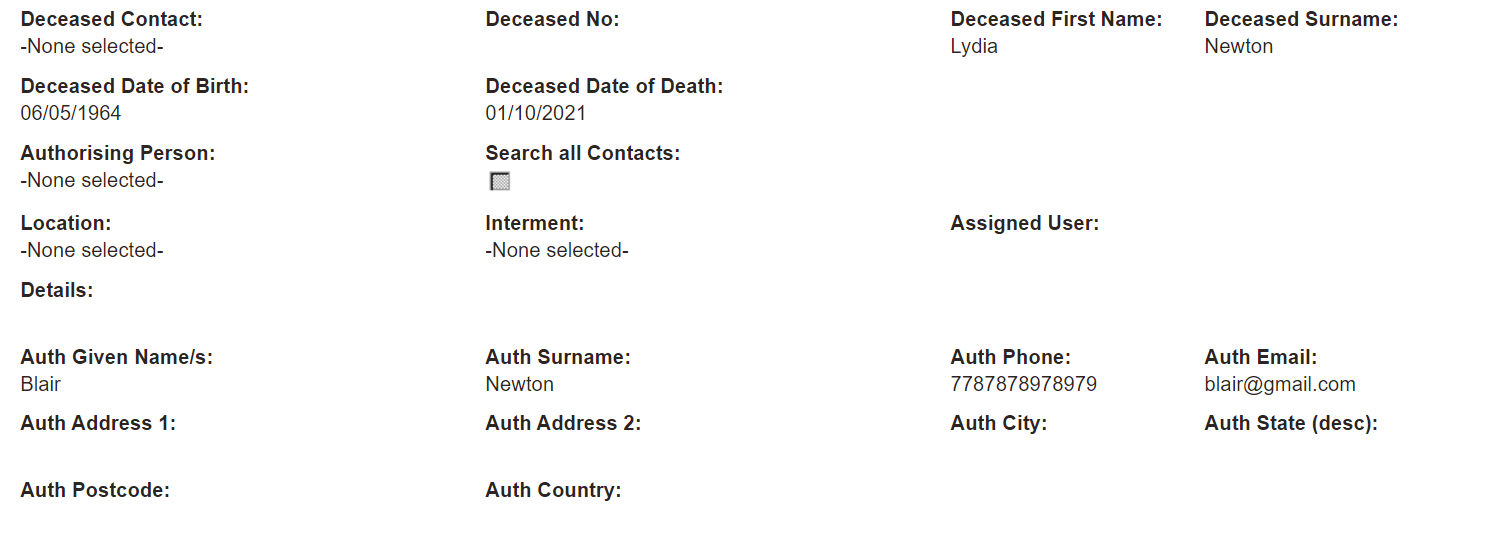
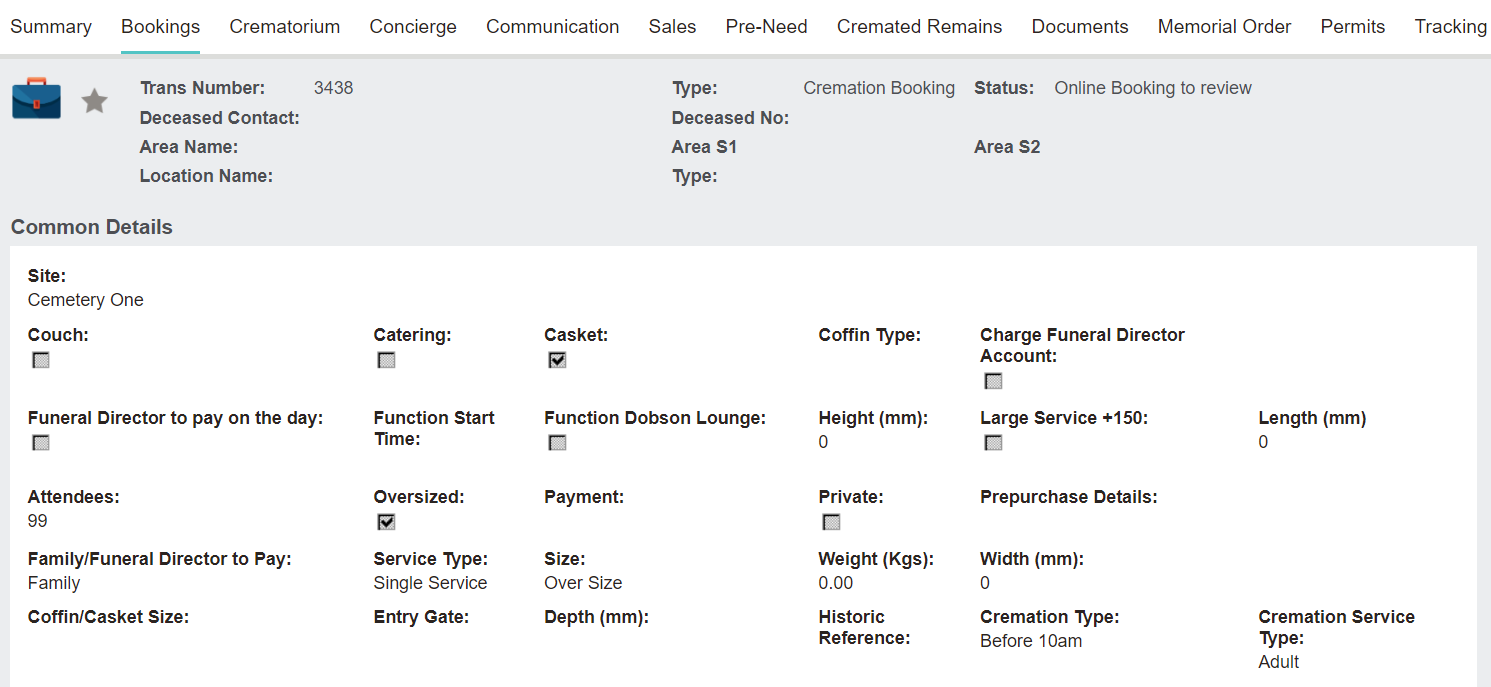
Review and update the tabs of the booking, if necessary.
Create a Sales Order to sell relevant items for the service /s being provided.
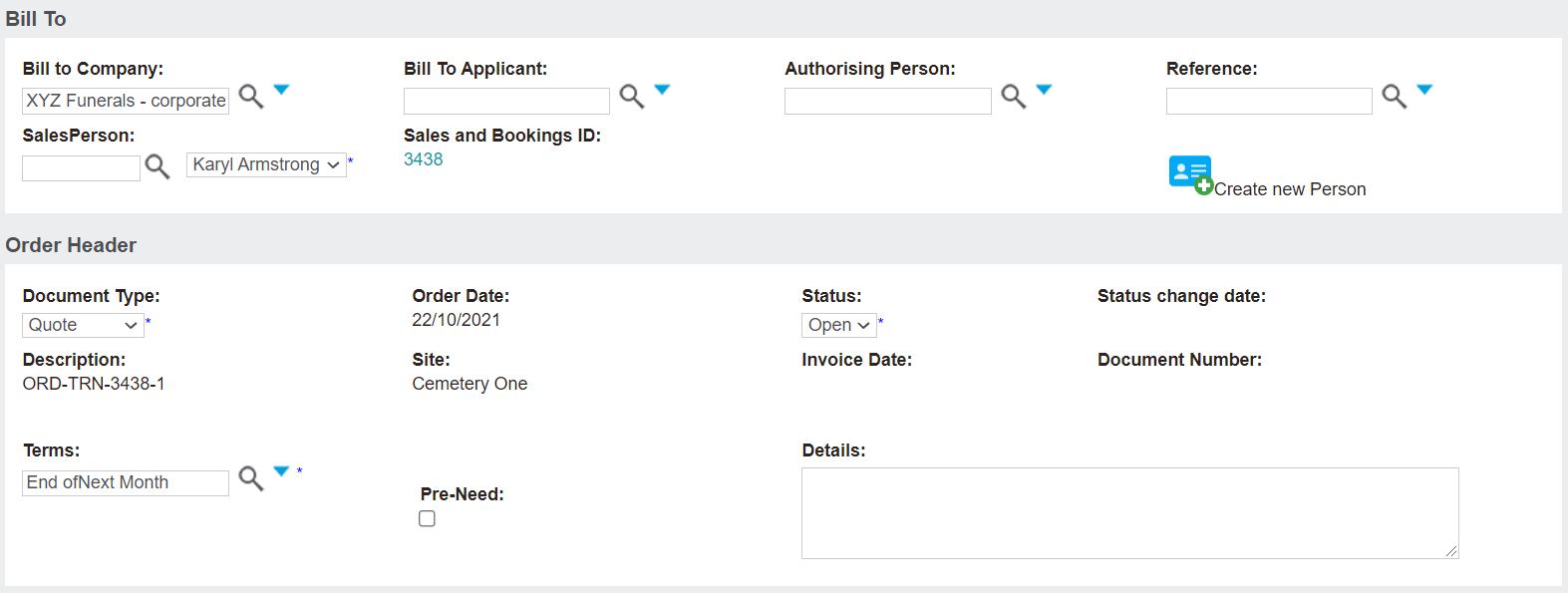
If there are Pre-Need items to be redeemed, these can be redeemed from the Pre-Need tab of the Sales & Booking.
Any changes made can be communicated back to the Funeral Director via the cemetery's preferred methods.
Update the Status of the booking, as necessary.
Statuses in byondpro are mapped to byondcloud in your byondcloud application, Manage Account > byondpro Sync Configurations > Booking Status Mapping.
Should you choose to update the status in byondpro which is not mapped to byondcloud, the Funeral Director will see the status as Other.
Approve the booking when ready by updating the the byondpro Booking Status to 'Approved.' In our example, this will reflect in byondcloud as 'Approved by Cemetery.'
The cemetery will commence their processes and make preparations to deliver the services.
