Use the same plan and pricing for all entities
If you decide to use the same Plans and Pricing for all sites, check the corresponding box on the top left of the screen.
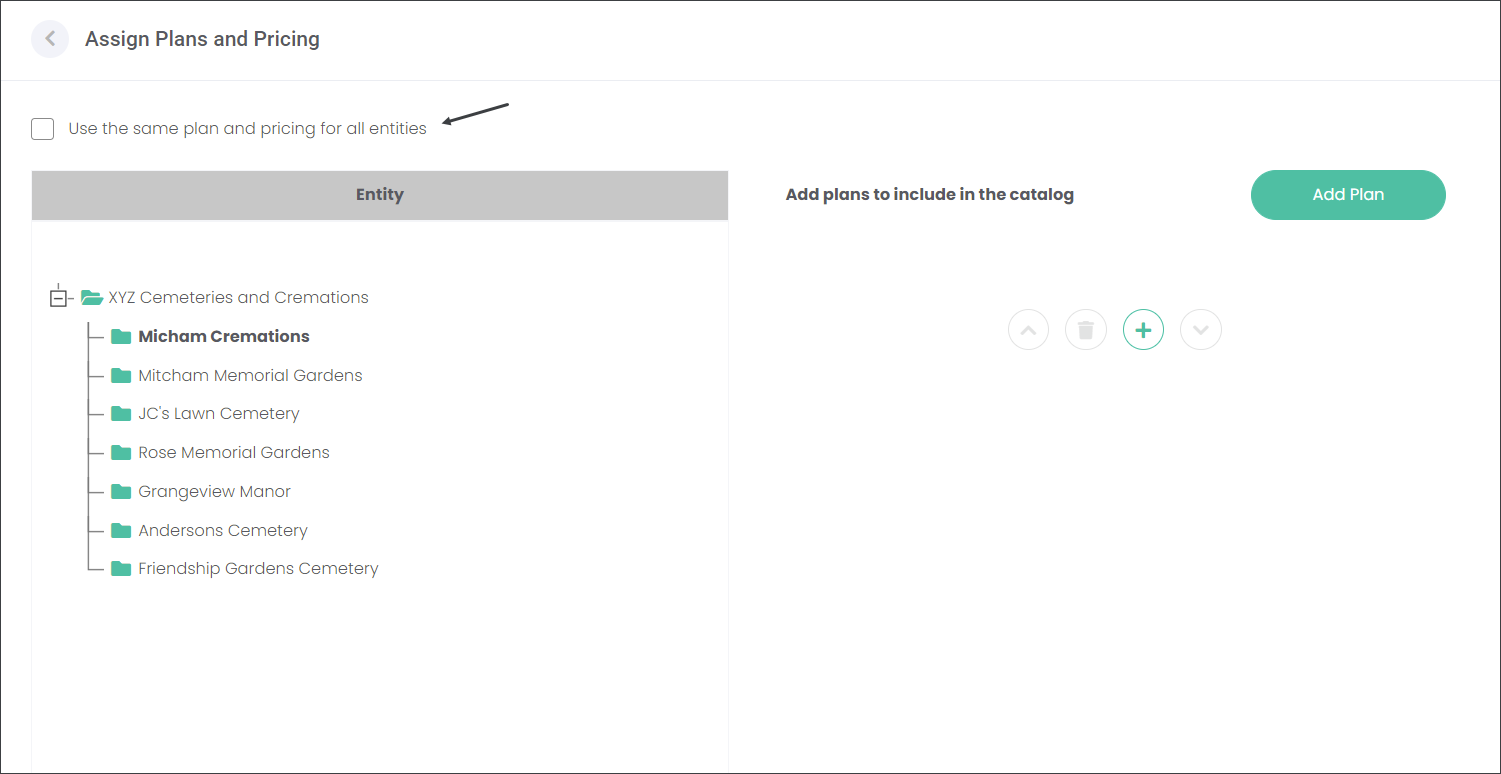
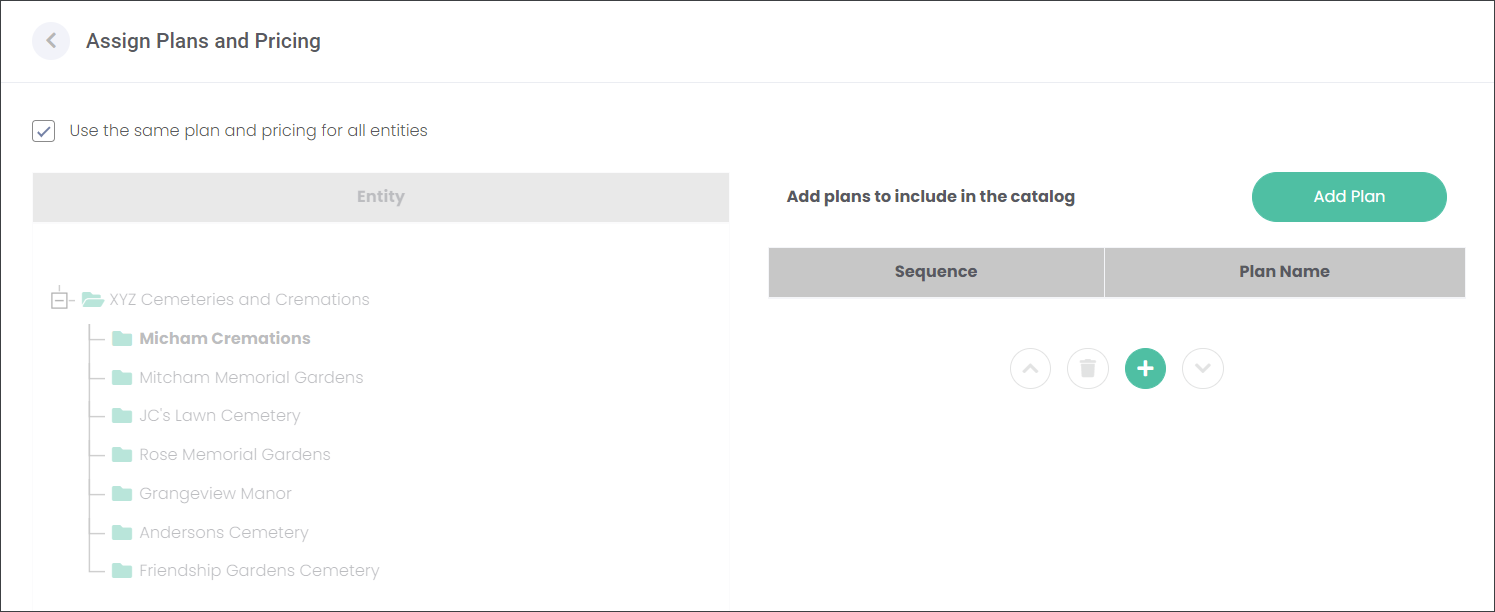
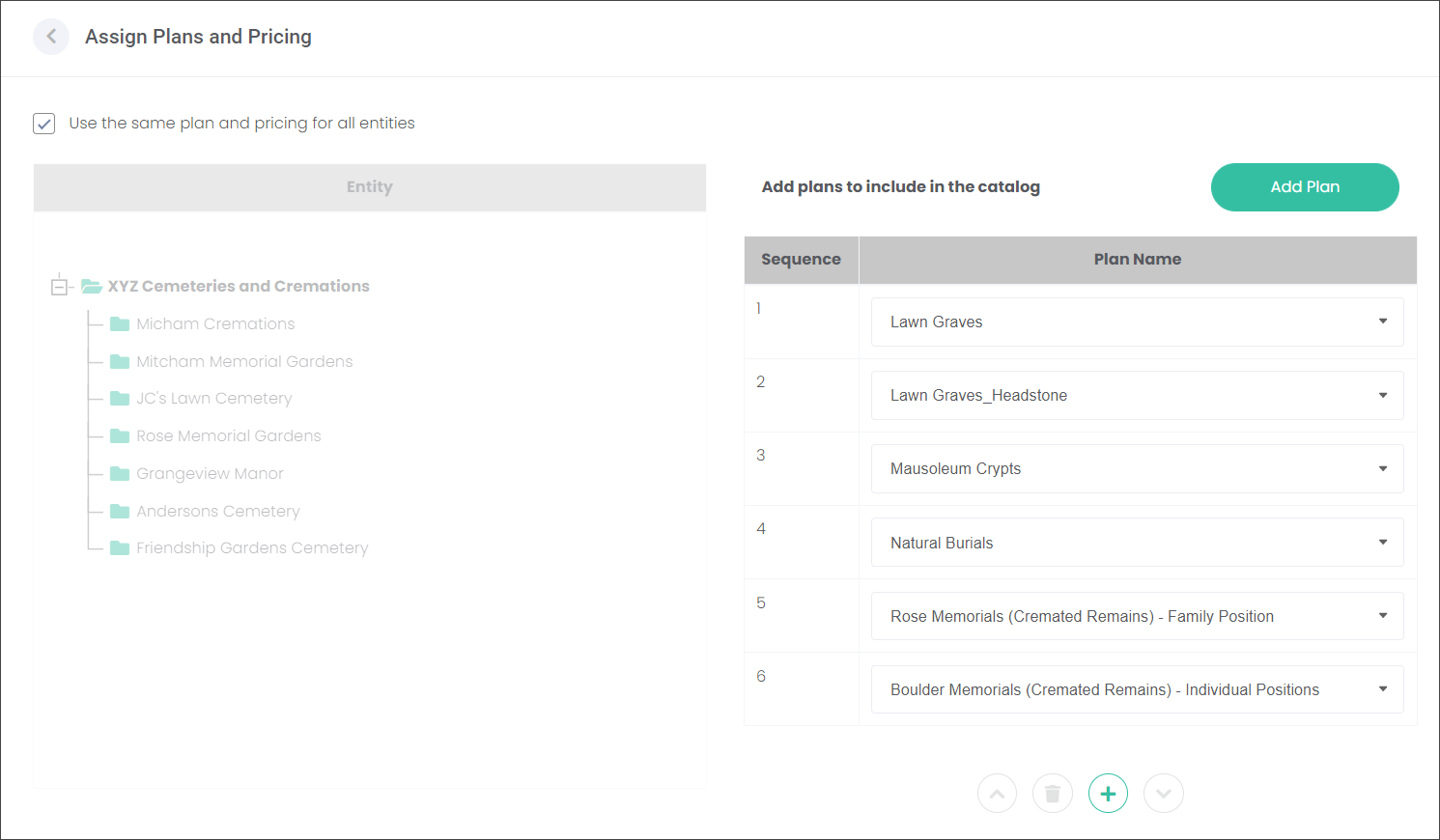
When the box is checked, as in the example below, the option to select sites/branches on the Entities table is suppressed. On the right side of the screen you can add the Plans that marketmakr will display for all sites of XYZ Cemeteries and Cremations on their website. Press the Add Plan or green plus button to add the Plans.
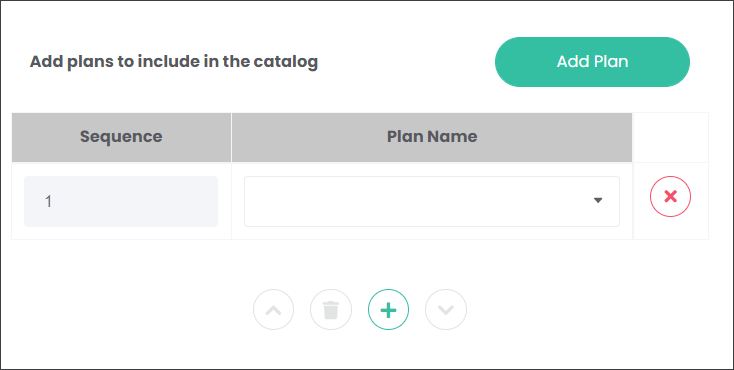
A drop-down field will appear. Press the down arrow and select from the list. The list includes the Plans created on the Maintain Plans and Pricing page. Select the Plan that you would like to appear first on the website.

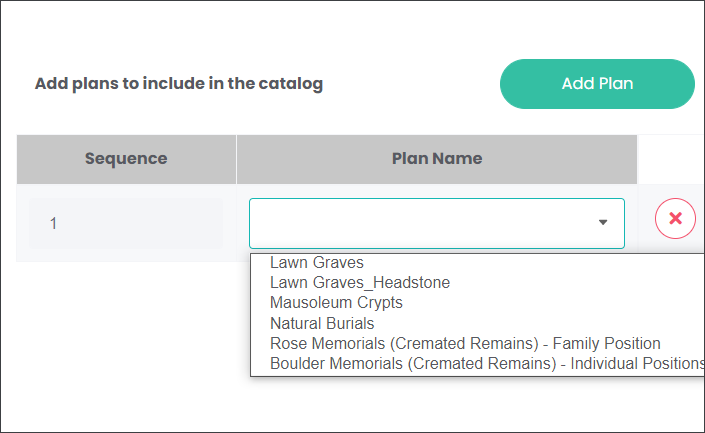
Continue adding the Plans following the approach outlined above until you are satisfied with the list.
marketmakr will display the Plans according to your selection.