Transaction Service Types
From the Manage Sites menu option, navigate to the site to be configured (operational site) and choose the Transaction Service Types option as shown below.
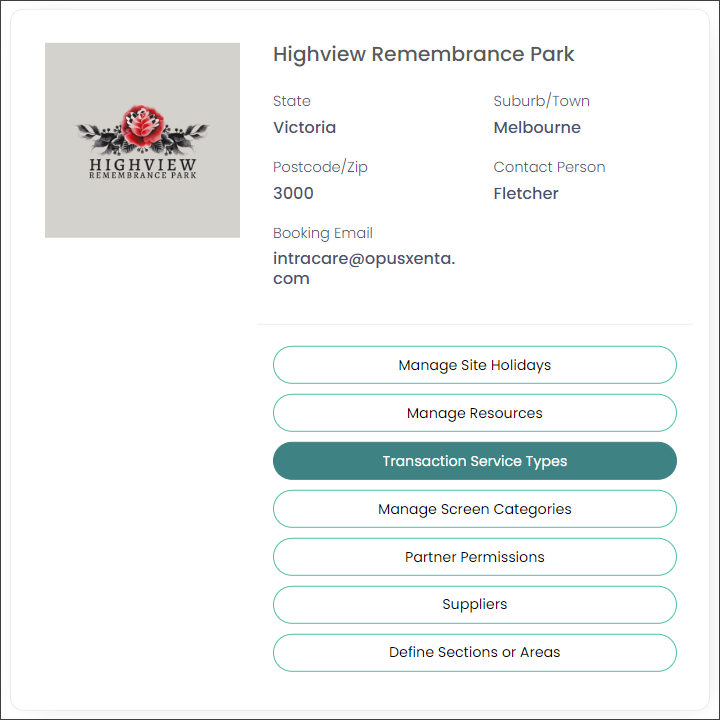
The settings in this section allow you to manage what combination of service types are offered. For example, with a crematorium service do you offer cremation services only, or cremation and chapel services?
Choose Add New Transaction Service Type.

To configure transaction service types, choose the Transaction Type from the drop-down list and then choose the Service Type.
In our example, we have chosen 'Cremation Service' and ‘Crematory Service.'
Then, select Save.
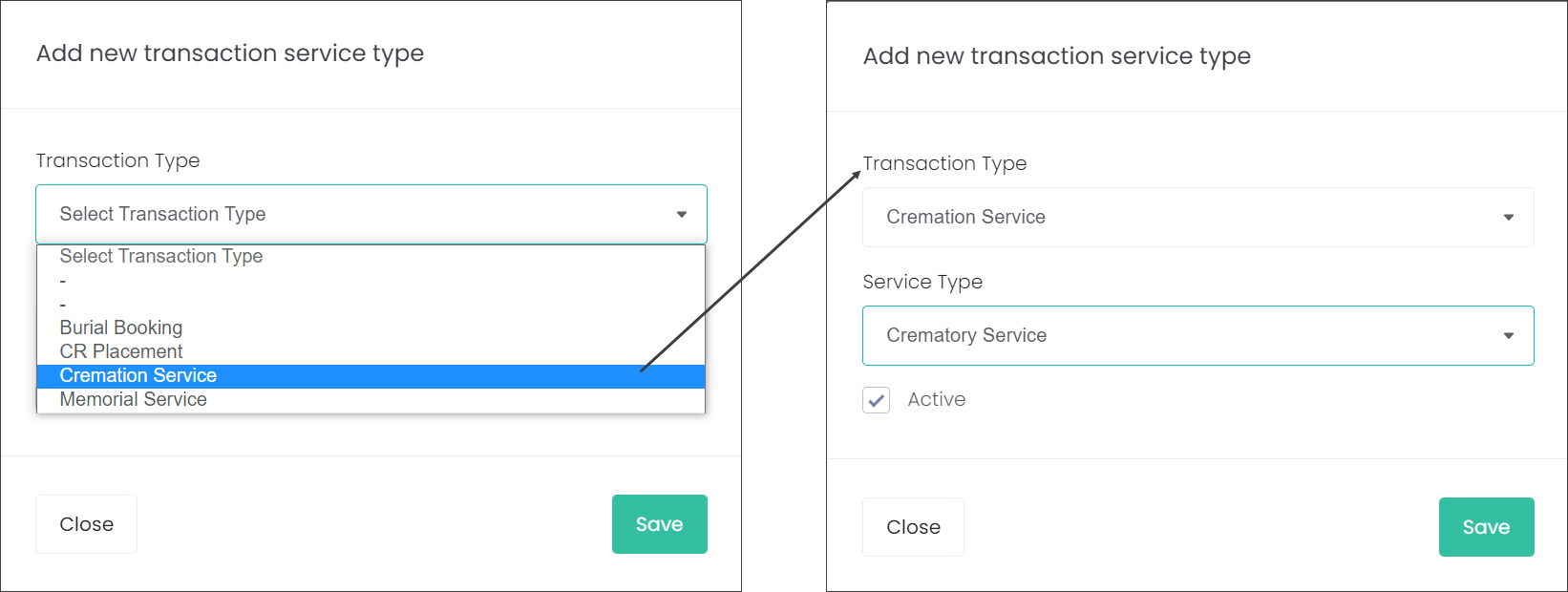
By ticking the Mandatory tick box, as in our example below, this ensures every cremation booking will have the mandatory requirement of a cremation service.

Likewise, if you have a chapel resource, you can choose Add New Transaction Service Type.
The transaction type could be ‘Cremation Service’ and ‘Chapel Service’ would be listed as the service type.
Then select Save.
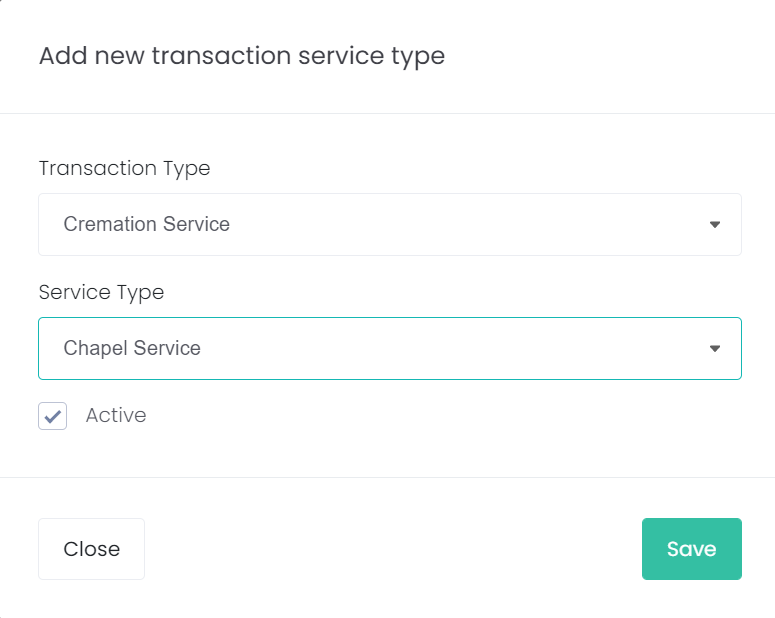
By not ticking the mandatory tick box on this transaction service type, the funeral director is not required to book a chapel service when they book a cremation service with you.

All combinations of transaction service types for the cemetery site need to be configured to allow funeral directors to make bookings with you.
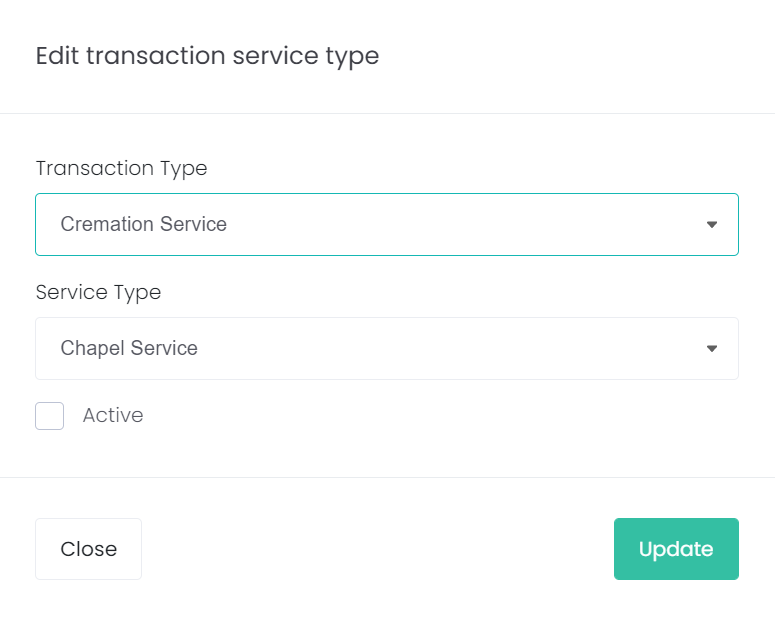
Service types can be set to inactive by choosing the Edit icon next to the resource and unticking the Active tick box.

Use the back arrow at the top left of the screen to return to the Manage Sites screen.
