Templates
On the Templates tab you can select Email and/or Paper Templates that you set up on the corresponding pages of the Floral Programs Configuration.
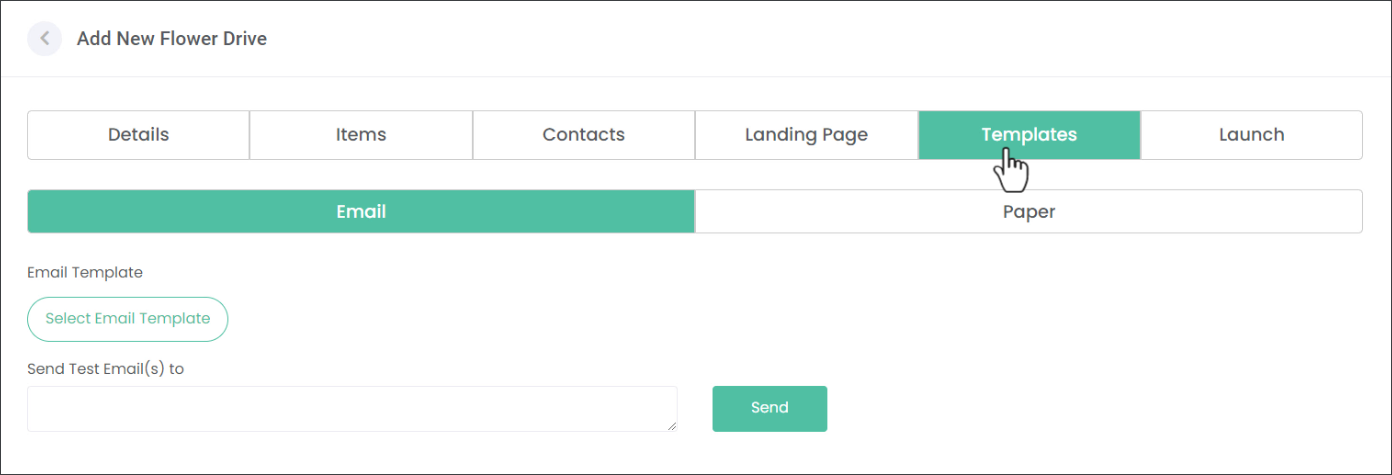
In the example below we'll be using Email Templates to showcase our Floral Program.
Note: The process of adding Paper Templates works the same way.
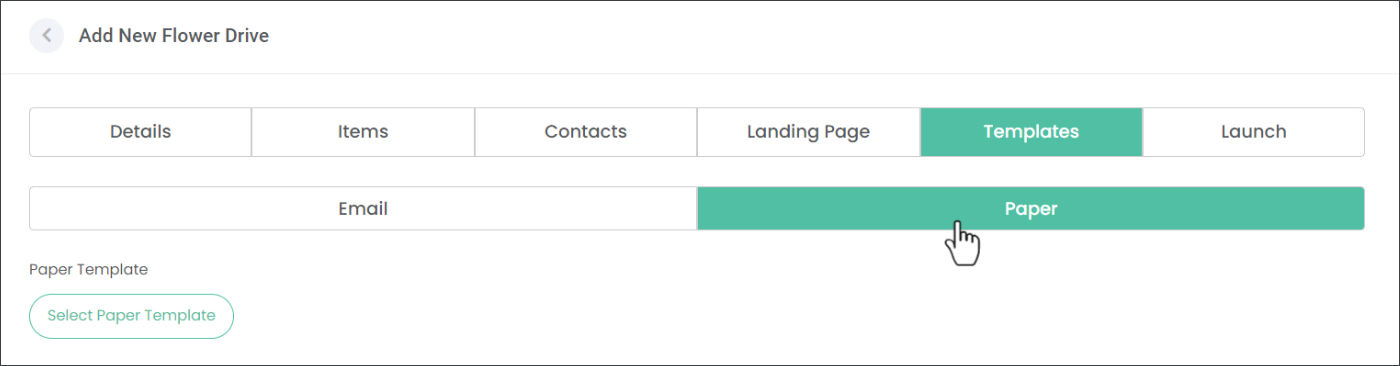
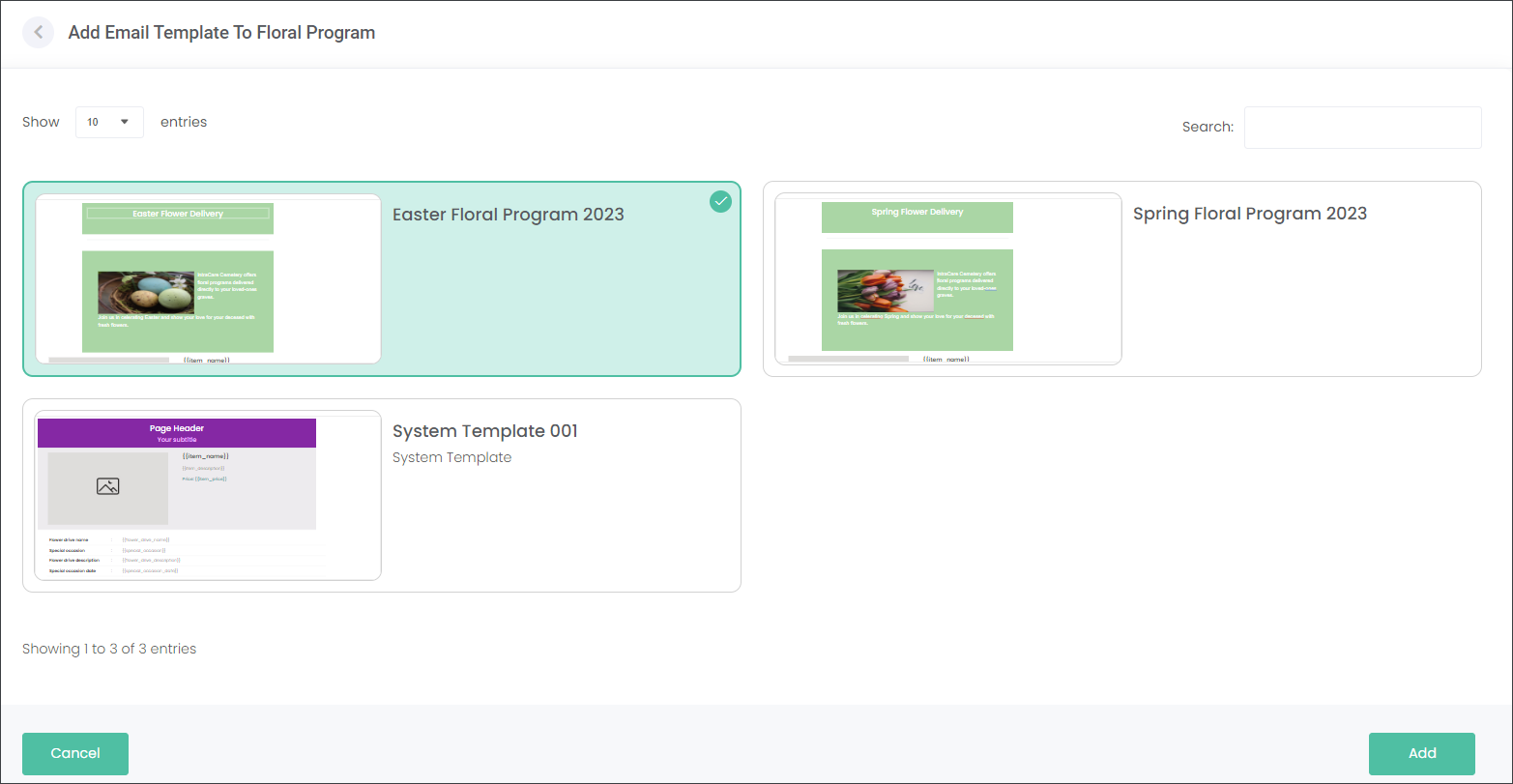
Press the Select Email Template button, then click on the template you want to use and press Add.
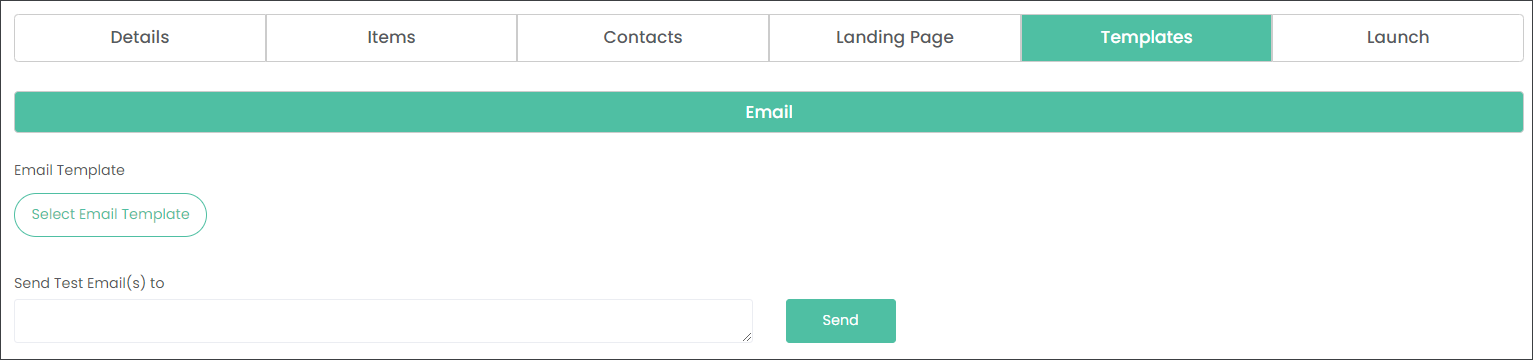
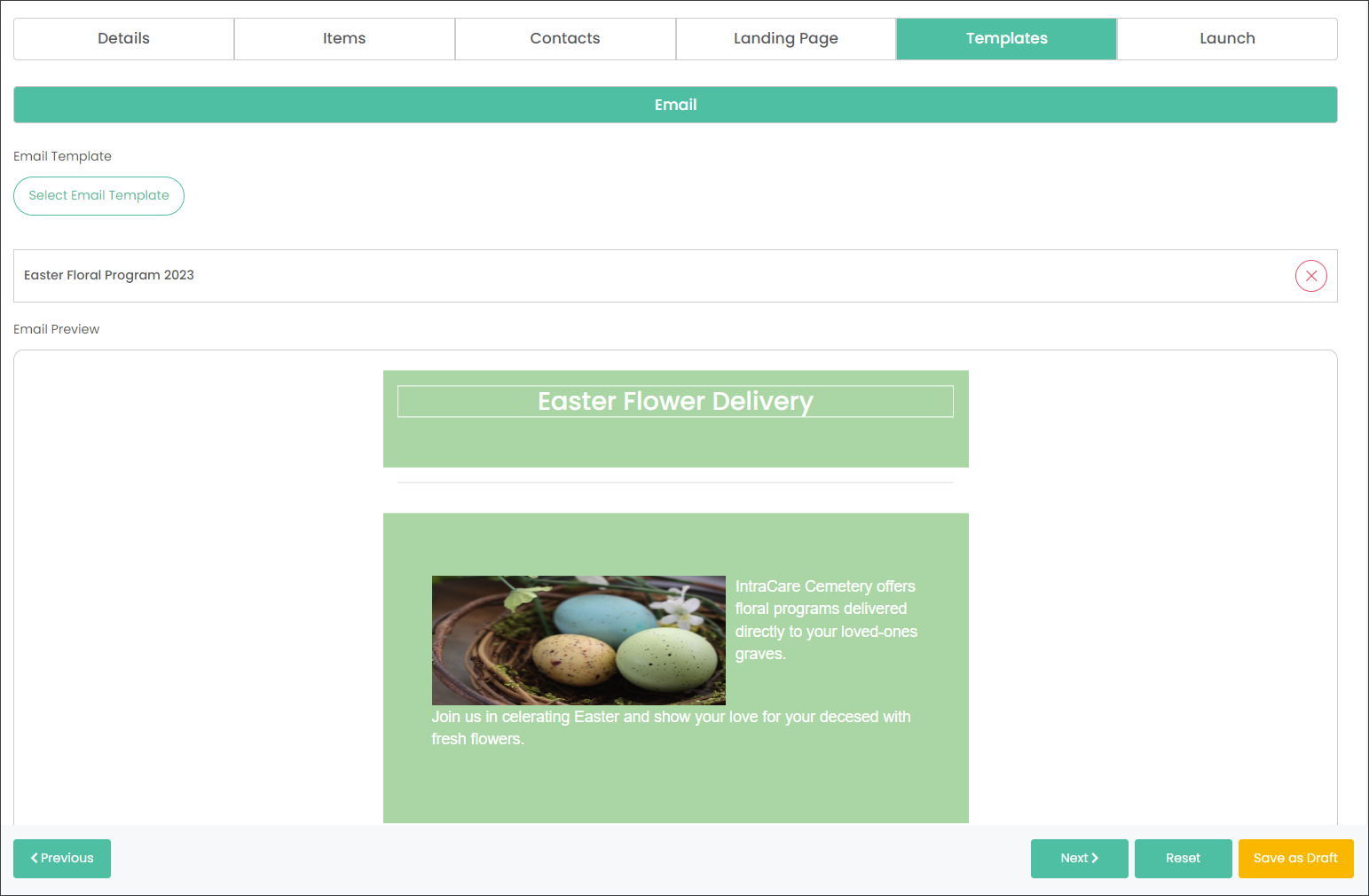
Scroll to the bottom of the page. Here you can send a test email to yourself to see the final output.
Type in your email address and press Send.
