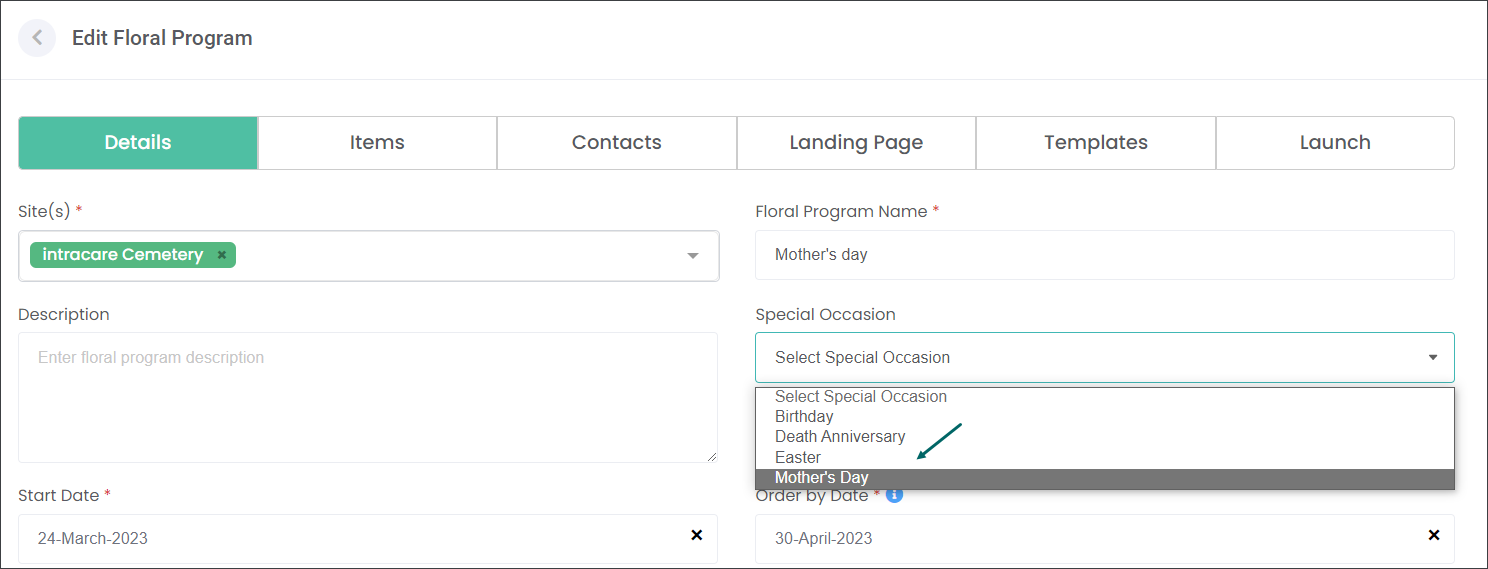
Special Occasions
The Special Occasions feature is a configuration allowing the users to nominate special celebrations that can be added to Care and Floral Programs, e.g. delivering potted daffodils for Easter.
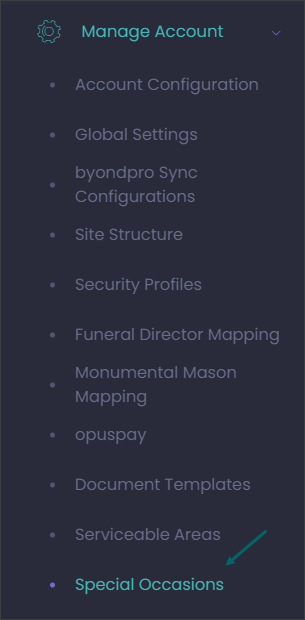
Navigate to Manage Account -> Special Occasions.
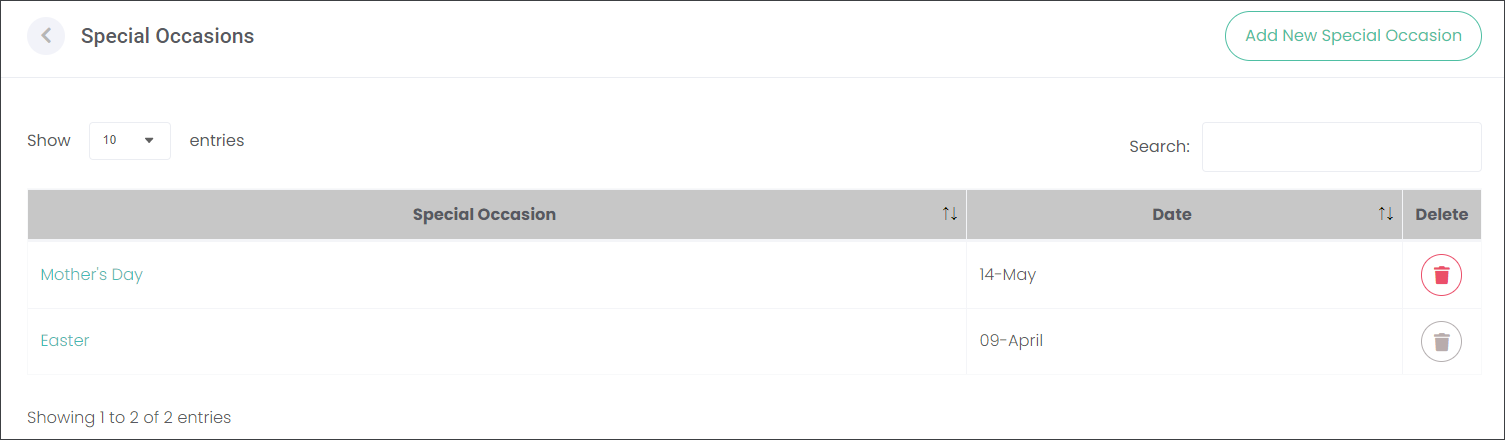
On the Special Occasions page you can Add New Special Occasion or manage existing entries.
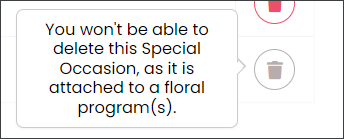
You can delete only Special Occasions that are not attached to a Floral or Care Program.
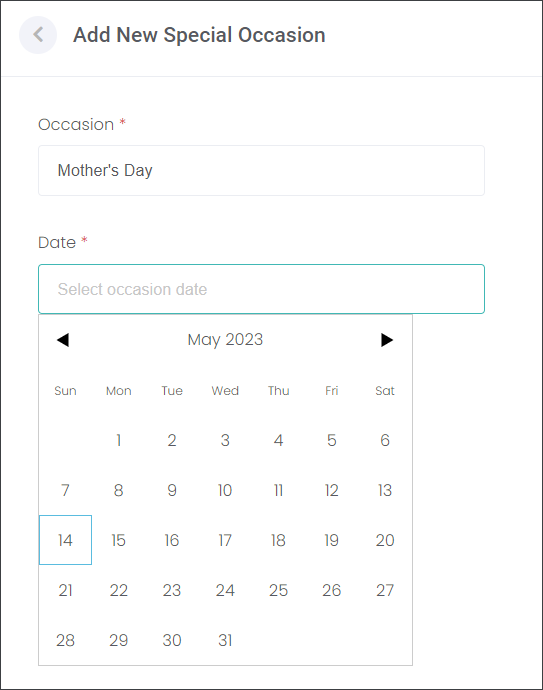
Press the Add New Special Occasion button to create a new entry.
Type in the name of the Occasion in the corresponding field.
Select the Date of the Occasion, then press Save.

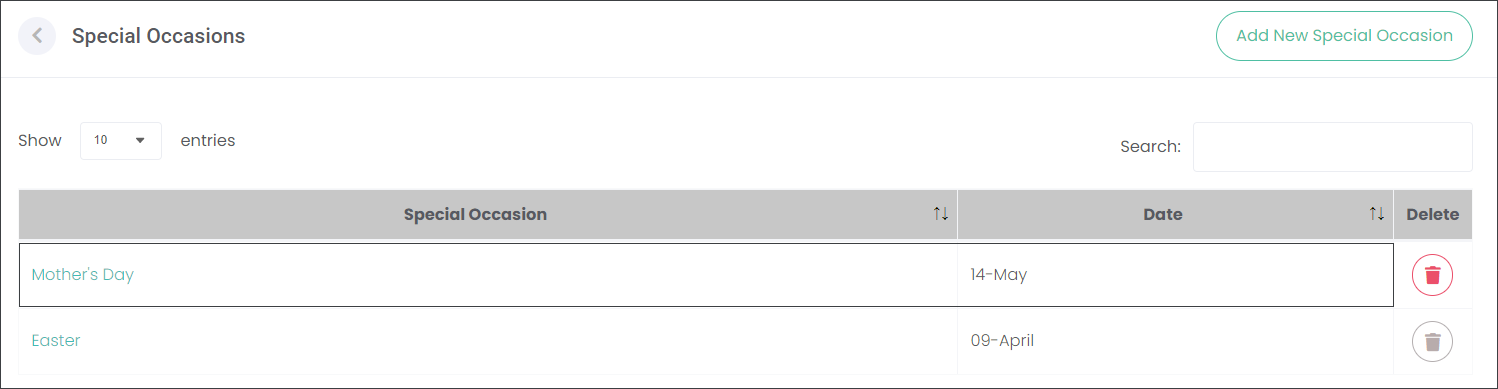
Now you will be able to add the Special Occasion to a Care and/or Floral Program.