Shared Resources
This feature allows cemeteries to configure resources, like chapels and function rooms, to be used across multiple sites in byondcloud.
Shared resources are useful where a chapel is located at one site, however, is also used for services by another site within the group. For example, the Chapel Service could be held at Cemetery A and then the funeral party travels to Cemetery B for the interment service.
The Funeral Director will be able to make a Burial Booking in byondcloud for Cemetery B, while also having access to the resource calendar for the Chapel at Cemetery A.
To configure a shared resource, open the Manage Resources screen, select the resource (e.g. chapel) and switch on the Shared Resource button.
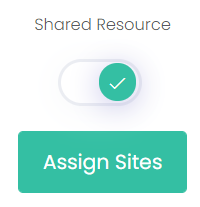
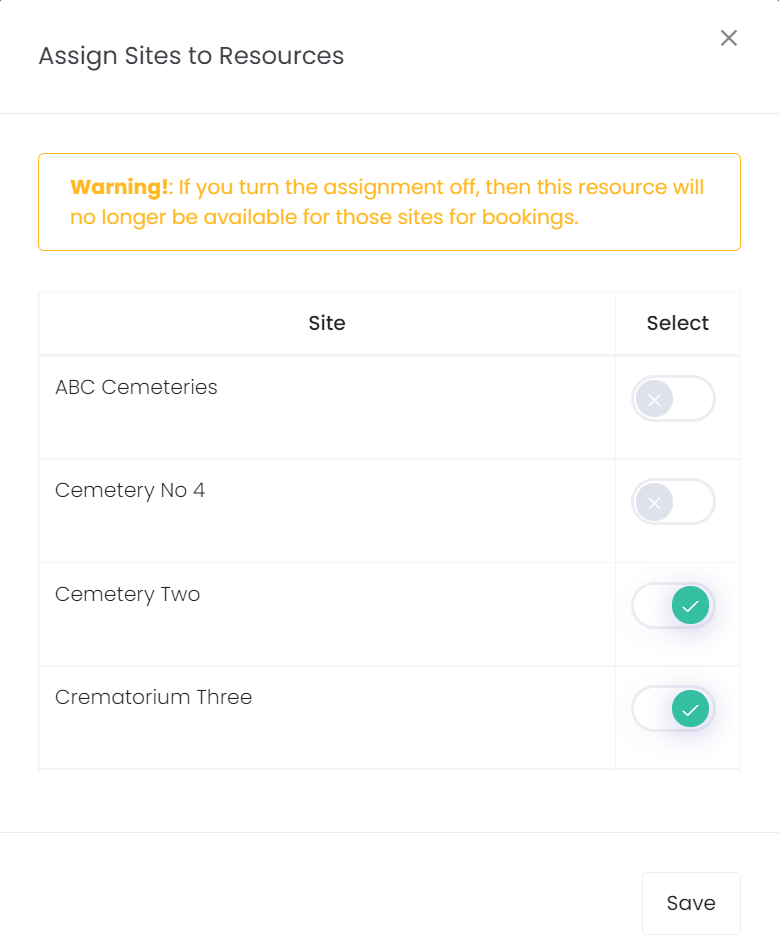
Select Assign Sites and switch on each cemetery in the list that should have access to this resource.
Select Save.