Settings
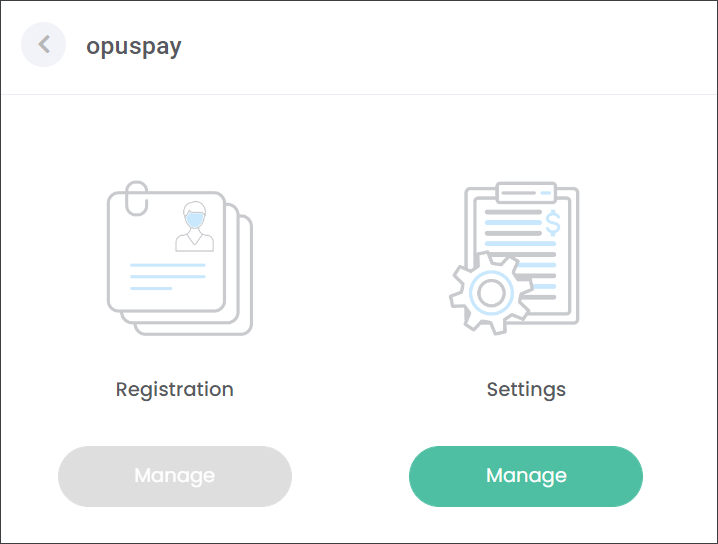
Once your registration has been approved the Registration tile in byondcloud will be suppressed. Now you will have access to the Settings tile where you can configure opuspay.
Note: When the customer has the Act as an Agent service enabled the opuspay Settings in byondcloud will be available to view only.
-
use the Merchant Portal, and
-
configure opuspay on the Settings page,
Note: The configuration steps in byondcloud follow the same approach as in byondpro which is outlined in a corresponding section in the opuspay Instructional Guide.

Use the following log-in details to access the opuspay Instructional Guide:
Username: opuspayguide
Password: is available in Zoho - > Tiwri password has been shared with all users.
Note: if you do not have Zoho access, please reach out to internal-support@opusxenta.com