Responses
Now that you have generated your barcodes and printed the address labels, you will need to wait for results from your rights holders.
Proxy Manager will be ready for you to record responses as they are received.
To enter in the responses, click on the Responses icon from the Manage Campaign area of the campaign.
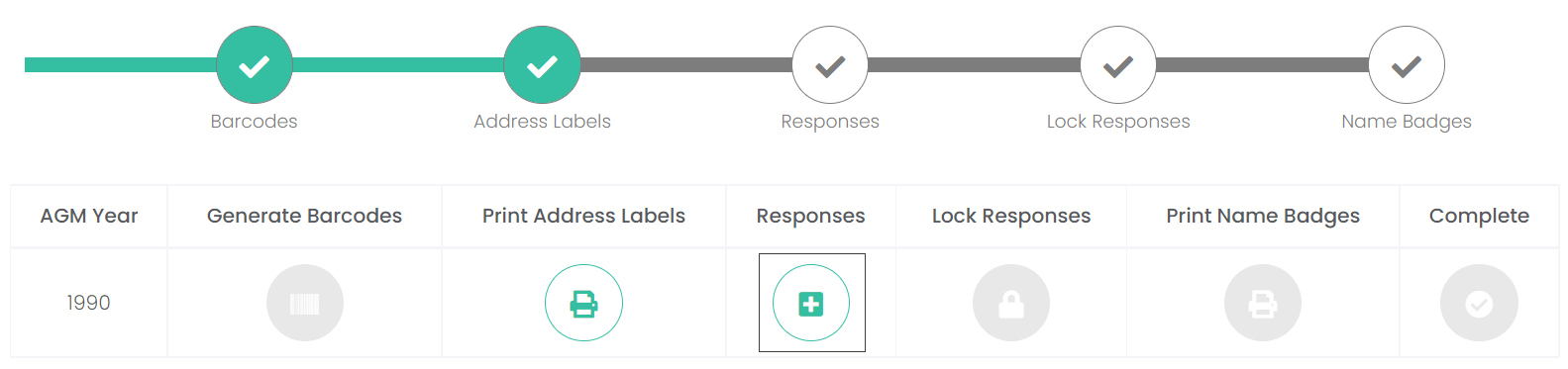
If no responses have been entered, no information will display at this point.
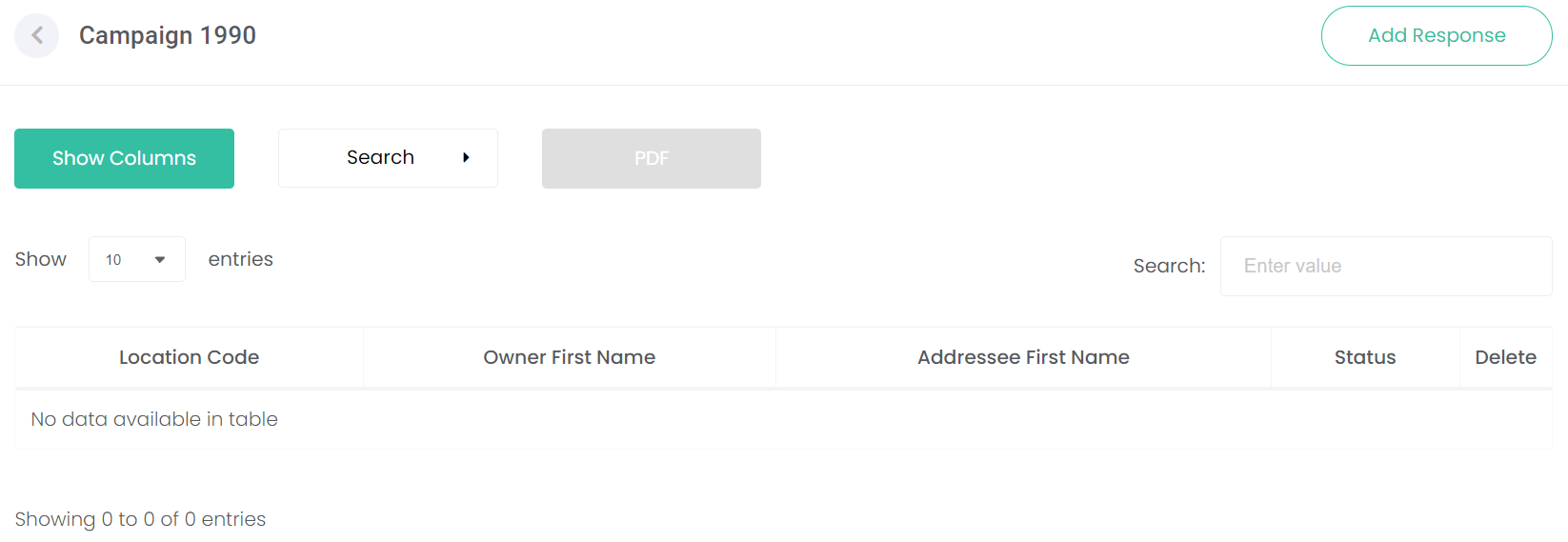
However, should you wish to organise this screen before responses come in, click on the Show Columns button.

From the pop-up window, choose from the following options to display:
-
Barcode
-
Location Code
-
Owner First Name
-
Owner Last Name
-
Addressee First name
-
Addressee Last Name
-
Address
-
Status
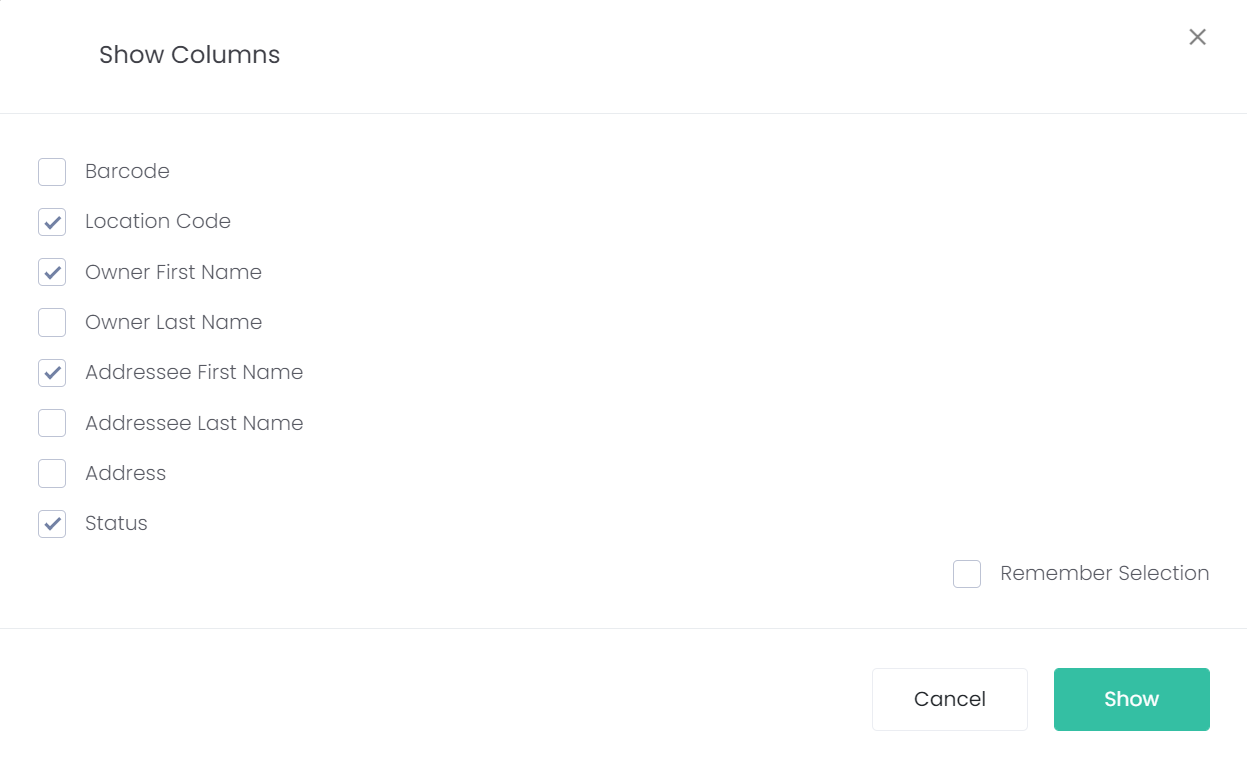
Tick the box next to Remember Selection if you want all the columns chosen to always display when you enter this screen.
To apply the changes, click the Show button.
To disregard the changes, click the Cancel button.
If you made any changes, the columns displayed will have been updated to reflect these changes.