Renew Contracts
The Renew Contracts section allows users to fetch Contracts that can be renewed.
Renew
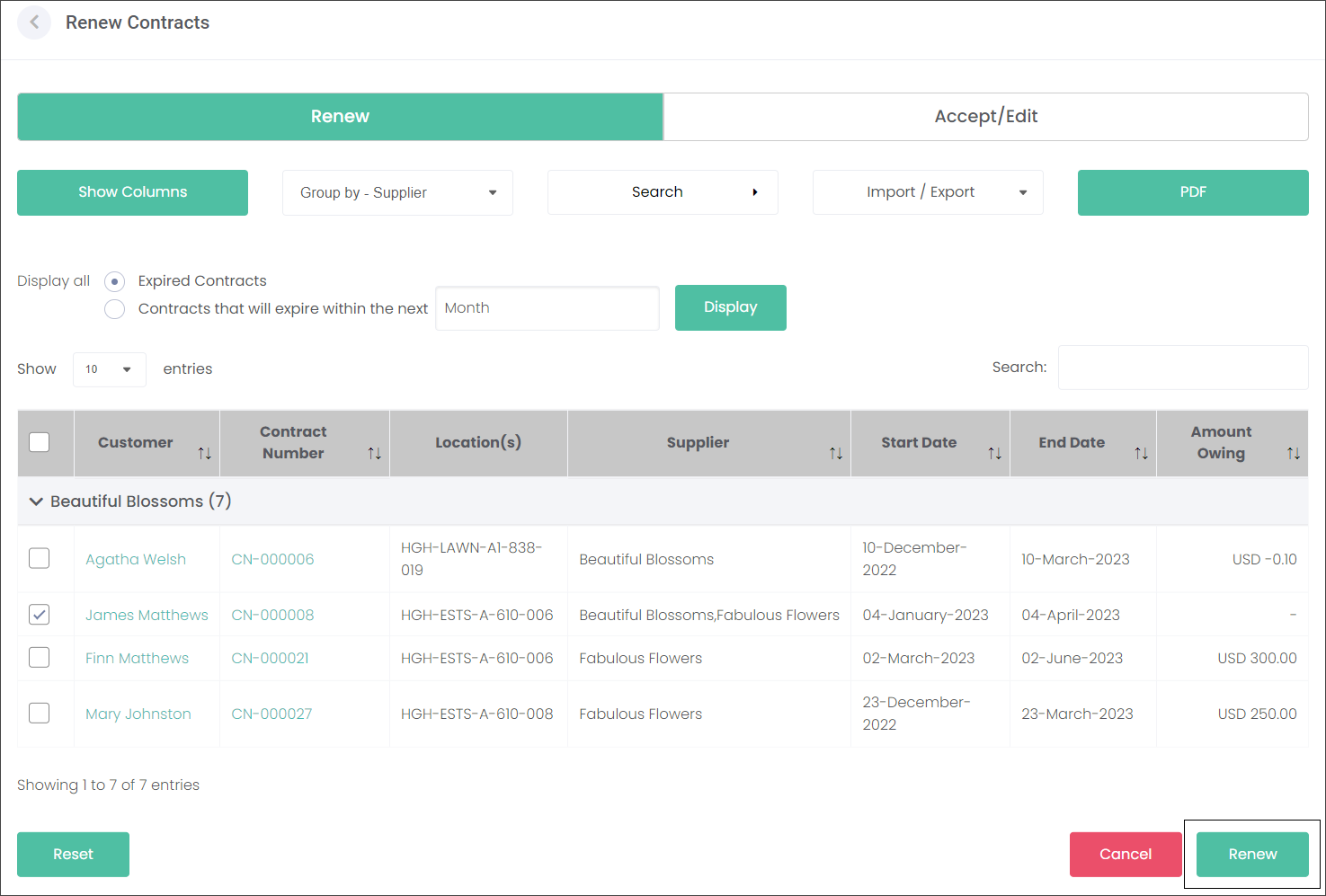
The Renew Contracts tab allows you to build a list of expired or soon-to-expire contracts.
The users can sort the list of Contracts by the two tick circles on the left to either display Expired Contracts or Contracts that are due to expire in a selected time frame.


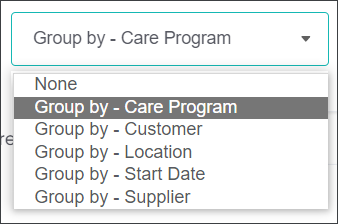
The Group by menu is another option to sort the visible entries by the available categories.
Select the chosen Contract/s with a tick and press the Renew button.
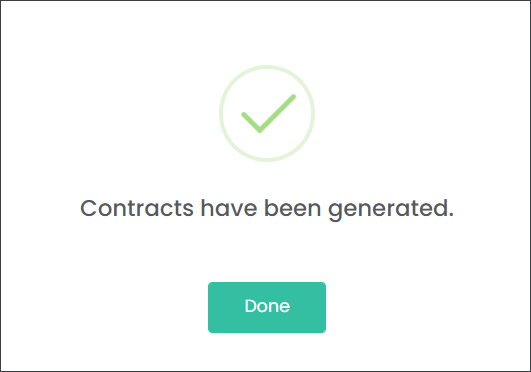
The system has generated a new Contract based on the expired Contract details but with updated time frames.
The system automatically navigates the user to the Accept/Edit tab section where the new Contract can be accepted or amended.
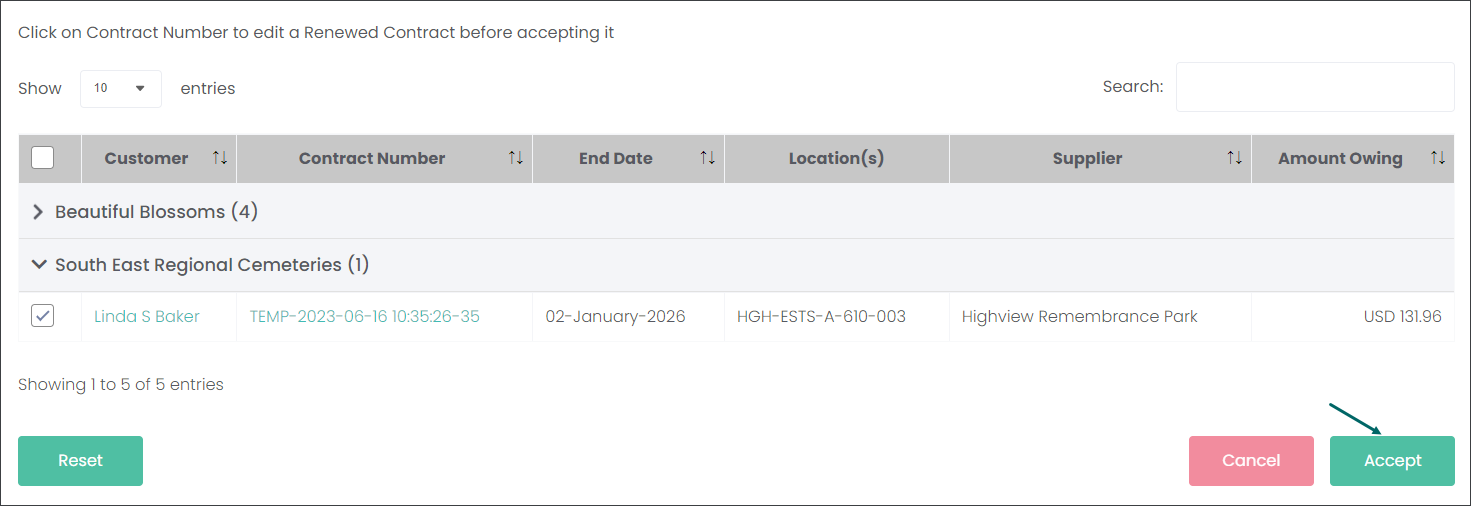
If the customer would like to keep the same Contract conditions, click the checkbox inline with the Contract and press the Accept button. This will generate a new Contract with updated time frames.
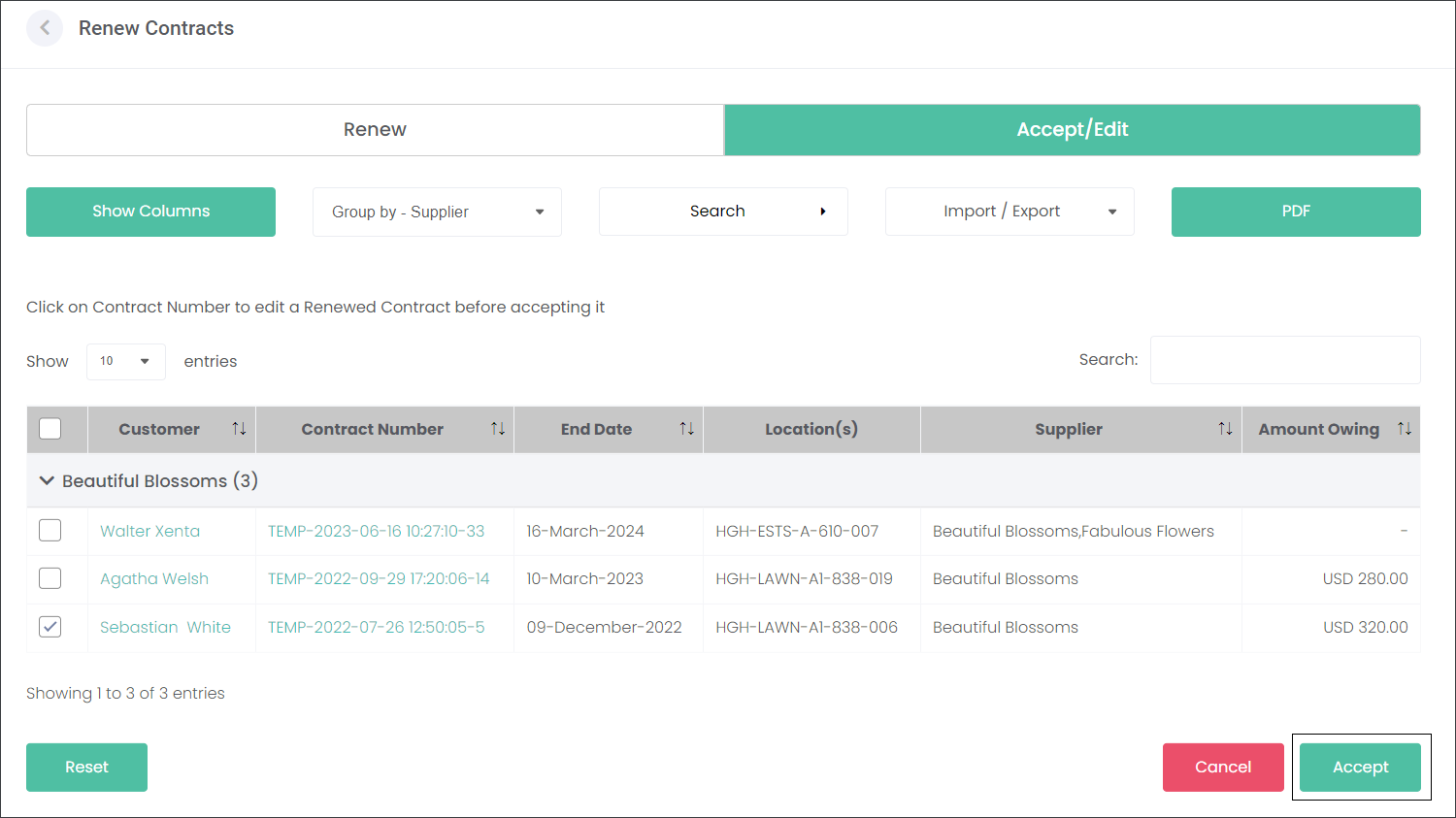
Accept/Edit
The Accept/Edit feature allows the user to manage a list of Contracts due for renewal when the customer has accepted the contract renewal and would like to make changes to the Contract.
Click on the green hyperlink with the temporal Contract Number to edit the Contract that's being renewed.
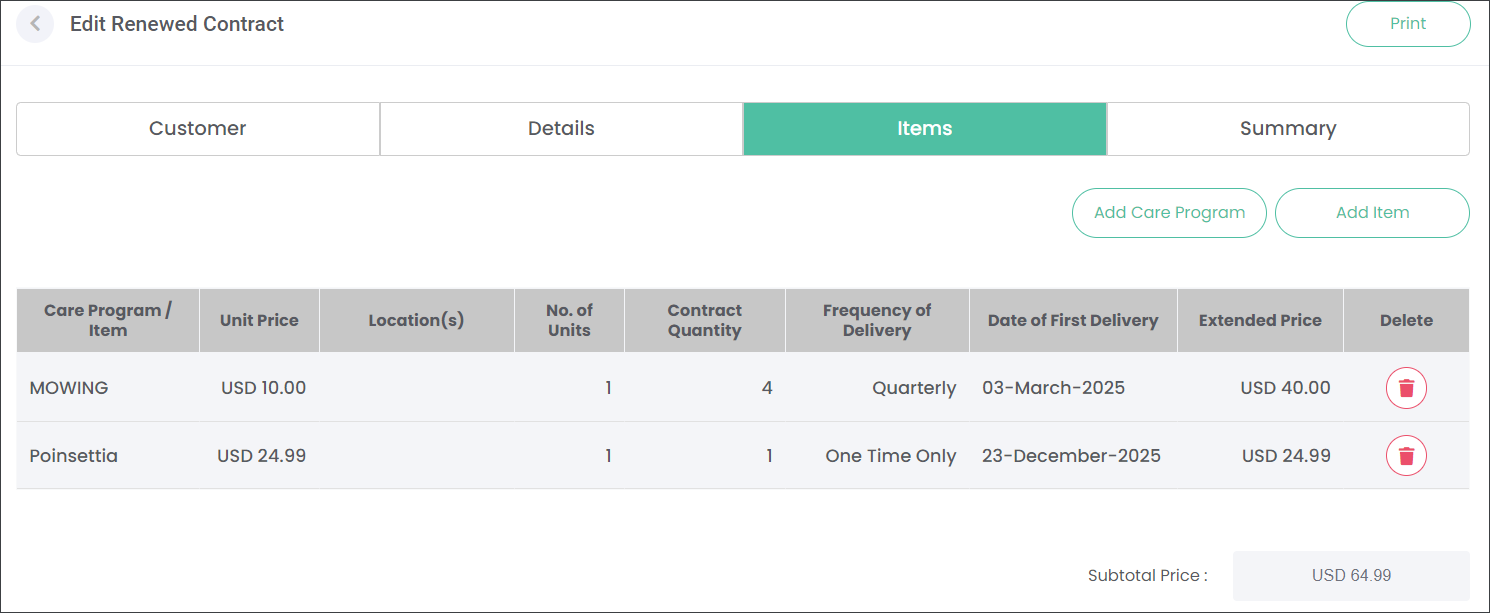
Make the changes requested by the customer. In our example, Linda would like to keep the mowing service but remove the Seasonal Blooms Care Program. Instead she would like only a Poinsettia to be delivered to the location. We have made the updates on the Items tab and pressed the Update Contract button.
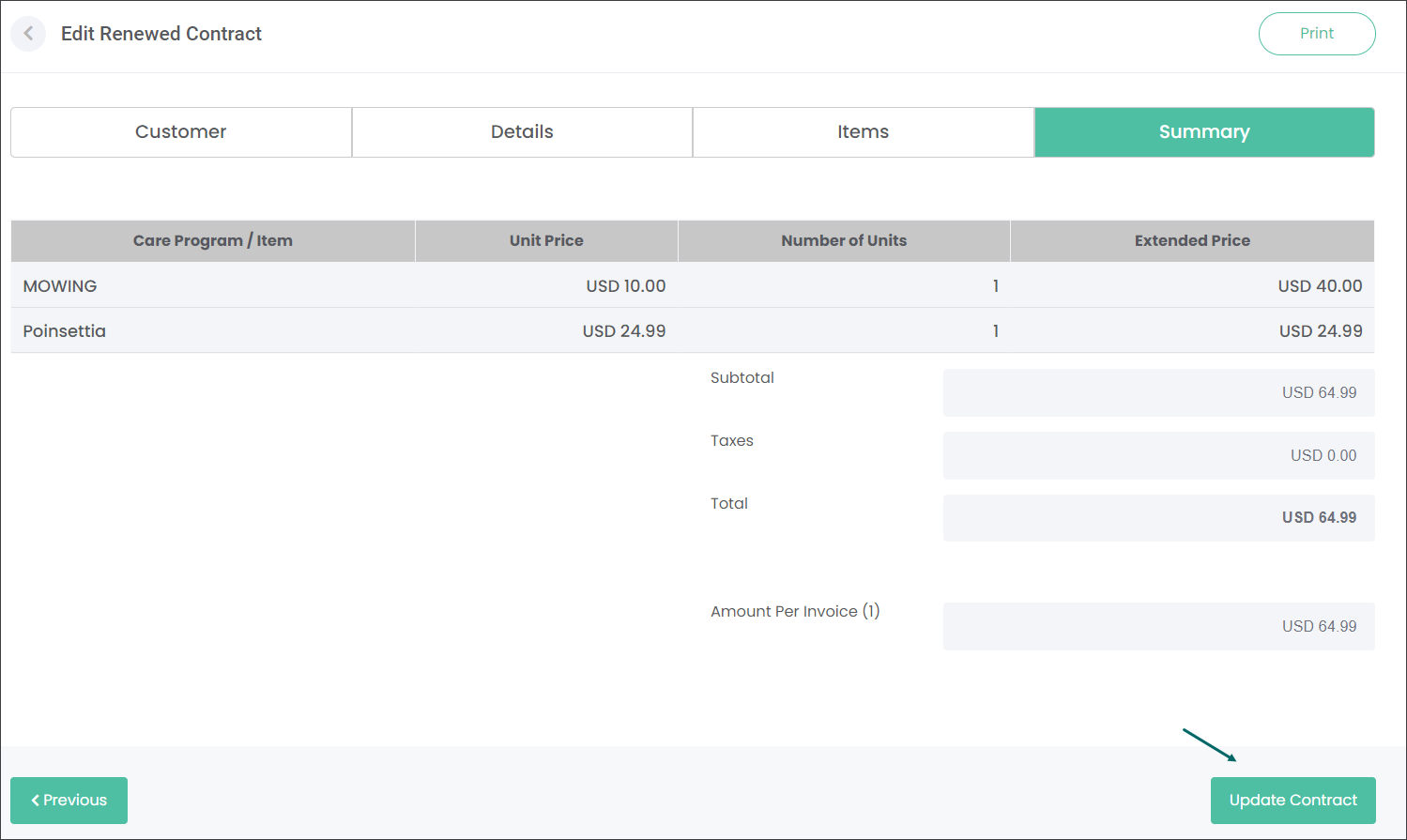
When the customer accepted the renewed Contract, tick the Contract and press the Accept button.
A new Contract has been generated and emailed to the customer.
Users can also tick a selected Contract and press the Cancel button when the customer doesn't wish to renew the Contract.
byondcloud automatically navigates the user to the Contracts page where an updated Contract has been generated with a new Contract Number, the requested updates and new dates.