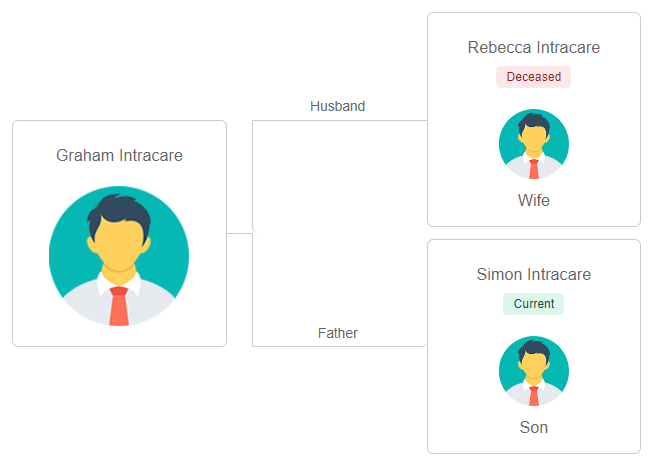
Relationships Tab
The Relationships tab tracks the relationships between byondcloud Persons. This relationship could be spouse, family, friend, or even more unique ones such as religious representative, executor or solicitor.
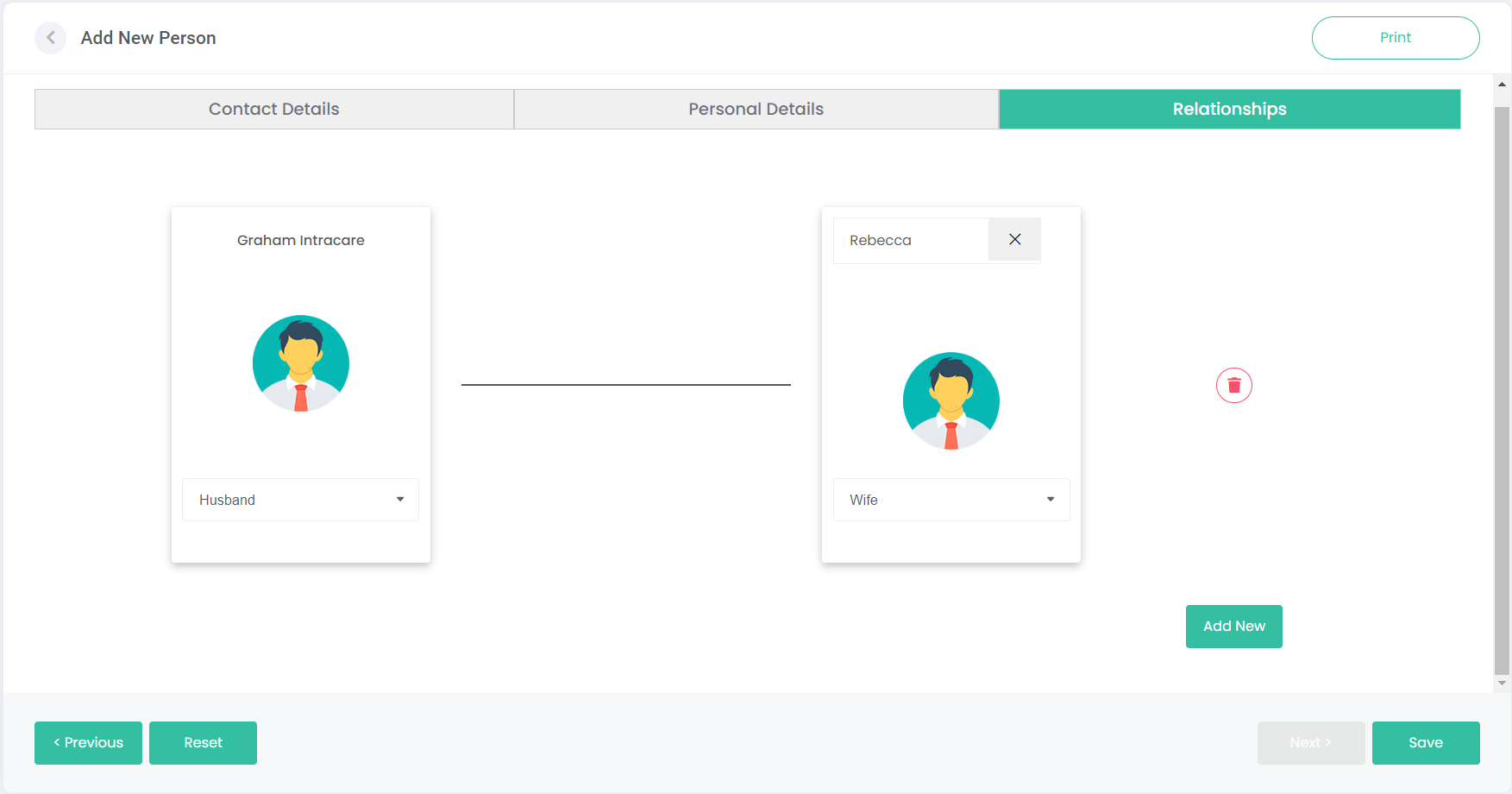
Below is an example of a Husband/Wife relationship between Graham and Rebecca.
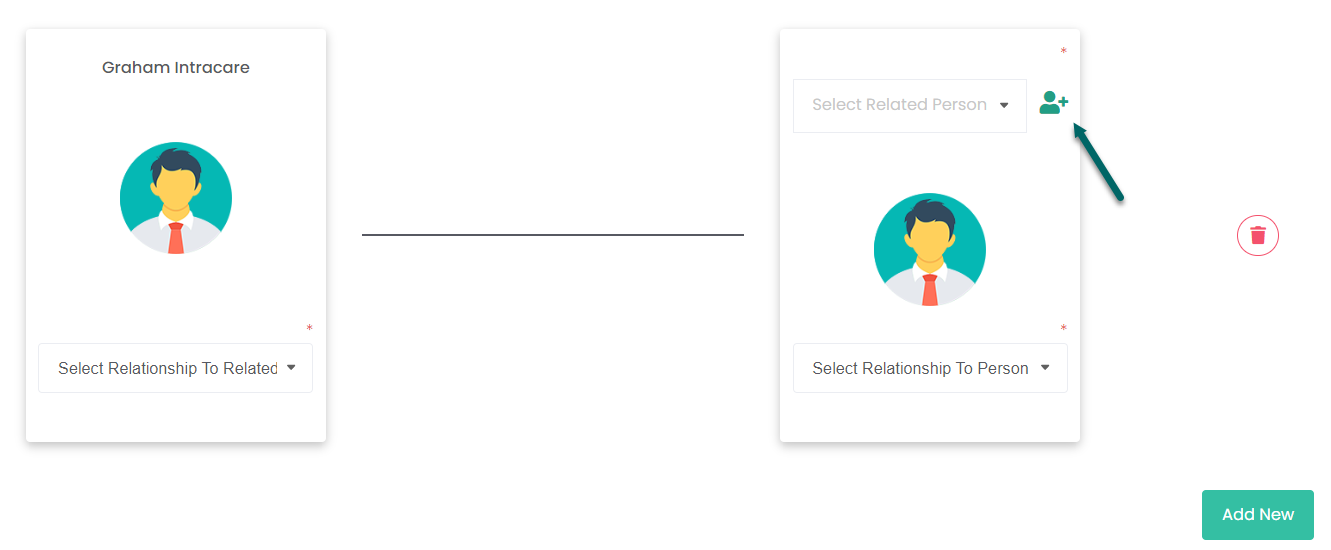
Click the button in the top-left corner of the related person box to add a new person from scratch.
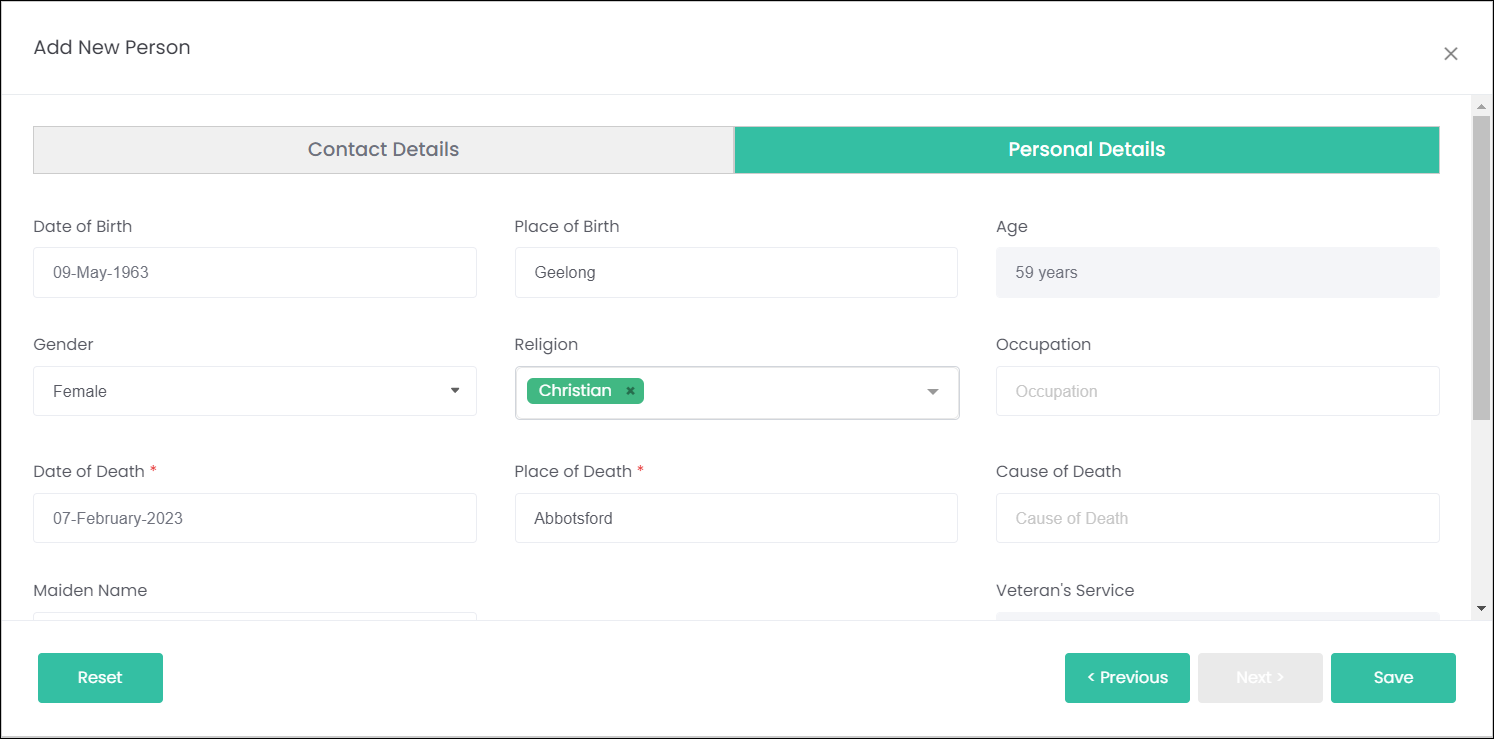
This opens an Add New Person window, where the details of the related person can be entered. Notice that this window doesn't have a Relationships tab. To add more relationships to this second person, their record will need to be accessed separately.
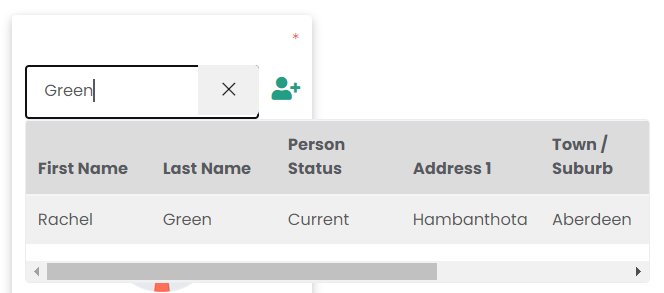
Alternatively, rather than adding a new person you can search for an existing person using the text box next. Type in a first and/or last name and a list of matching records will display.
Click Add New to add multiple relationships. It will display as below while in the editor:
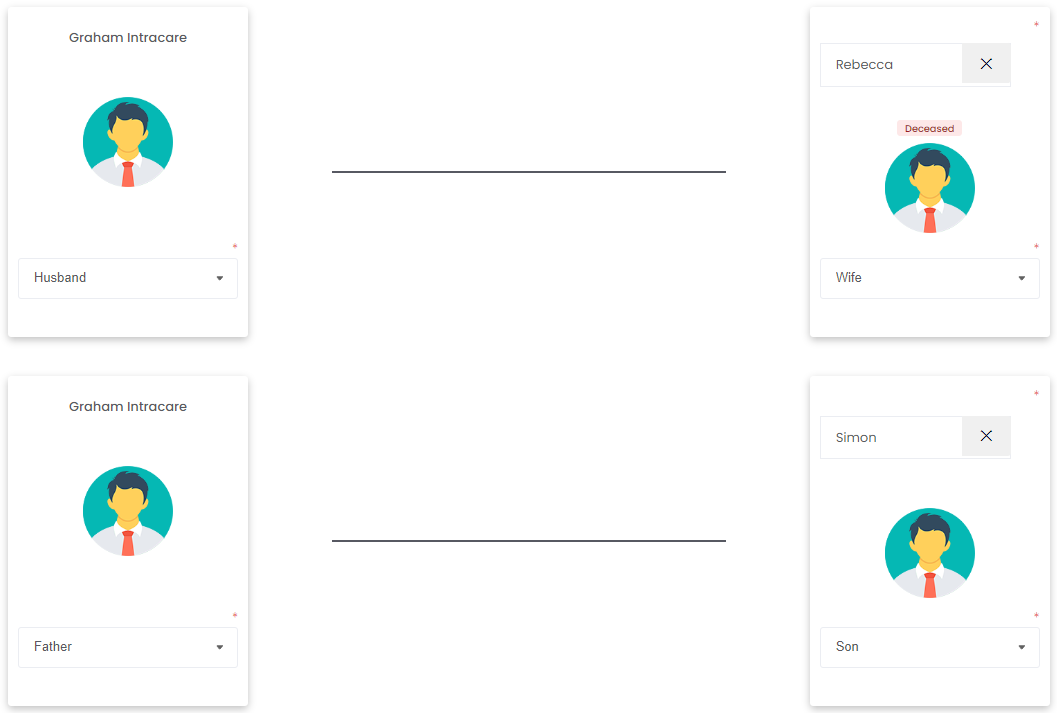
But, once the changes are saved and the record is opened in View mode, the relationships appear more compact and also shows the relatives' Person Status: