(c) Copyright by OpusXenta Pty Ltd. All rights reserved.
Registration
Customers can register with opuspay from within byondcloud.
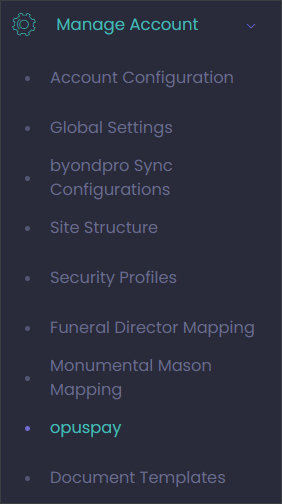
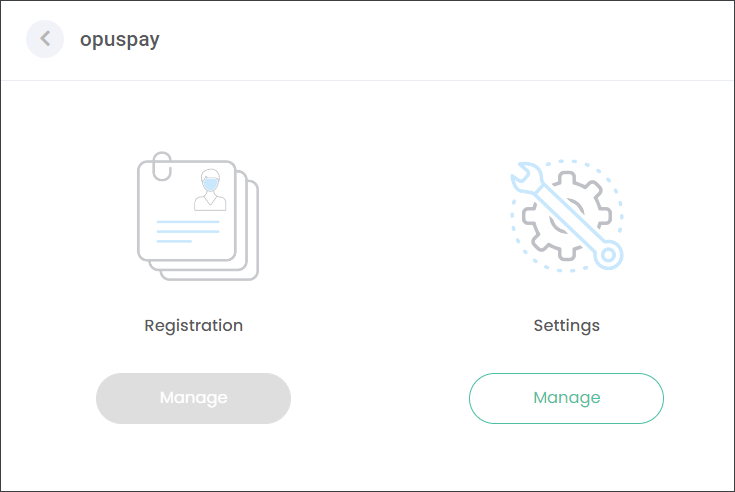
Navigate to Manage Account -> opuspay.
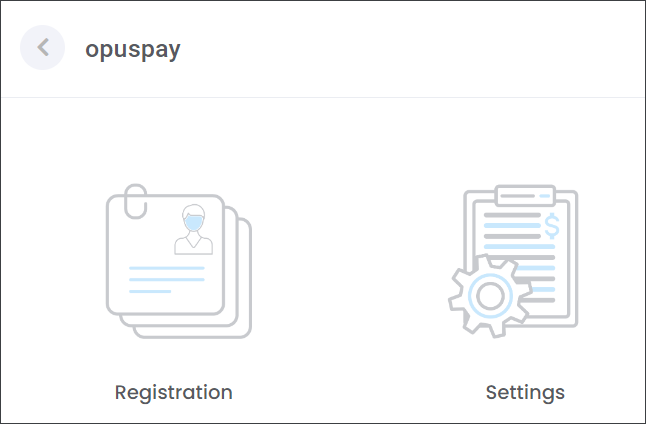
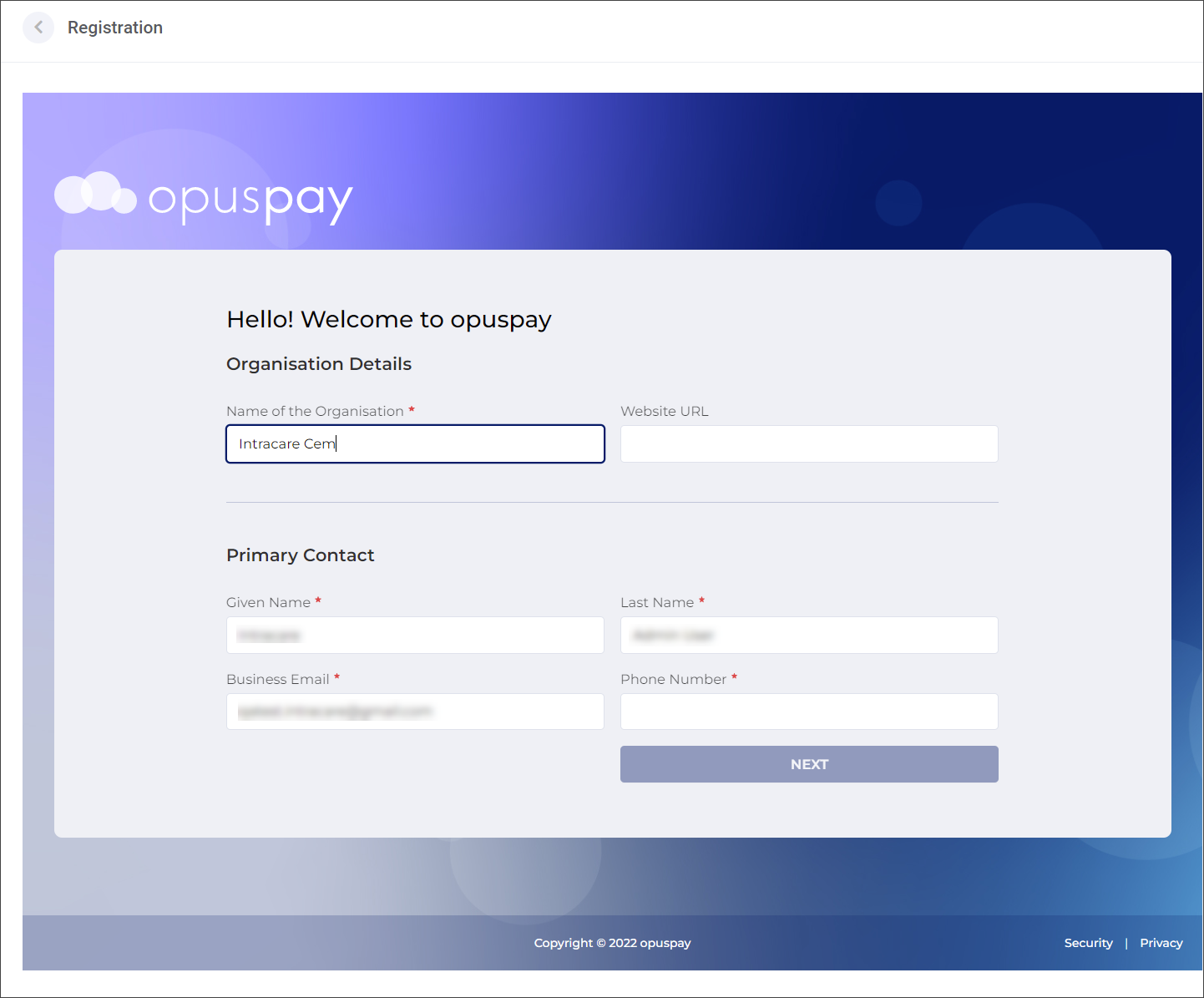
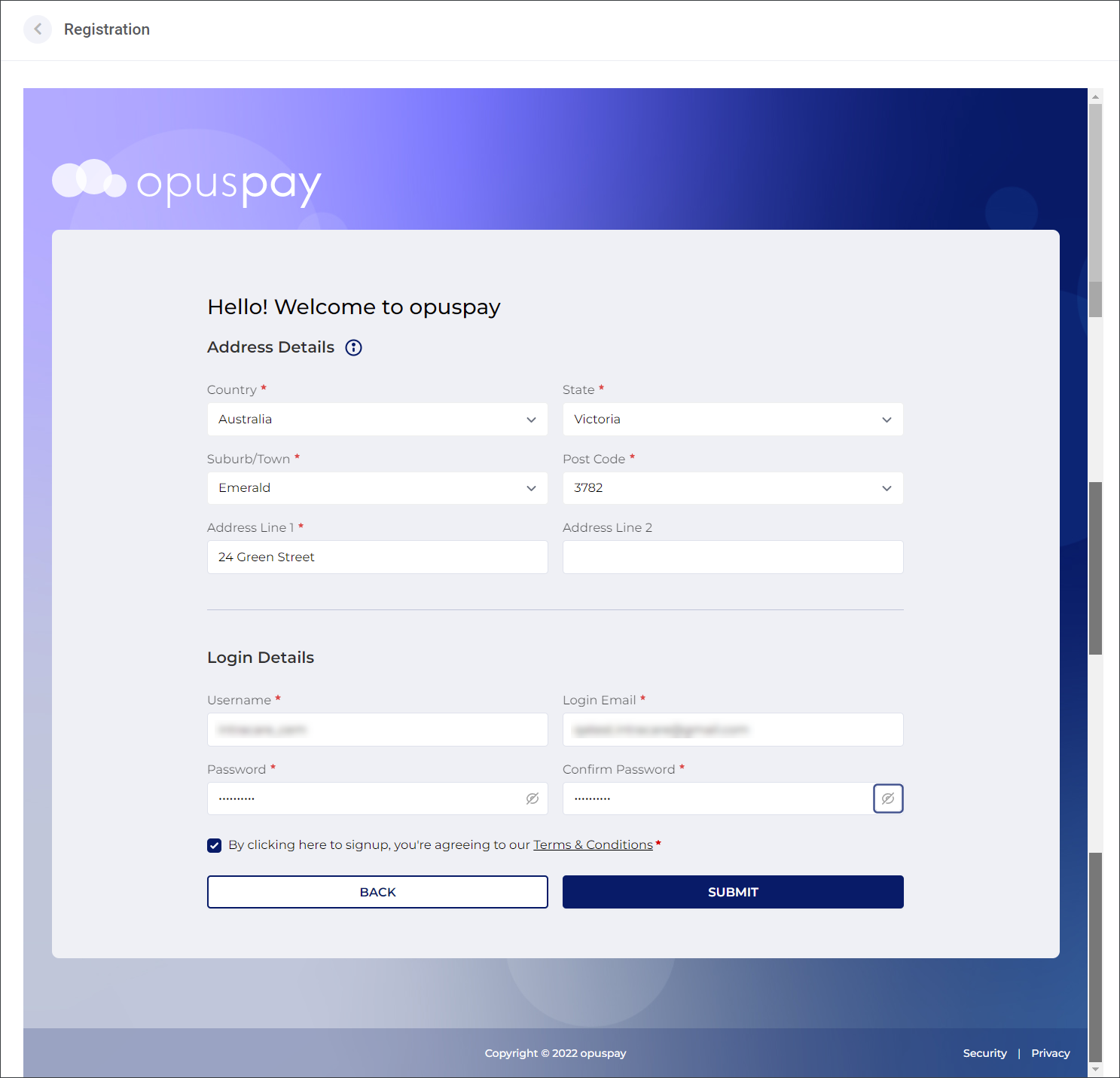
Register with opuspay by pressing the Manage button under the Registration tile. You will be directed to the registration form. The fields marked with a red asterisk symbol are mandatory. Type in you Organisation, Primary Contact, Address and Login Details in the corresponding fields as outlined below.
When you have entered all required information press the Submit button.
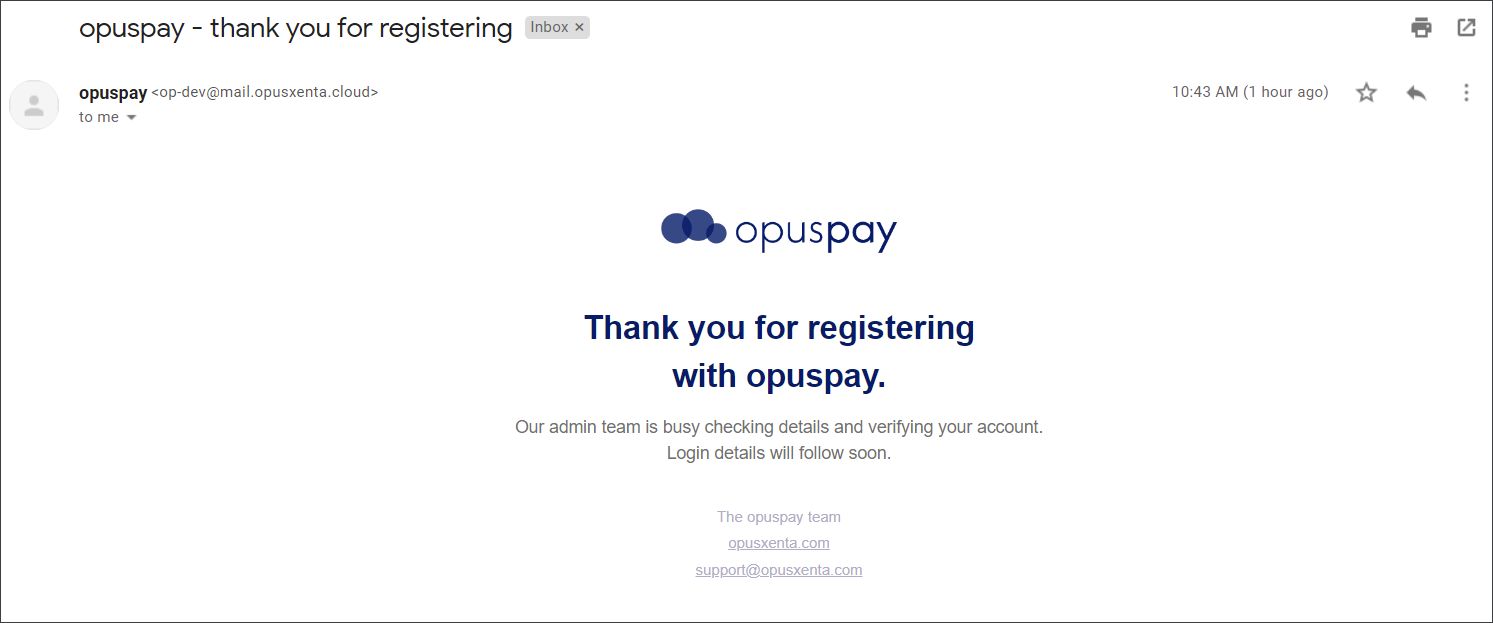
The opuspay administration team will receive a notification regarding your registration. They will conduct appropriate checks to approve or reject the registration.
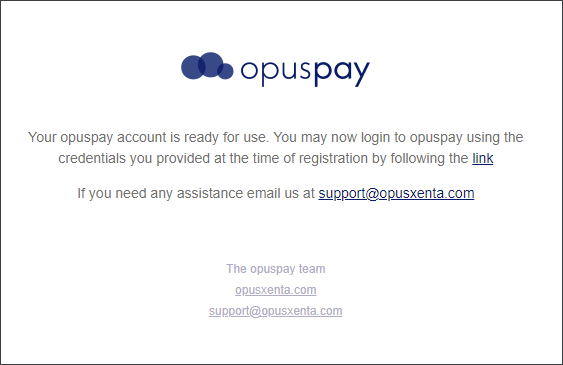
When your registration has been approved you will receive an email containing a link to your Merchant Portalwhere you will be able to mange your opuspay account.
Once your registration has been approved the Registration tile in byondcloud will be suppressed. However, now you will have access to the Settings tile where you can configure opuspay.