(c) Copyright by OpusXenta Pty Ltd. All rights reserved.
Purchase Orders Received
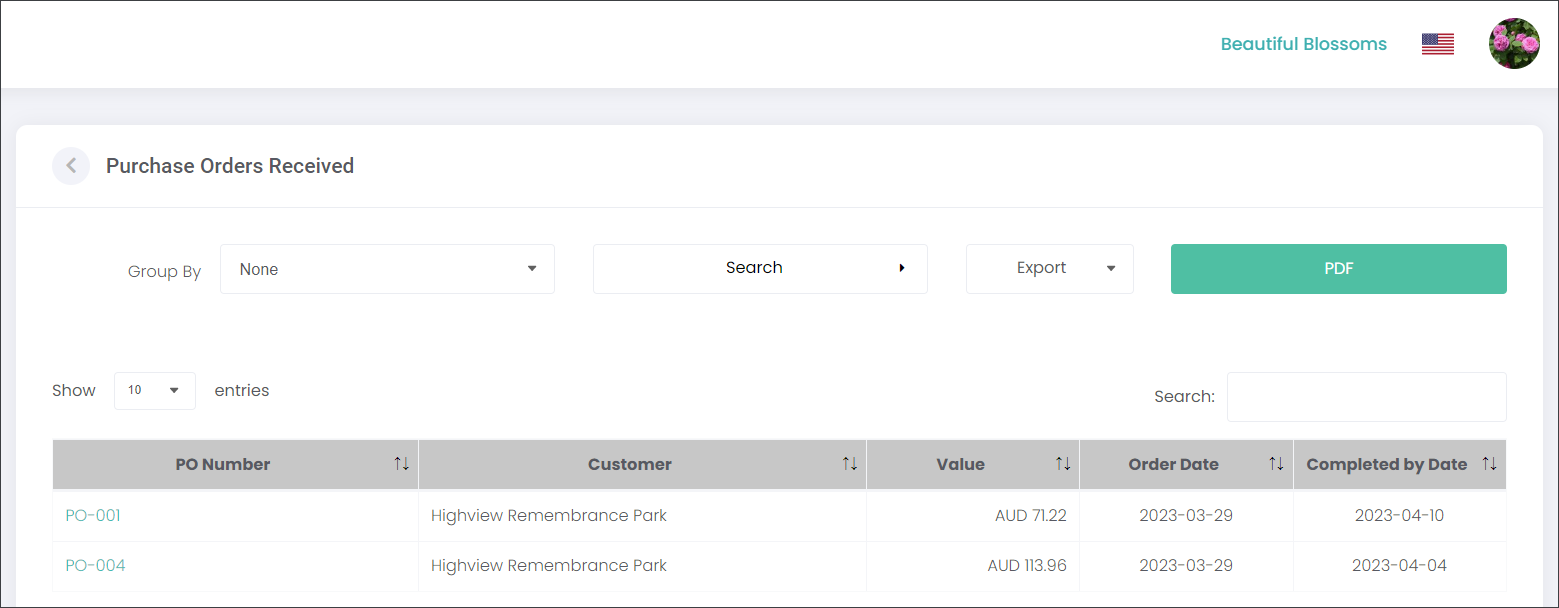
When a Purchase Order has been generated and released to a Supplier, for example as part of a Floral Program campaign, the Purchase Order will appear on the Purchase Order Received page.
On this page the user can view the general information about each Purchase Order, such as:
PO Number,
who the Customer is
what the Value of the products is
what the Order and Completed by Dates are, as set in a corresponding Floral Program.
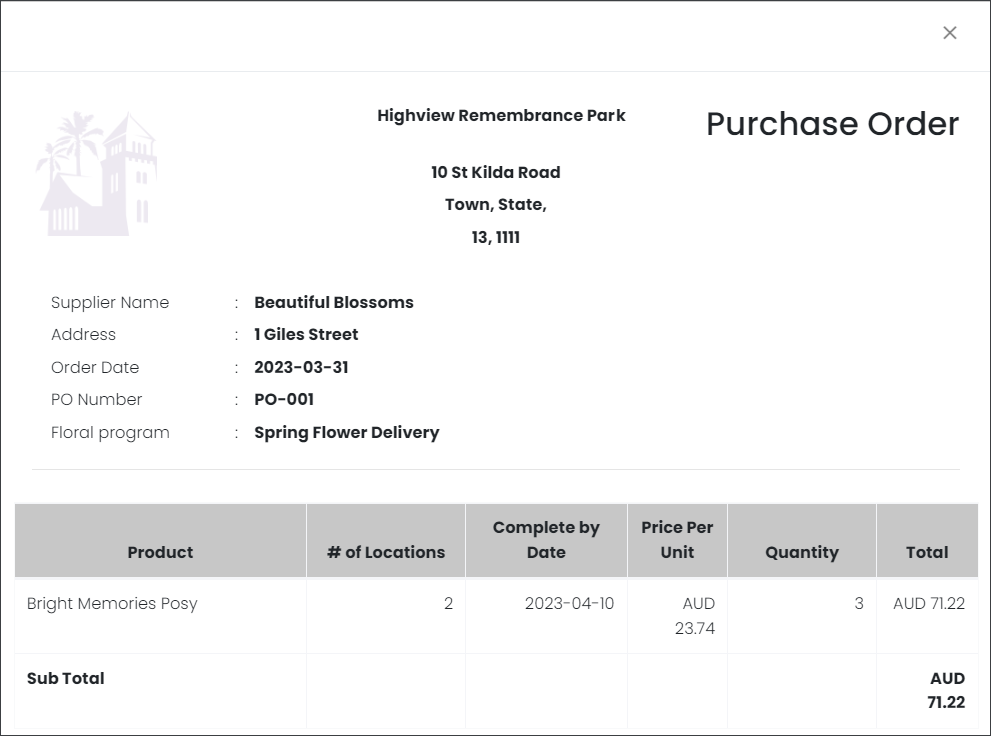
The user can view the details of each Purchase Order by clicking on the PO number hyperlink.
The standard byondcloud filtering, search, exporting and printing features are available.
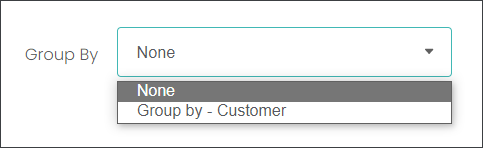
The users can group the entries by Customer or see them in chronological order.
When searching for Purchase Orders the user can use the criteria depicted below.
The user can also export the results to a CSV file or print to PDF.