Property
The Property tab allows the overall look and layout of the template to be changed.
There are three functions on this tab, Background, Padding, and Email Width. Each of these will be explained below.
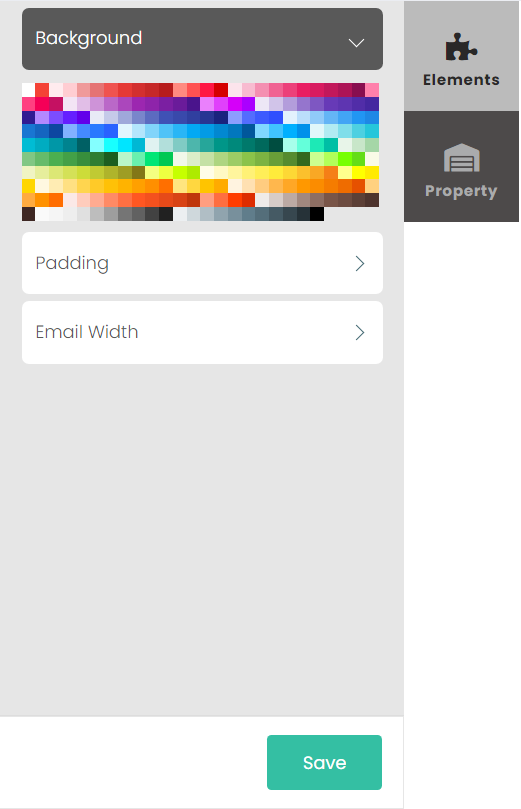
Background
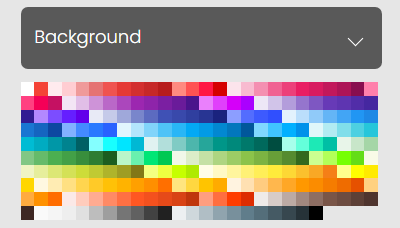
The Background function changes the colour of the background of the email, or individual elements.
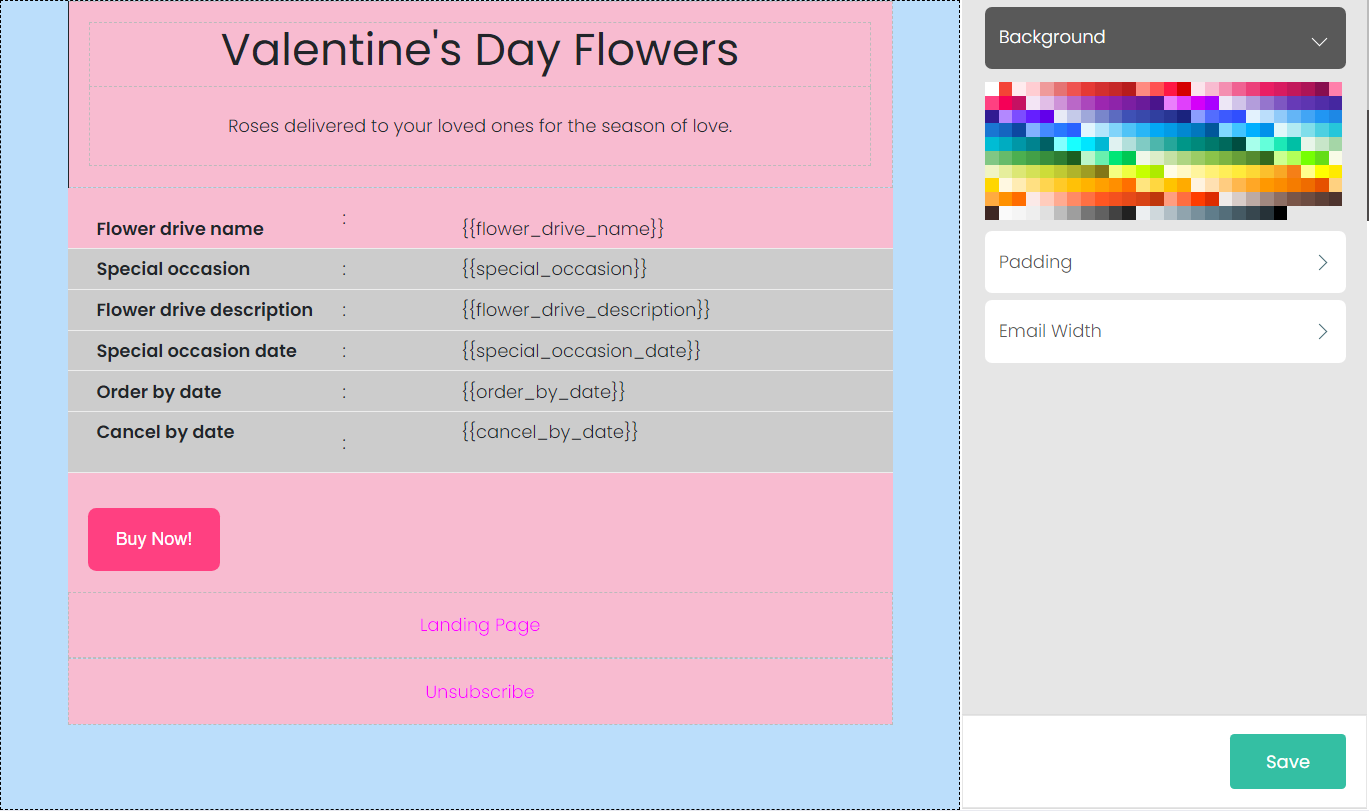
For example, we've given the below template a blue background, and given the individual elements pink backgrounds.
Padding
The Padding function controls the distance between the central text/images of an Element and the outside edge of that element. More padding means there will be more empty space in the element, less padding means less space.
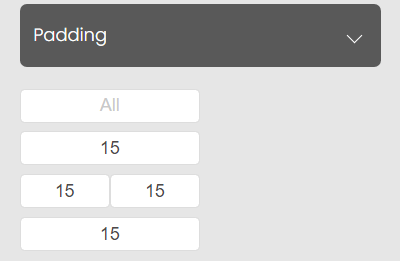
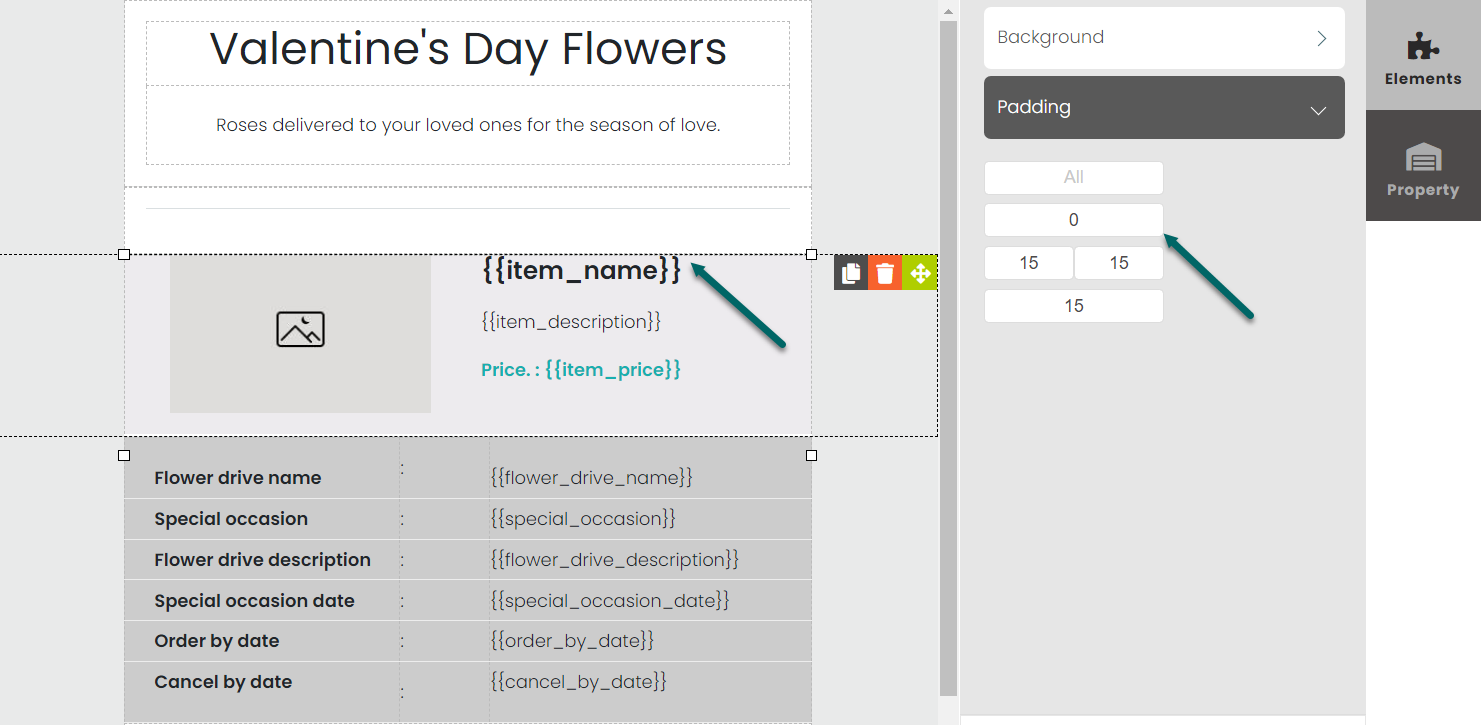
Take a look at the below screenshot. We have selected the Item List widget in the center of the template and changed its upper margin padding to be 0px, giving it no upper padding.
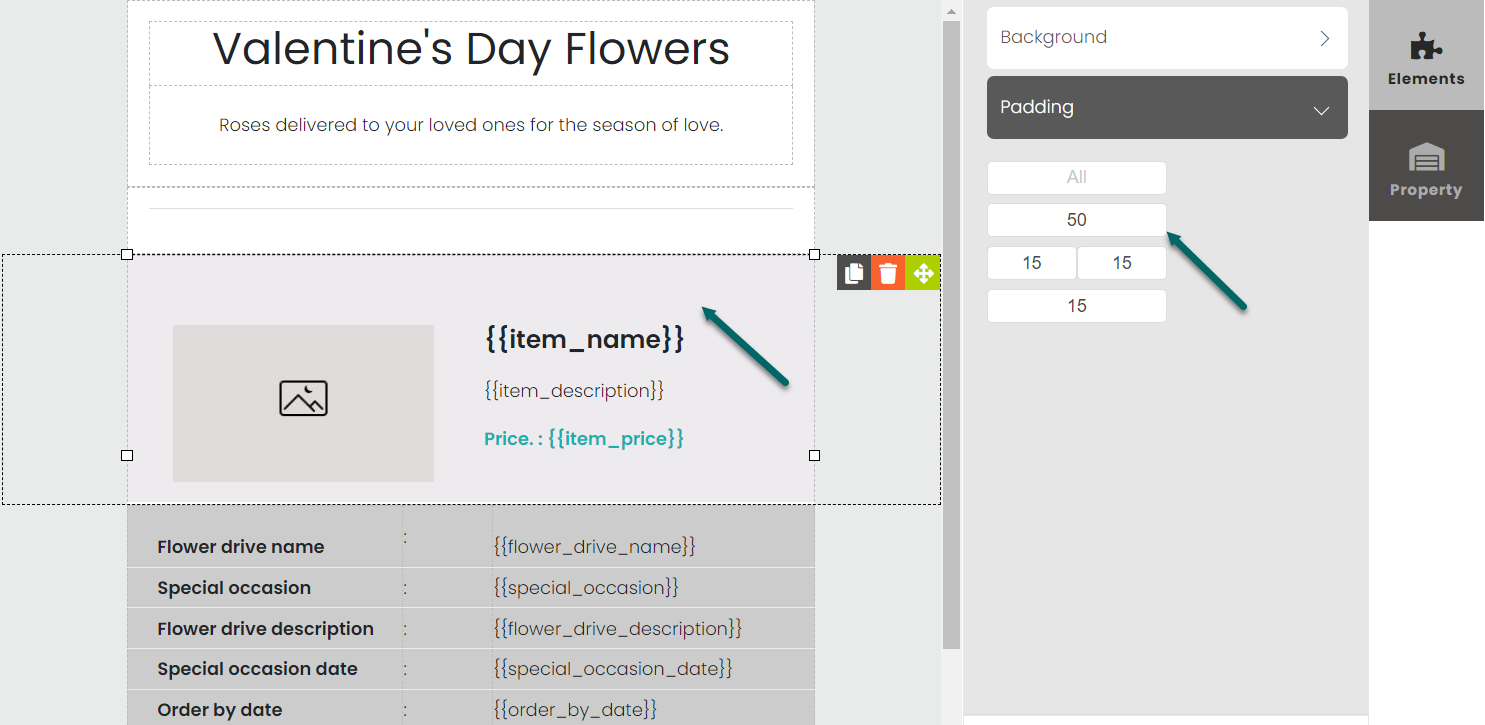
When we change the padding to 50px, space is created between the central elements of the widget and its upper margin.
Email Width
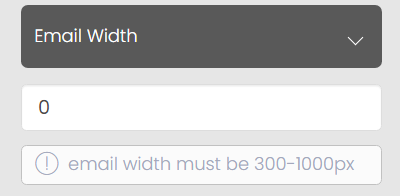
Email Width can be altered with this tool, in a range between 300 and 1000 pixels.
The screenshots below demonstrate two different widths: 500px and 800px.
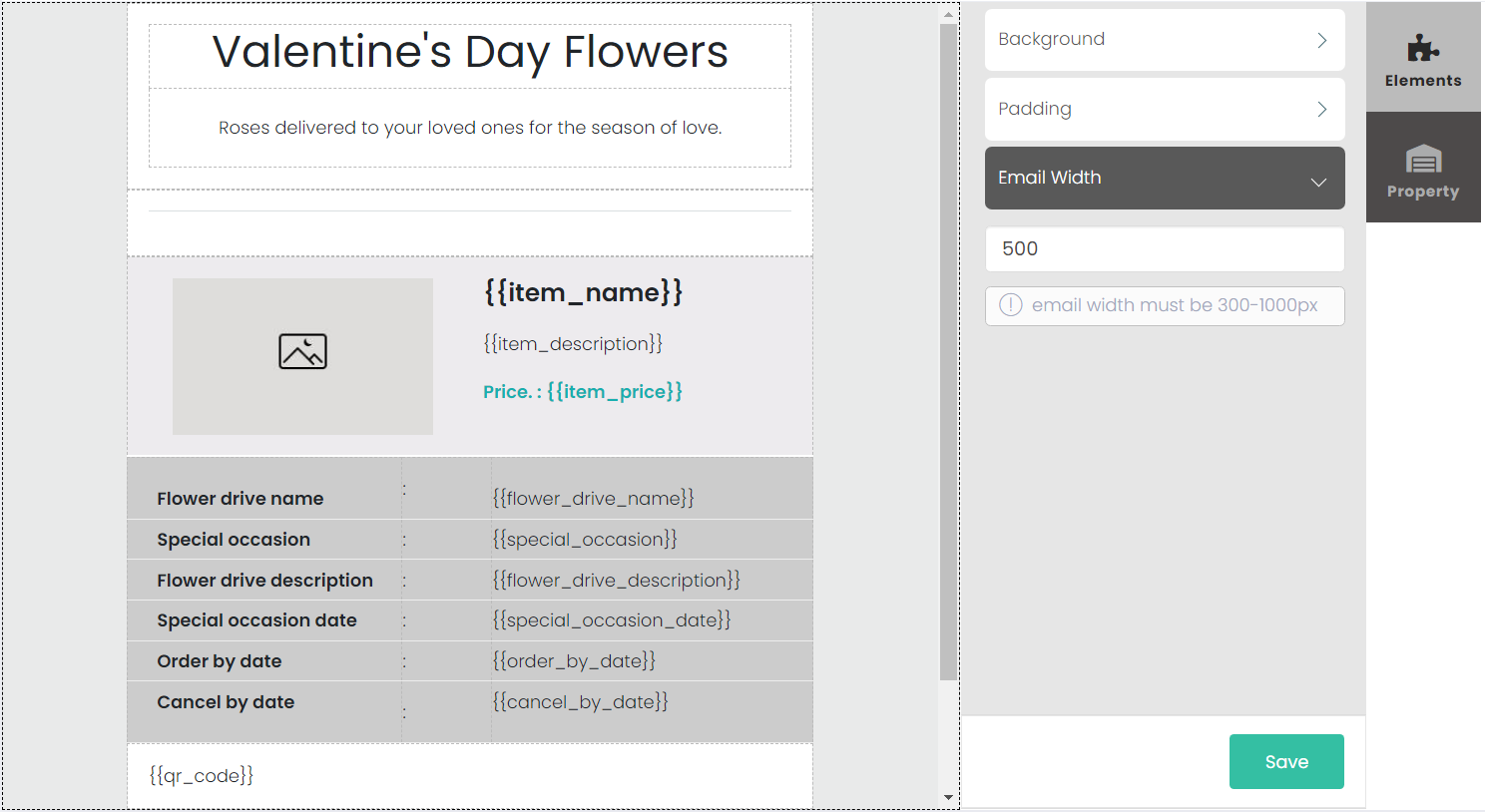
500px
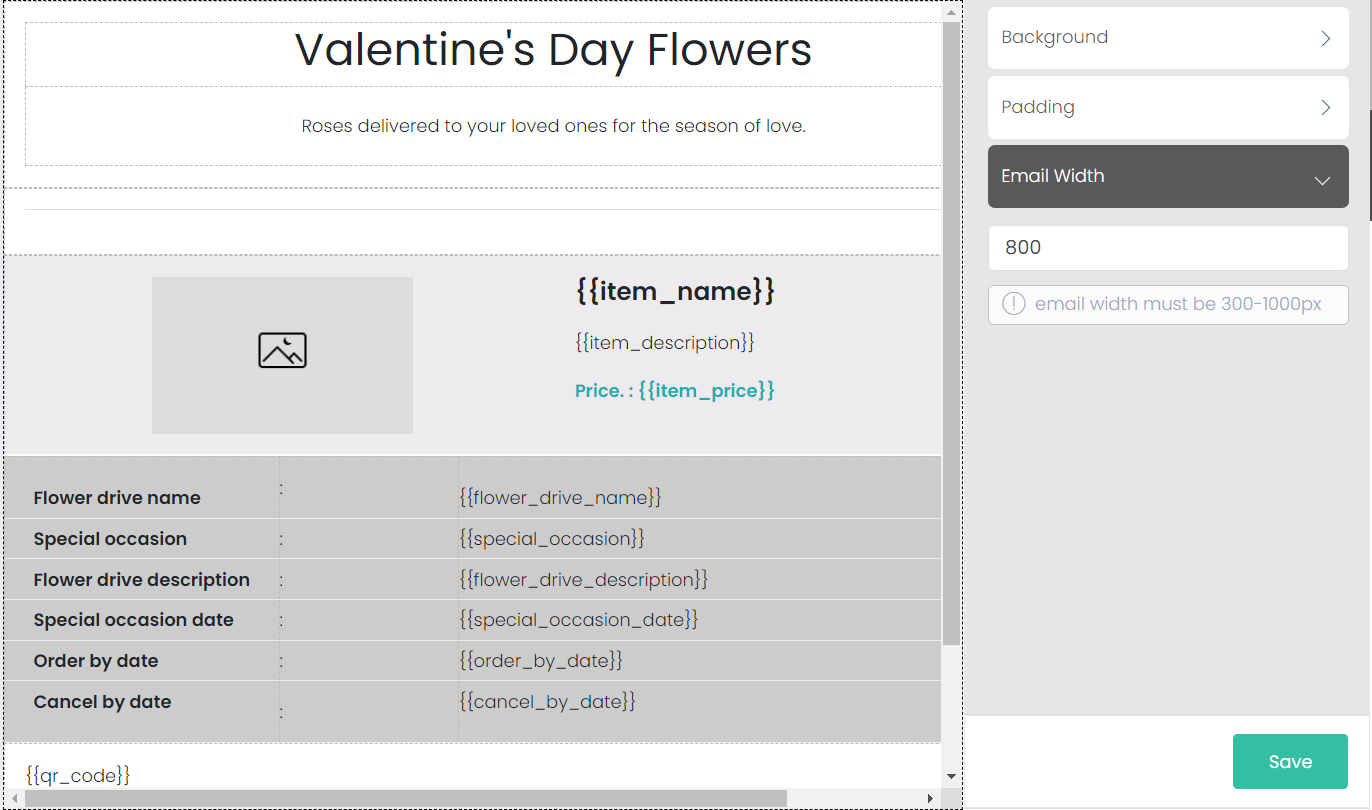
800px