Personal Details Tab
The Personal Details tab allows for more information to be captured about the person. This is where the person's Date of Birth/Death, Gender, and Place of Birth/Death can be tracked, among other things.
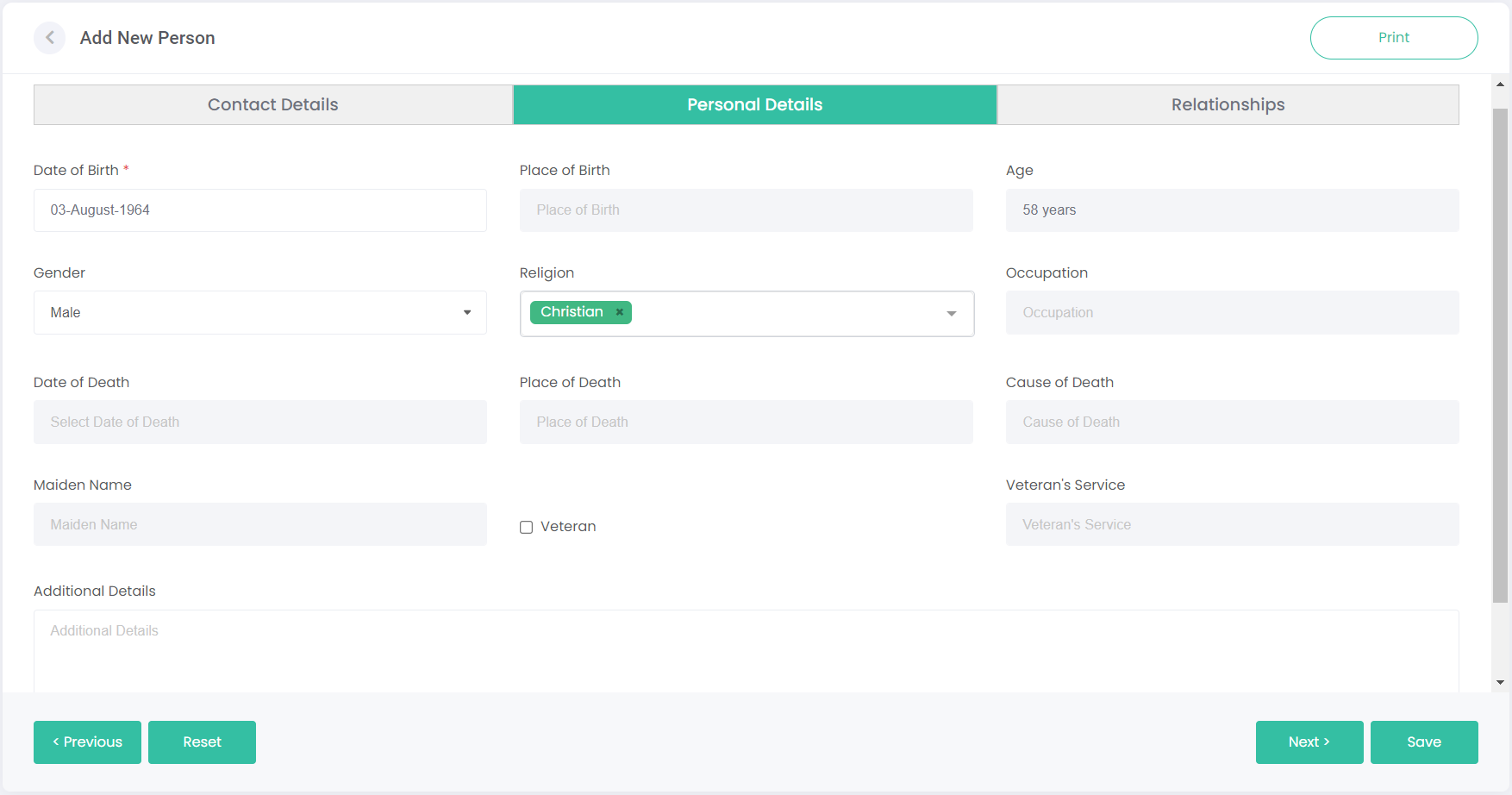
This tab will look slightly different for Current persons compared to Deceased persons. A current person is shown below.
Most of the fields are greyed out, such as the Date of Death, Place of Death, and Cause of Death. These fields aren't relevant to current persons, and only to deceased.
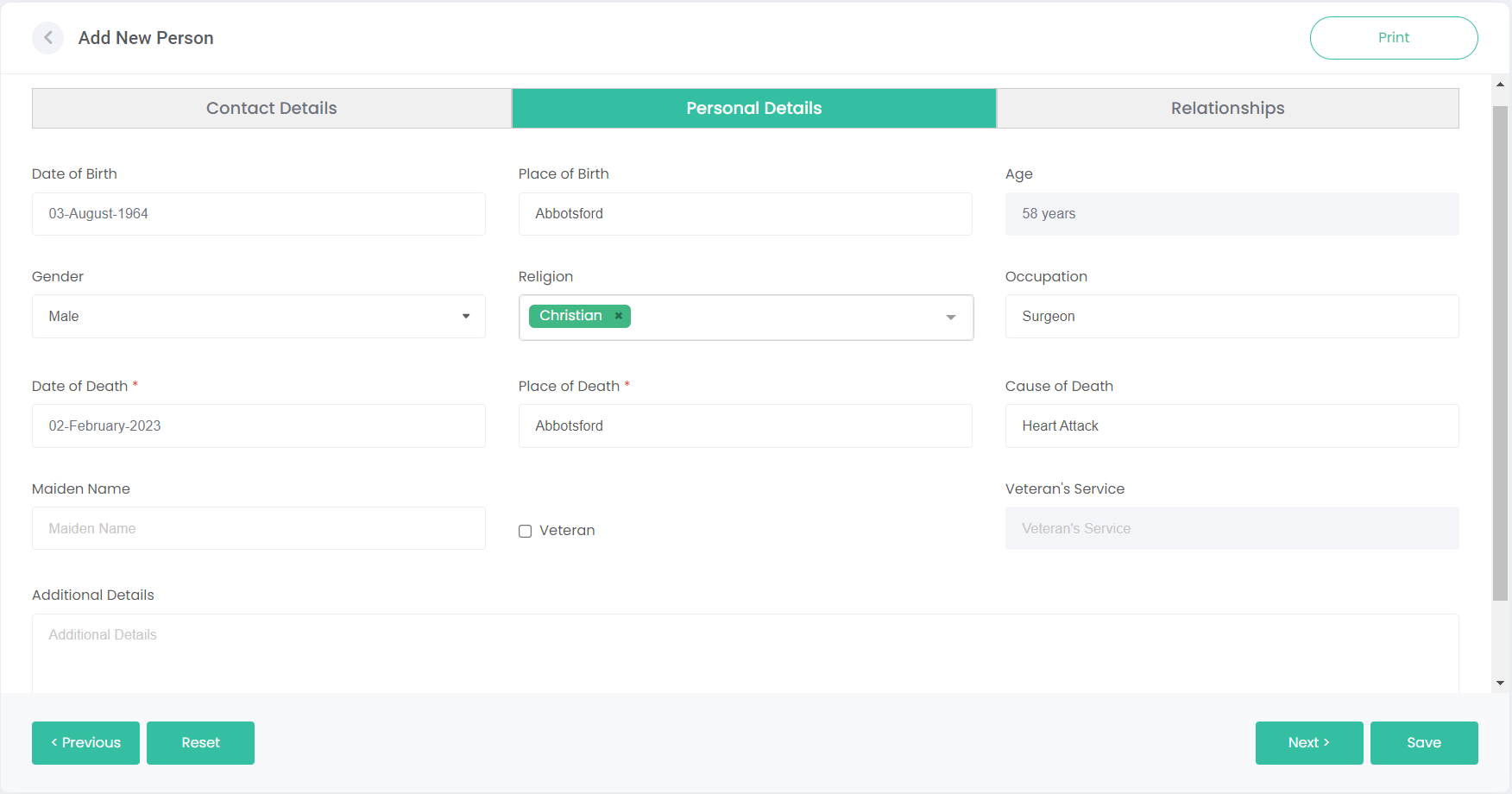
For reference, below is the same tab but with a deceased person. All the fields become available to use.
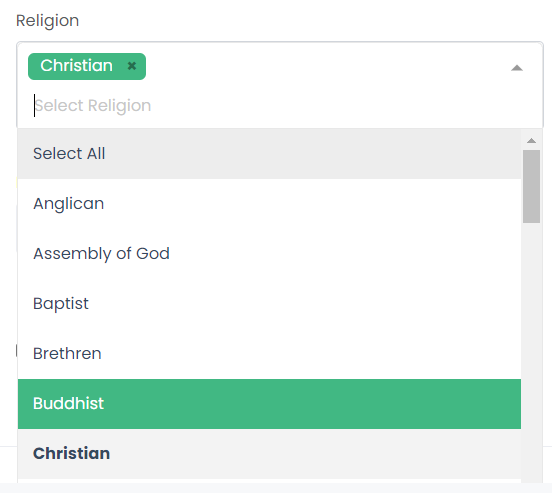
The Religion selection allows you to group persons by their religious affiliations. Besides being able to keep track of persons' religion, you can also use this feature to create religion-specific contact lists for marketing communications.
Ticking the Veteran box opens the Veteran's Service field, so you can capture where this person served. Again, this information can be used to create contact lists.
