Personal Details tab
The Personal Details tab displays additional personal details of the deceased such as last address, as well as occupation and cause of death, which may be useful.
Note: The Personal Details tab is suppressed from public searches and is for internal use only.
Be mindful when printing information from this screen, as all personal information will be printed.
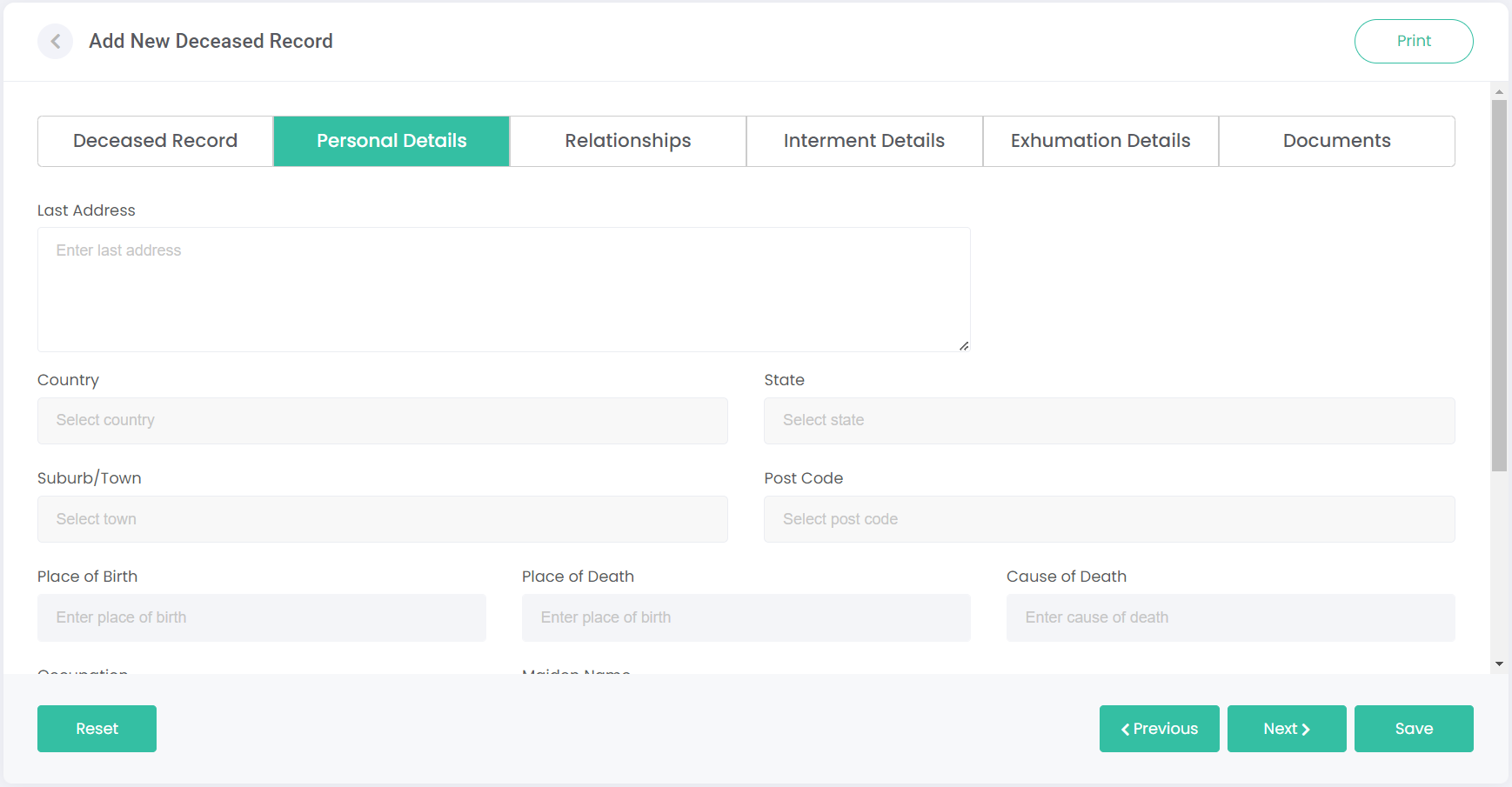
Enter the details of the deceased in the relevant fields, and click Next (or click on the next tab’s heading):
|
Field
|
Field Description
|
|
Last Address
|
Enter the last address of deceased (street address only).
|
|
Country
|
Select the country of deceased from the drop-down list.
|
|
State
|
Select the state of deceased from the drop-down list.
|
|
Suburb / Town
|
Enter the suburb of deceased, then select the suburb from the list.
|
|
Post Code
|
Enter the post code of deceased, then select the post code from the list.
|
|
Place of Birth
|
Enter place of birth of deceased.
|
|
Occupation
|
Enter occupation of deceased.
|
|
Cause of Death
|
Enter cause of death of deceased.
|
|
Maiden Name
|
Enter maiden name of deceased.
|
|
Parents
|
Enter parents’ names of deceased.
|
|
Children
|
Enter children’s names of deceased.
|
|
Siblings
|
Enter siblings’ names of deceased.
|
|
Partner / Spouse
|
Enter partner’s name of deceased.
|
|
Religion
|
Select religion of deceased from the drop-down list.
|
|
Private Information
|
Enter private information of deceased or reference an attached document with private information if you do not wish to add confidential information in this field.
|
Note: any field marked with an asterisk must be completed.