Person Records
Person Records are the global records of all persons in byondcloud, whether they be customers, rights holders, or deceased records.
These Person Records are closely linked to RecordKeepr records. Please refer to the RecordKeepr section of the guide for more information.
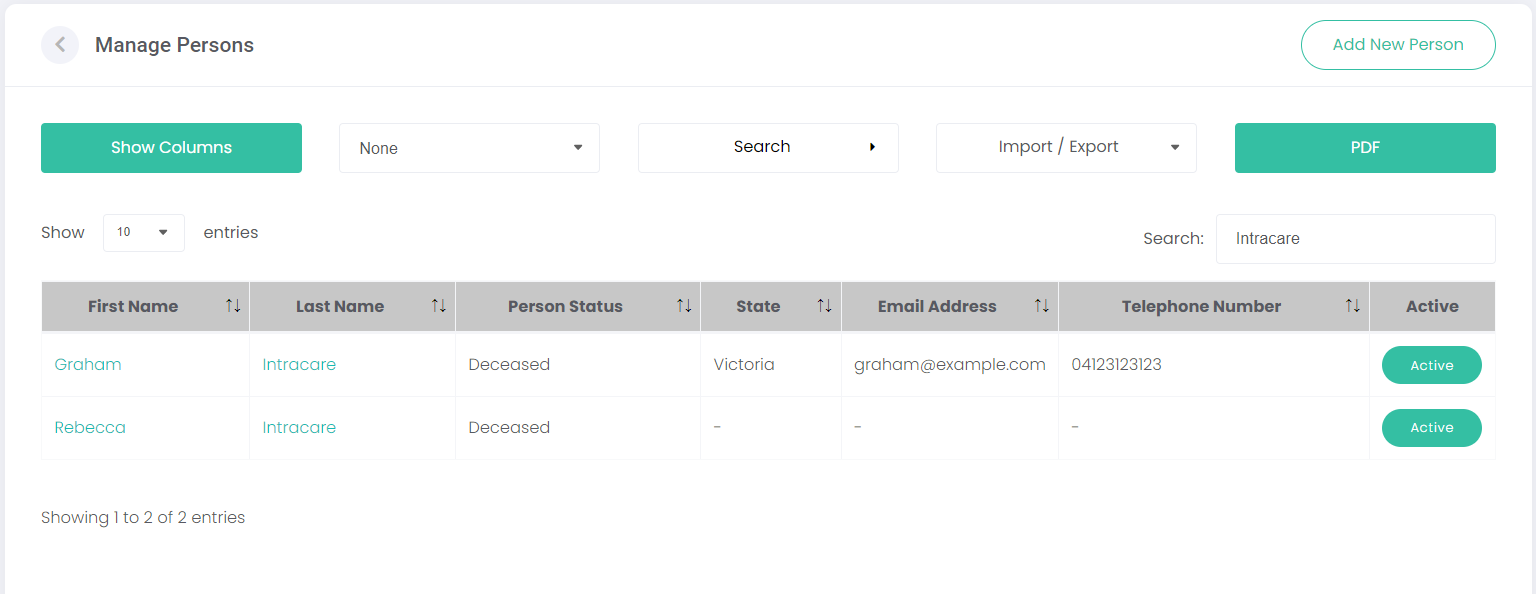
Click Manage under Person Records on the Persons dashboard, or click Person Records on the side menu to open the Manage Persons screen.
Any person that has been created in your byondcloud account will be listed on this page. The data on this screen can be manipulated in several ways to find the person/s you're looking for. Each function will be explained below.
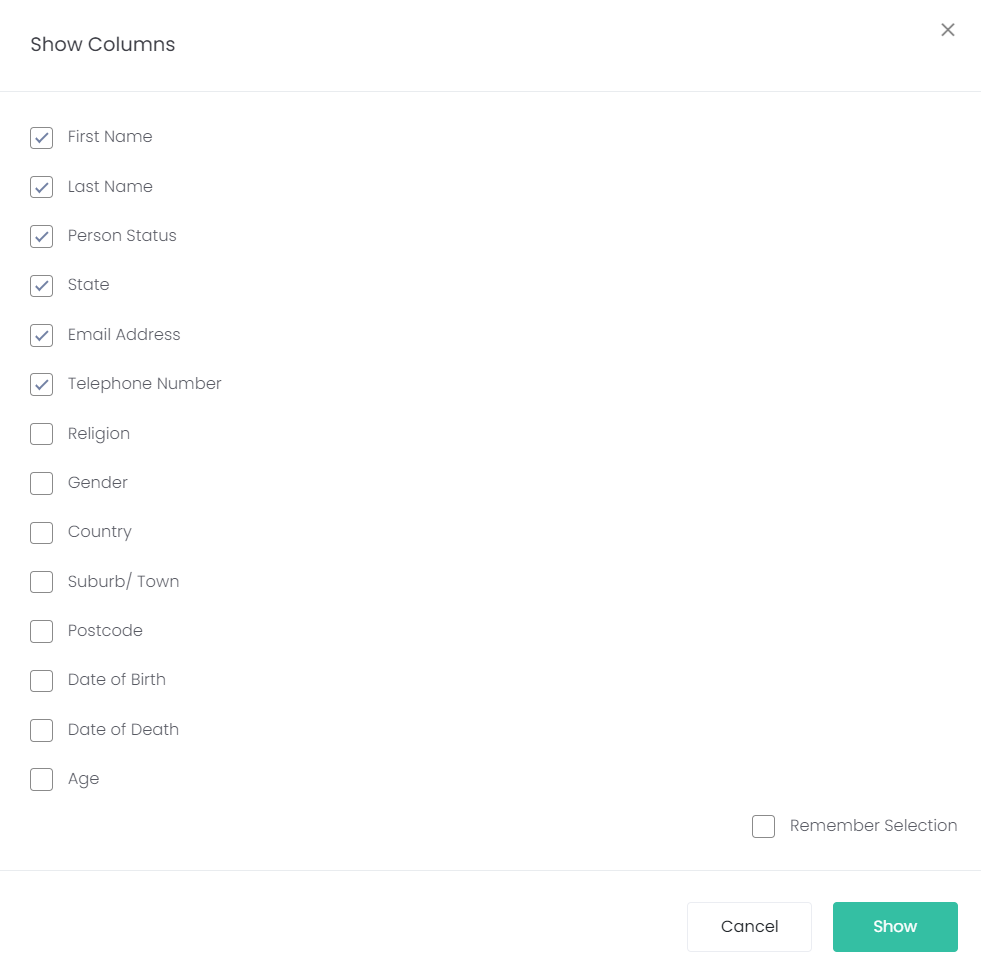
Show Columns
Select which columns you want to display on the screen, by clicking on Show Columns. Simply select/deselect the columns you want to show.
Click Save.
You can also tick the Remember Selected checkbox and the system will remember which columns to display when you next log in.
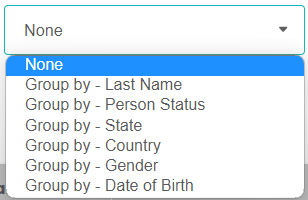
Group by
You can group person records by Last Name, Person Status, State, Country, Gender and DOB by selecting the relevant option in the Group by drop-down list.
For example, if you click on Group by - Person Status, the list will display persons grouped by their status of Deceased or Current.
Search
You can search for a person by clicking on the Search button and using the fields below this to filter by Name/s, Status, Religion, or Address details (these fields will display once you’ve clicked on Search). Click Search (to the right of these fields) when complete or Reset to clear the search.
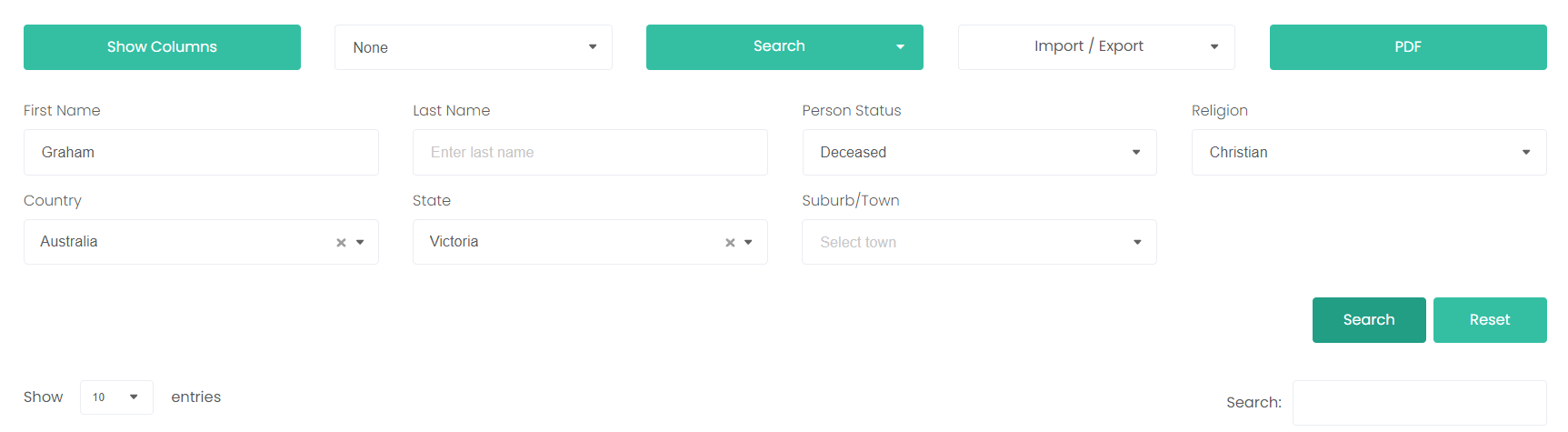
You can type a word in the Quick Search field to search by a specific term across the displayed columns.

Import Export
You can import / export person records from a CSV file or download a CSV template by clicking on the Import / Export field and following the prompts.
For help on how to import / export from a CSV or Excel file, please refer to the topic: Importing records into RecordKeepr or contact us at byond-support@byond.cloud.
To download and print a PDF document of the persons listed, click on PDF.
Choose either Landscape or Portrait from the drop-down list and click Select.
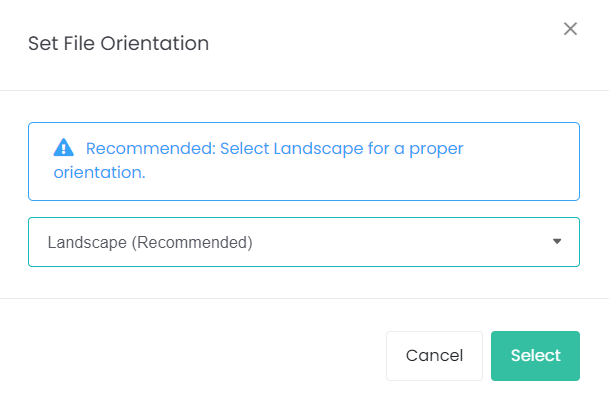
The PDF document will include any columns you previously selected.
