Permit Summary
Select the Permit ID link to open the Permit Summary screen.
As your cemetery partner makes changes to the permit application and updates its status, you can monitor the changes in byondcloud through the Permit Summary page.
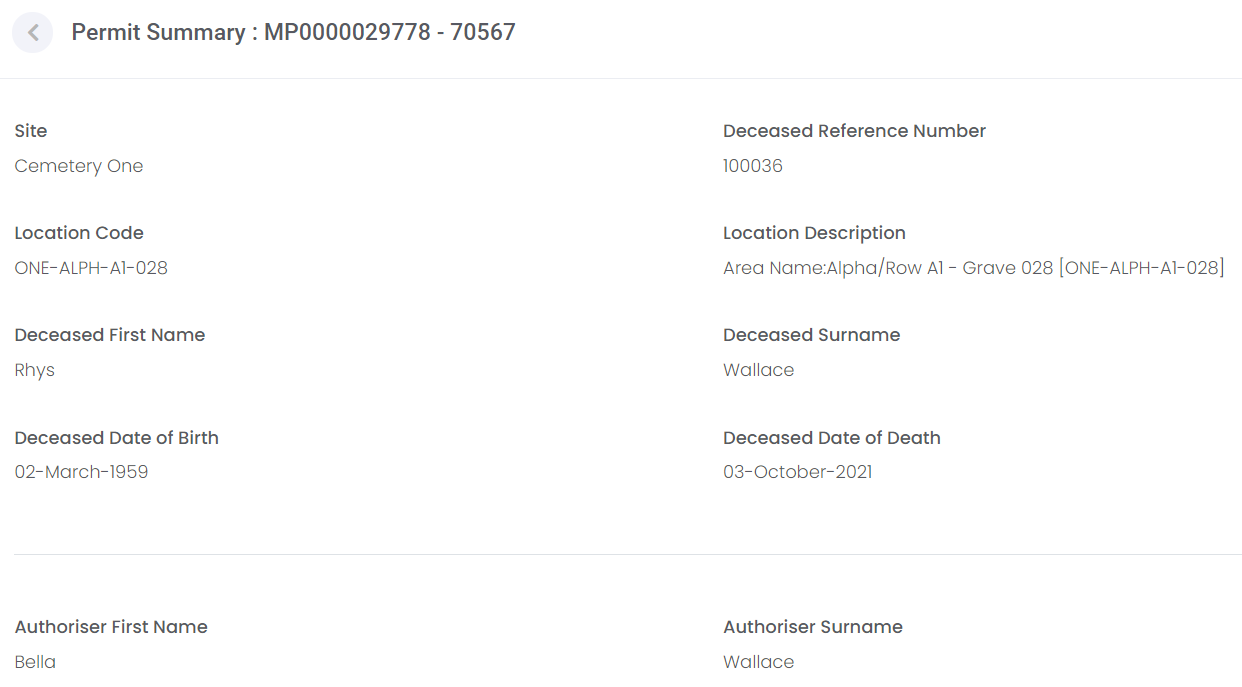
In View mode, you can review the information submitted:
-
Deceased and cemetery location information.
-
Authoriser contact information.
-
Permit details.
-
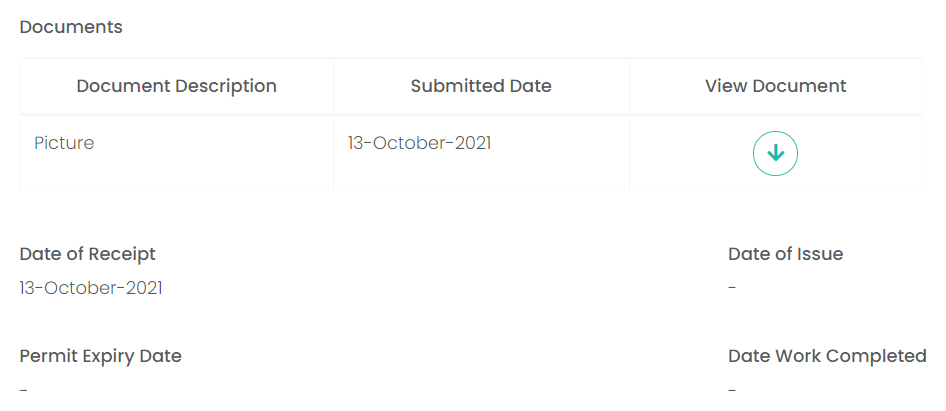
Documents attached, which includes the ability to download them.
The changes made by the cemetery are updated directly into the form, including:
-
Date of Receipt, i.e. the mason's date of submission from byondcloud.
-
Date of Issue.
-
Permit Expiry Date.
-
Date Work Completed, i.e. when the cemetery finished their final inspections.
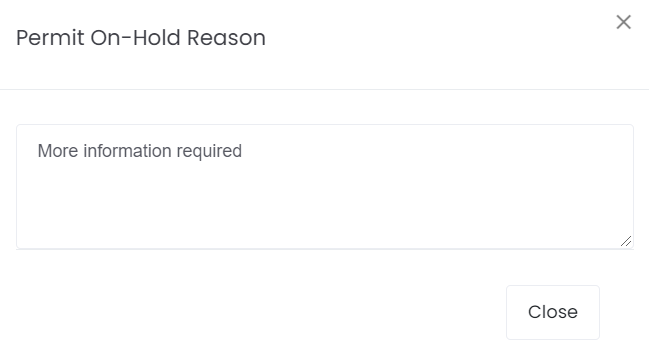
If the cemetery places your permit application On-Hold or it is Rejected, open the application's Permit Summary screen and look for the Permit Rejected / On-Hold Reason link near the bottom of the screen.
The cemetery will likely make contact with you regarding the application to provide more information or request more information from you.