Partner Permissions
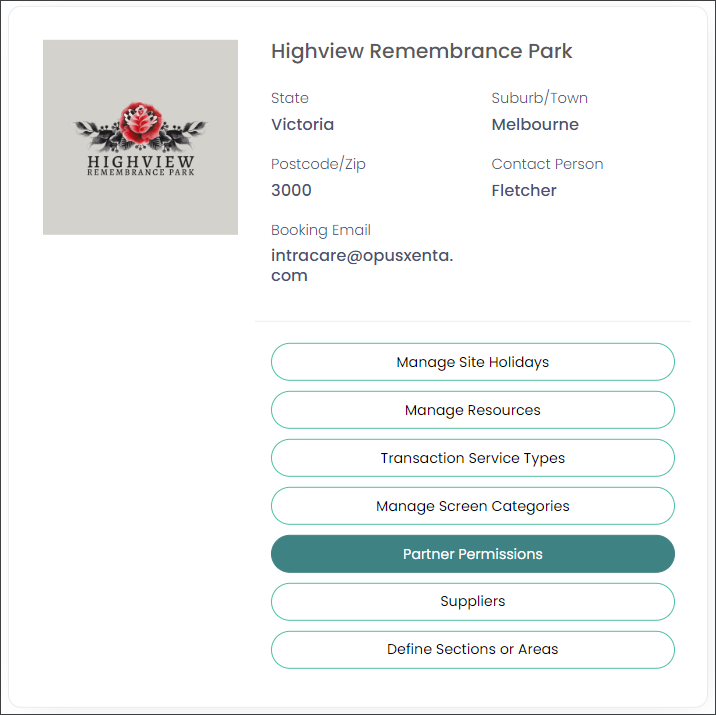
Back on the site to be configured (operational site), choose the Partner Permissions option as shown below.
This is the final configuration step which allows Funeral Directors to transact with you and will make your cemetery site visible for them in their byondcloud application.
Should you have byondcloud integrated to byondpro, be sure you have turned on the sync and completed all mapping elements before granting permissions.
Tick the tick box to Show All Funeral Directors (or alternatively search by name, state, or city) and the list of those registered with byondcloud will be displayed.
Set each Funeral Director you want to transact with to Visible.
All branches linked to this Funeral Director will be able to transact with you.
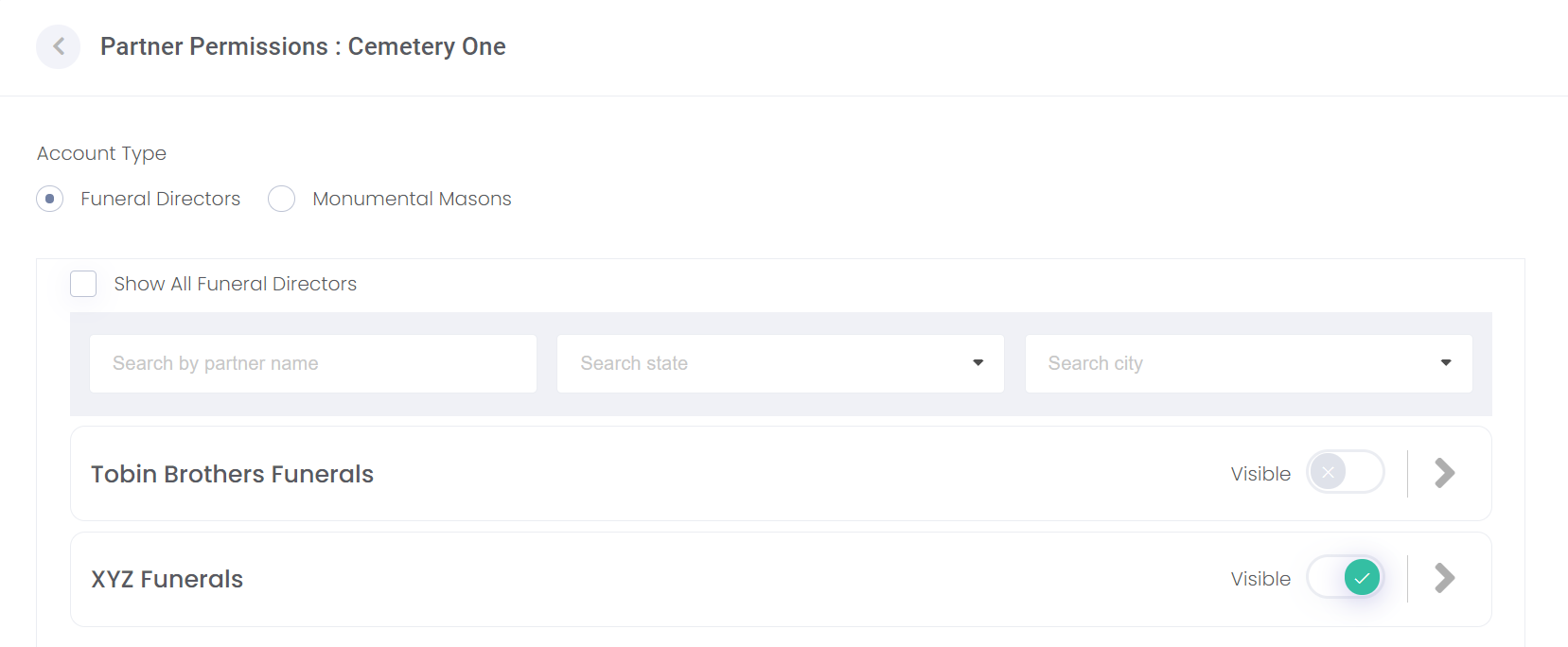
If there are multiple branches and you do not want all branches to access bookings with your cemetery, choose the arrow on the far right to see their branch offices and mark each branch separately.

Use the back arrow at the top left of the screen to return to the Manage Sites screen.
