(c) Copyright by OpusXenta Pty Ltd. All rights reserved.
Monumental Mason Mapping
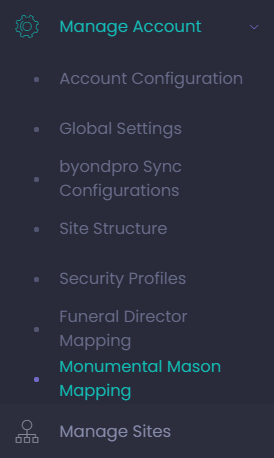
To access the Monumental Mason Mapping page, click on the Monumental Mason Mapping button under the Manage Account drop-down on the side menu.
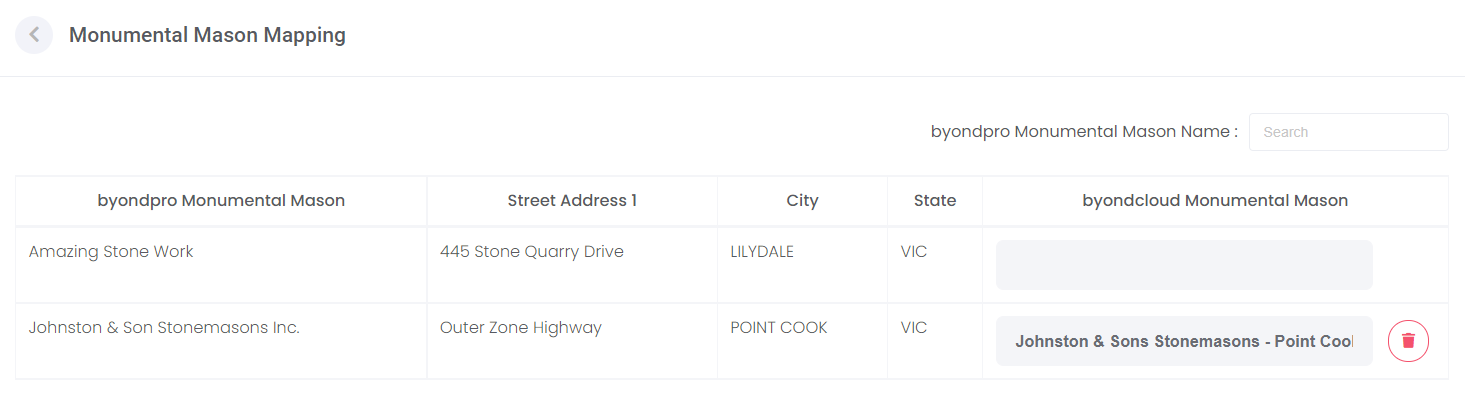
This screen is used to build a link between the cemetery’s byondpro record for the mason and the mason's registered byondcloud account.
This step is only required for accounts integrated with byondpro.
All masons in the customer’s byondpro database will be displayed down the left-hand side of the page.
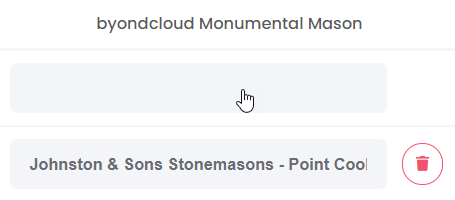
To map the monumental mason’s account, click into the corresponding empty field in the byondcloud column.
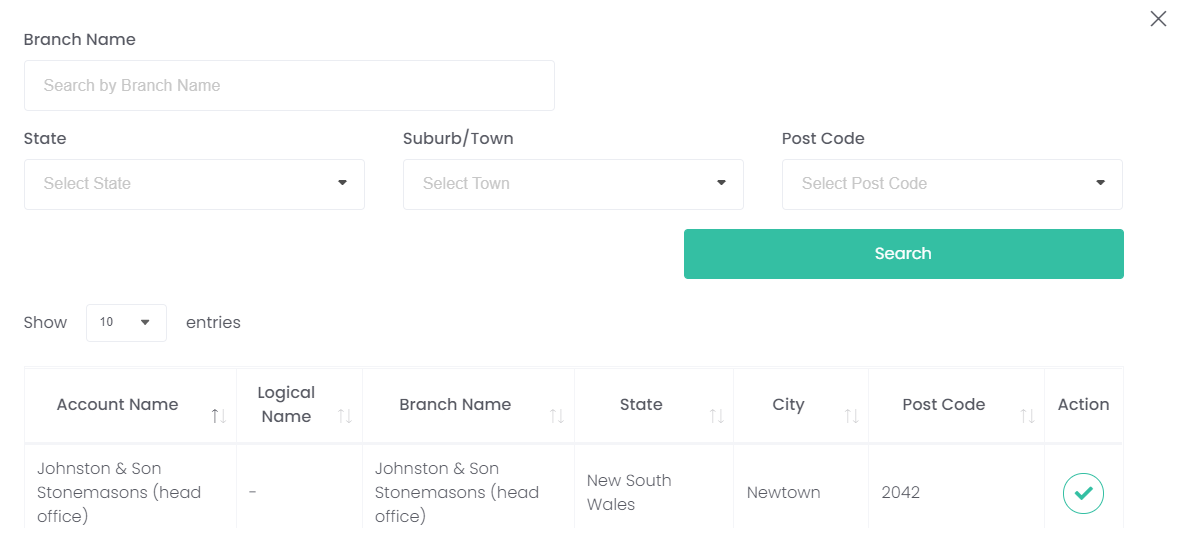
Use the search options in the pop-up window to locate the mason / branch and select the green Action button to link the byondcloud mason account to the byondpro Monumental Mason account.
Remember: this list shows the mason’s business name as they registered themselves in byondcloud, not as you might have them in byondpro.


 button to link the byondcloud mason account to the byondpro Monumental Mason account.