Mapping Resources
All resources that you have added to your byondcloud solution will need to be mapped to the byondpro resource.
If you have not configured your resources at this time, please visit the Manage Resources -> Add Resources section of this guide to find out more.
You are able to add resources and map the resources at the same time if the byondpro sync has been switched on.
You are able to add resources and map the resources at the same time if the byondpro sync has been switched on.
To map your resources, visit Manage Sites in your byondcloud application. Choose Manage Resources under the site(s) that require their resources mapped.
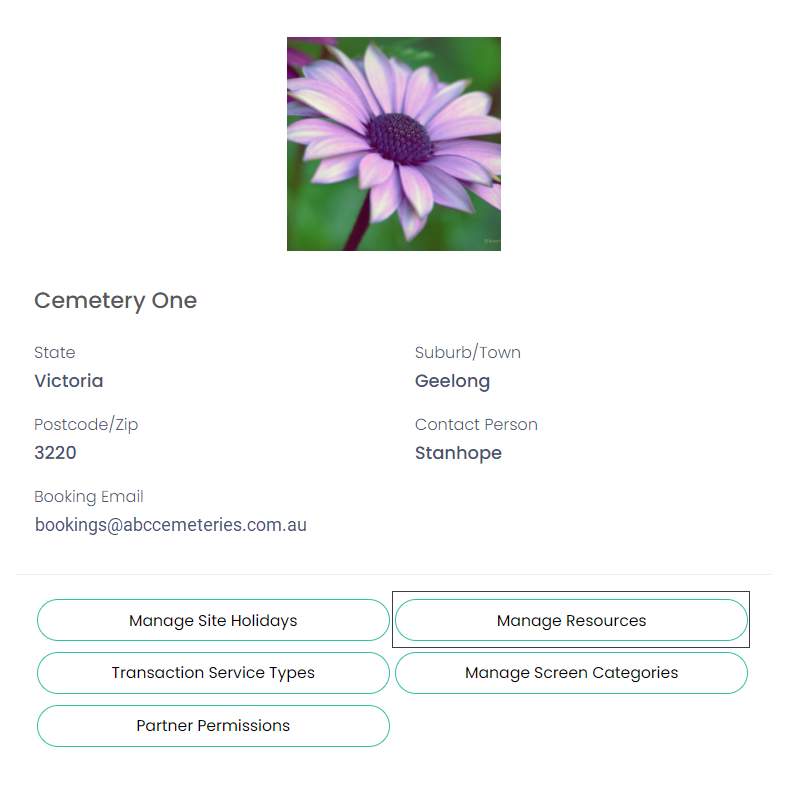
On the resource that needs to be mapped, choose the Edit option.

The field of byondpro Resource Name will now appear on the resource screen. From the selection list of resources, choose the byondpro resource to be mapped.
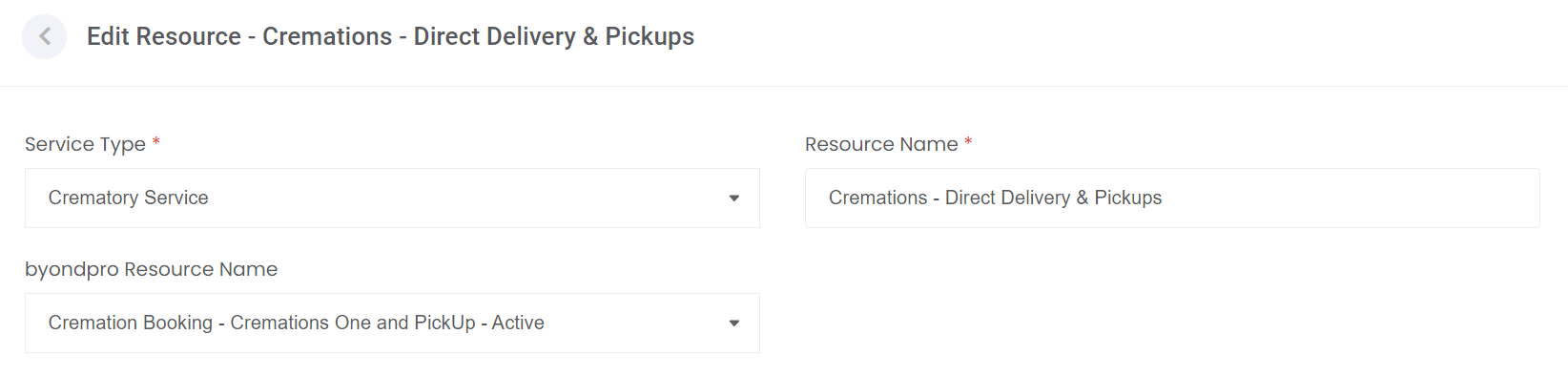
Choose Update on the bottom right-hand side of the page.

Ensure that each resource in your byondcloud application is mapped to the byondpro resource.