Manage Mason Permit Types
To access Mason Permit Types, first we must access the Global Settings screen by clicking on the Global Settings button under Manage Account on the side menu.
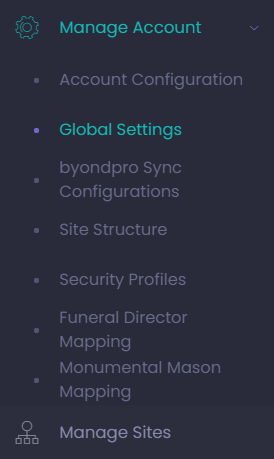
Global Settings is where the Mason Permit Types that the cemetery wants to offer via byondcloud are configured and managed.
If integrated with byondpro, the cemetery needs to match the Permit Type /s and their naming conventions between the byondpro and byondcloud systems.
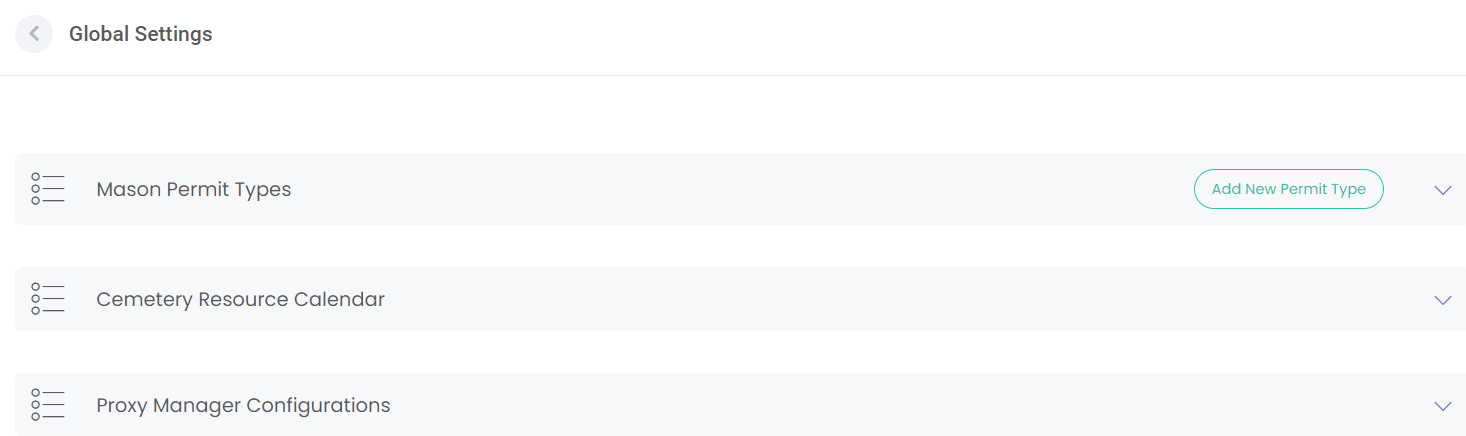
By selecting Mason Permit Types, the cemetery can:
-
Add
-
Edit
-
Delete
-
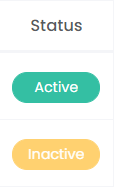
Change the Status of Permit Types.
This is the list of permit types that the cemetery exposes through byondcloud, and it displays all mason permit types already linked.
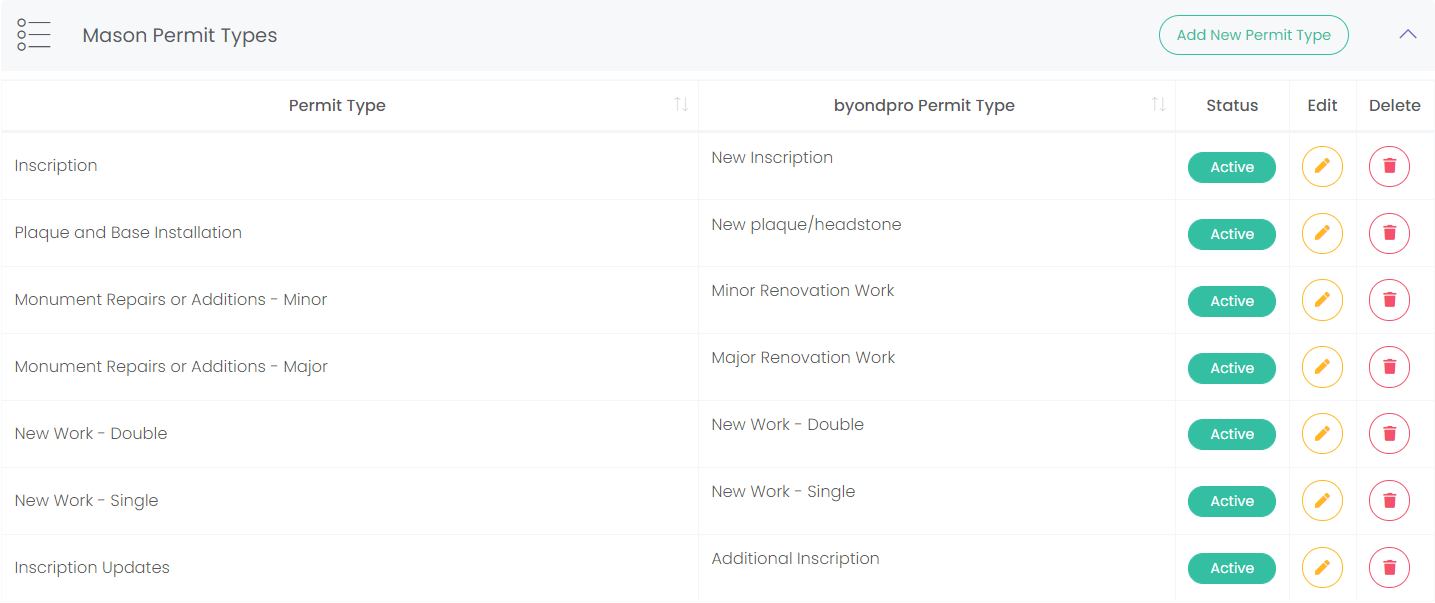
Add Permit Types
Click the Add a New Permit Type button on the top right-hand side of the page to open the New Permit Type menu.

Enter the Permit Type Name as you wish it to be presented to the monumental mason.
If integrated with byondpro, select the corresponding byondpro Permit Type.
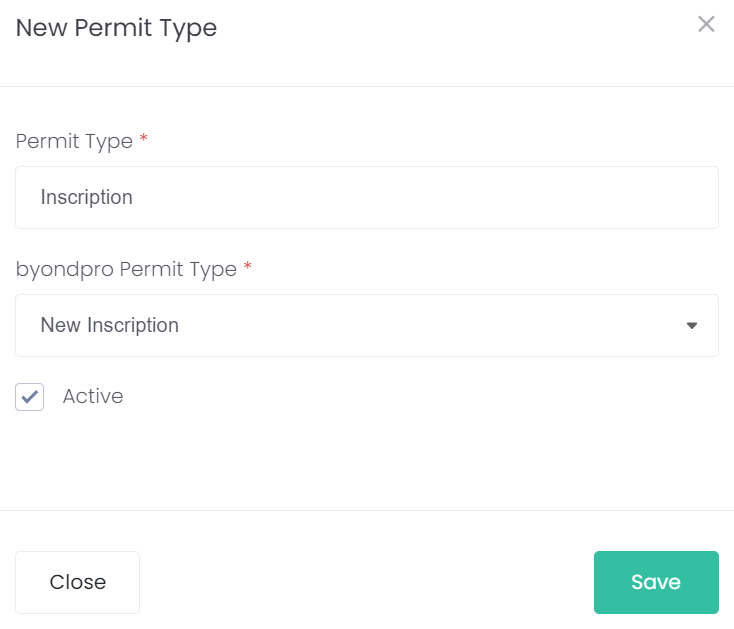
If the byondpro Permit Type field is blank, there will be a message prompting you to map your byondpro permit type in order to sync it with byondcloud.

Select Save to add the new permit type to the list.

Edit Permit Type
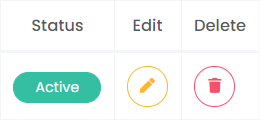
To change the Status or edit the entry, select the yellow Edit button.
To delete the entry select the red Delete button.