(c) Copyright by OpusXenta Pty Ltd. All rights reserved.
Manage Items
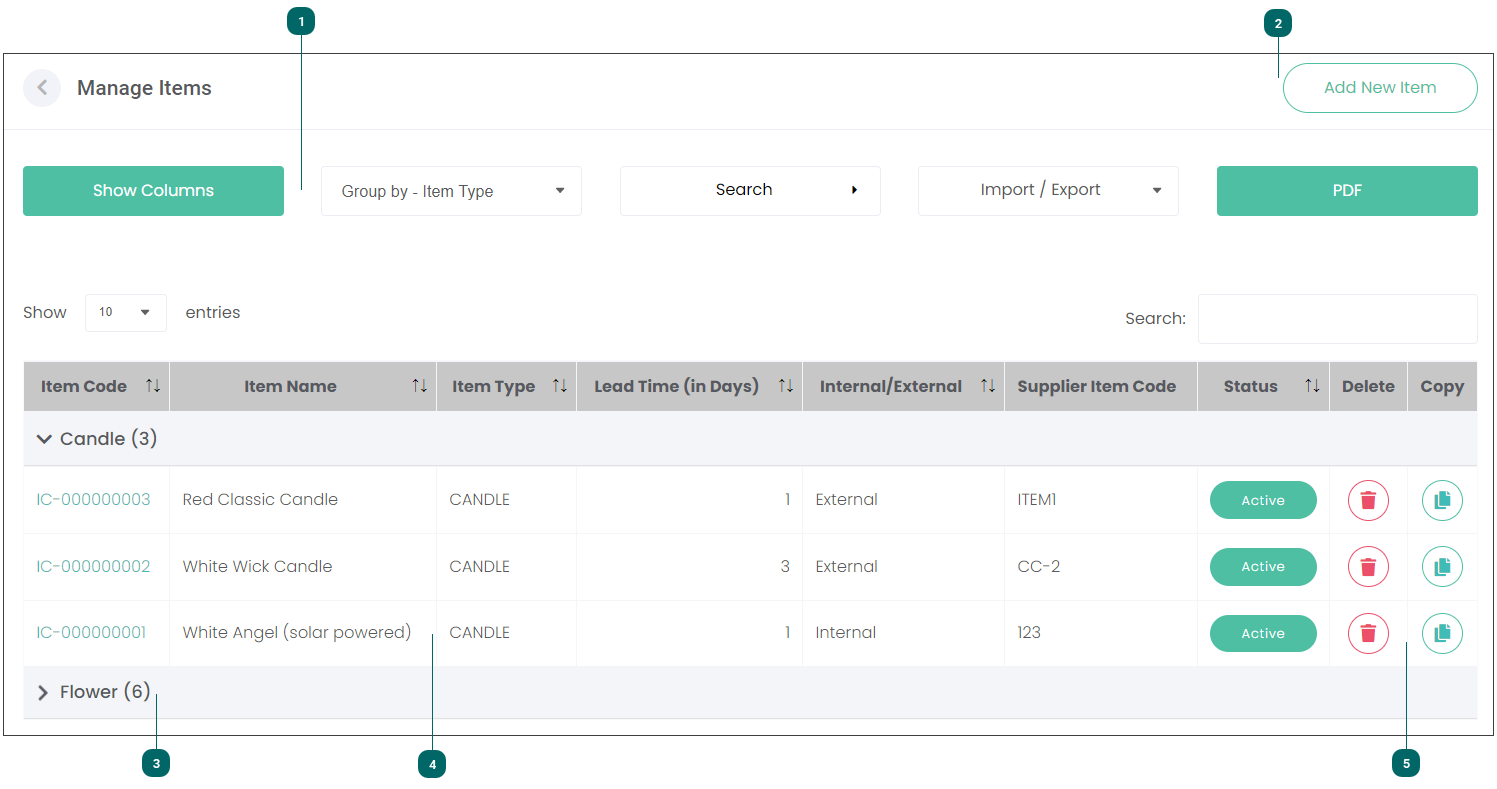
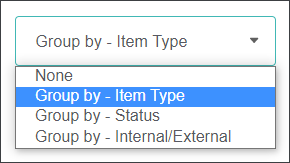
The standard byondcloud filtering, search, exporting and printing features are available.
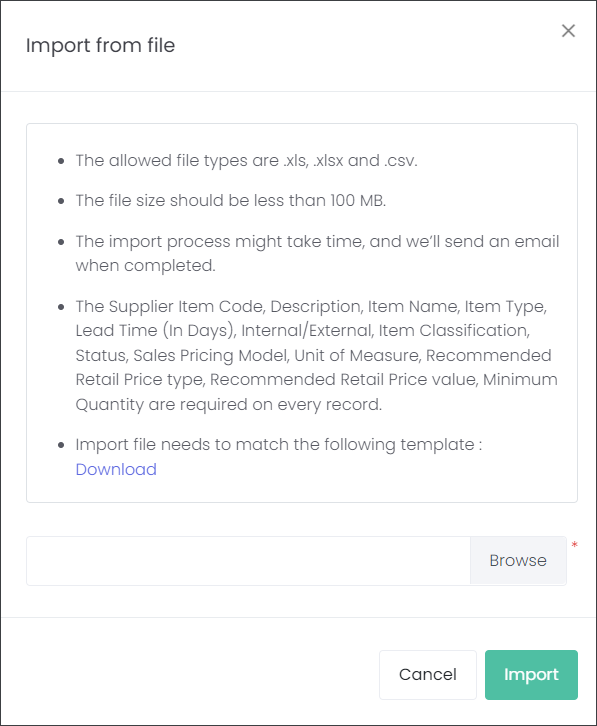
In the Import/Export field the user can download a CSV template to create their Items in this format, which then can be imported into the module. When importing the Items there are recommendations outlined below:
On the Manage Items screen you can see summary information about each Item, like its Code, Name, Type, Lead Times (in Days), Supplier Item Code, Status, and whether it is Internal or External facing.
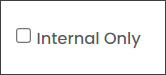
The users of cemetery and funeral director portals can flag the Items as internal or not. Florists and masons don't have this option as all their Items are external facing by default.
Leaving the Internal Only checkbox blank allows the cemetery or funeral home to offer the Items to other cemetery trusts or funeral homes. For example, a cemetery can have an onsite florist or a greenhouse. If they mark their flowers as External Items, they can also become Suppliers, adding alternative revenue raising options to their business.