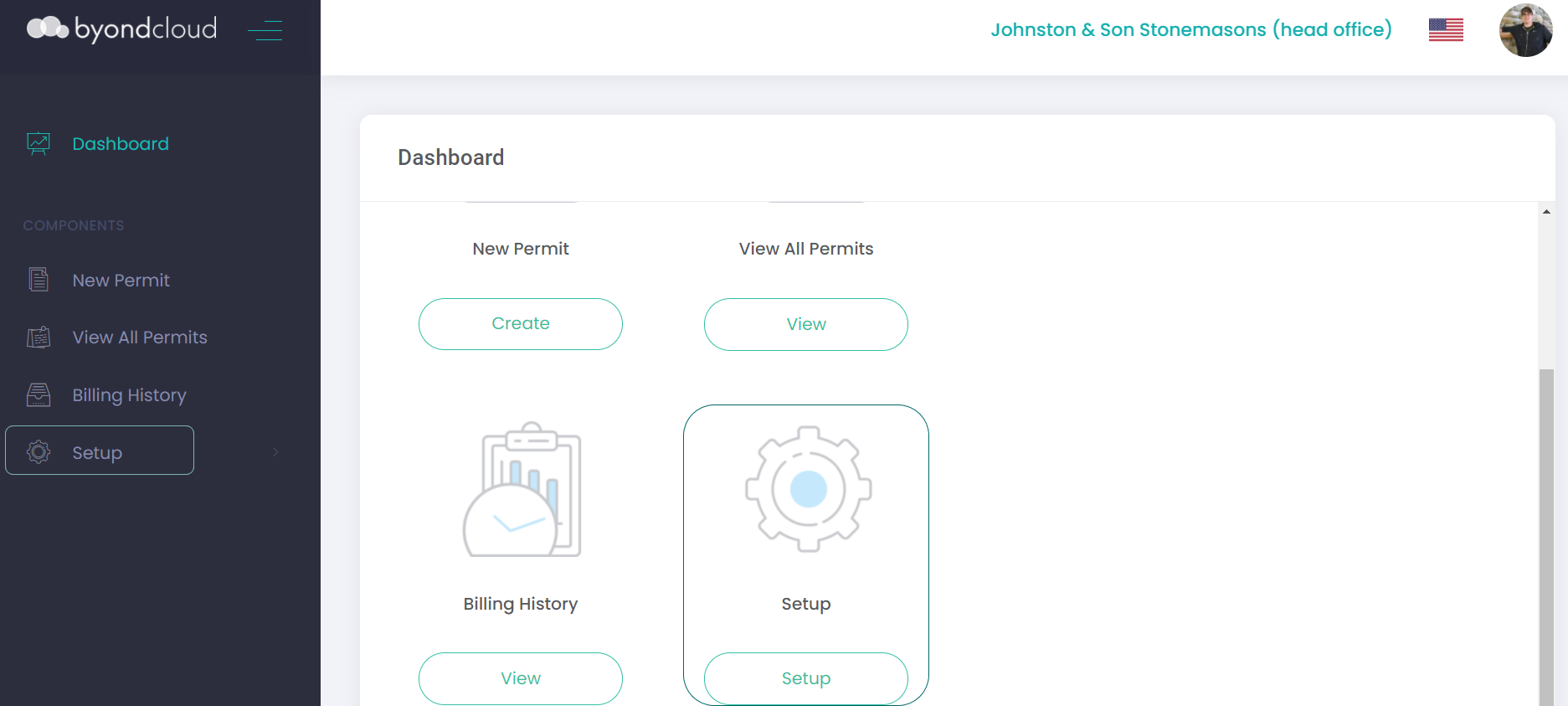
Manage Account / Setup
This section of this guide will discuss global settings used across the below byondcloud applications. Settings under Manage Account which are specific to a product will be reviewed in their respective product headings.
-
RecordKeepr
-
MapMakr
-
Funds Manager
-
Funeral Director Application
-
Proxy Manager
-
Monumental Mason's Application
If accessing the Masons' Application as a mason, this configuration will be listed as Setup.
For information regarding Task Manager, you can go directly to the Task Manager section of this guide.
Users have a few different options under the Manage Account / Setup settings in byondcloud.
To access, click on Manage Account on the dashboard view, or alternatively users can click directly on the side menu and open the sub-set of selections within the header.
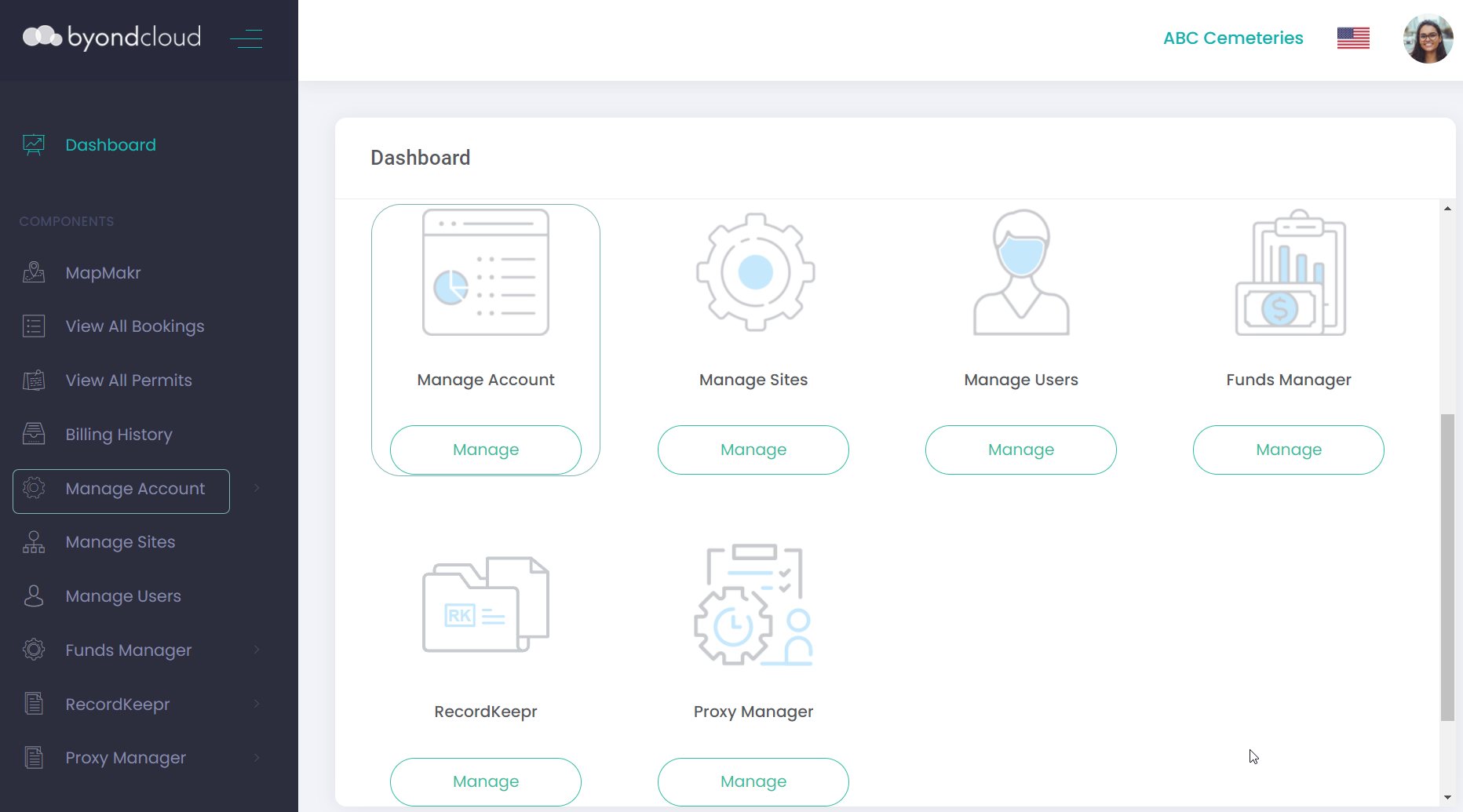
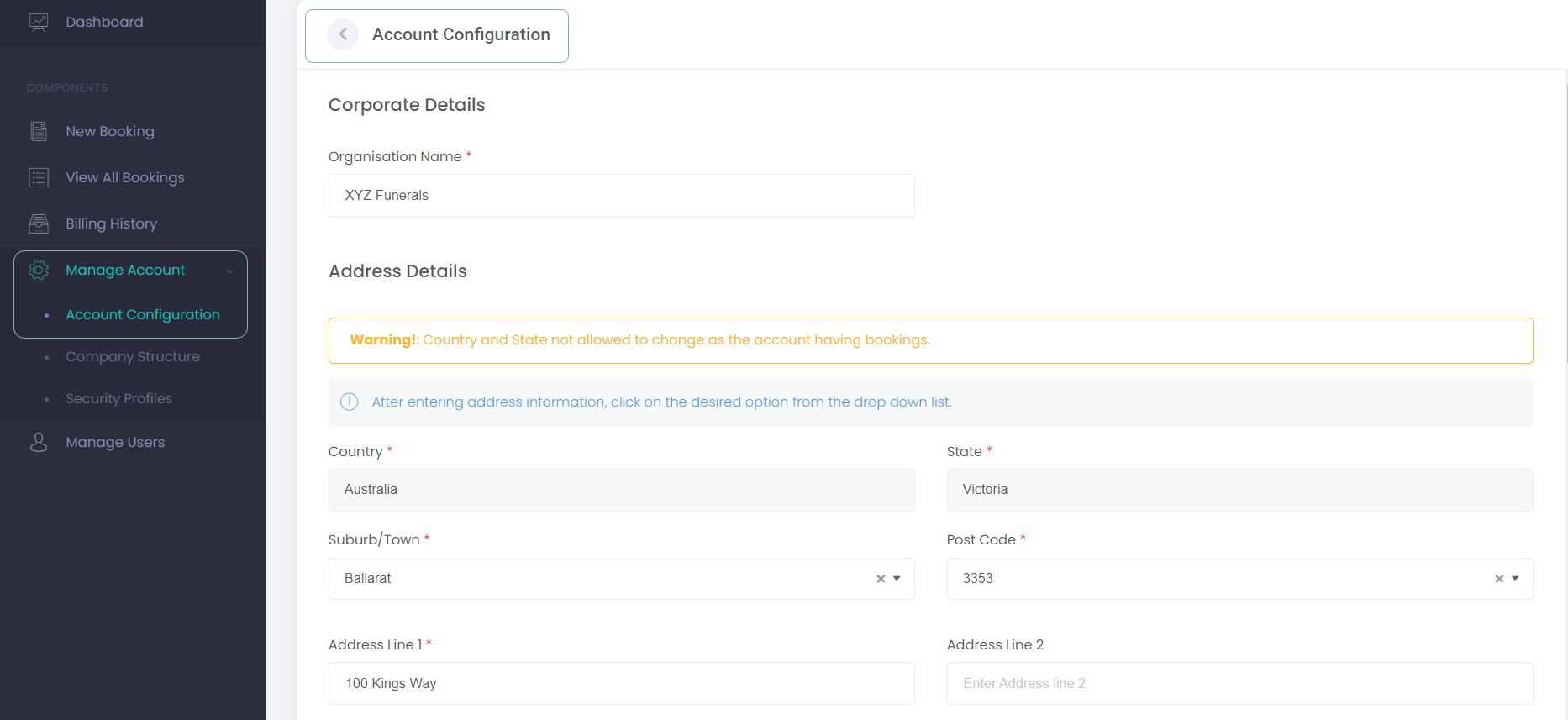
As shown in the example below, the Manage Account on the Dashboard will take you to Account Configuration, where users can review corporate details, whereas the Manage Account on the side menu will display a subset of options applicable to managing the account.
Or as a Mason in the Mason Application, click on Setup on the dashboard view, or alternatively users can click directly on Setup from the side menu and open the sub-set of selections within the header.