Lock Responses
When all responses have been received or the deadline for returning vote slips has passed, it would be time to lock the responses.
Once responses have been locked, any responses added after the fact will be marked as invalid, so it is crucial to make sure this step is only completed once necessary.
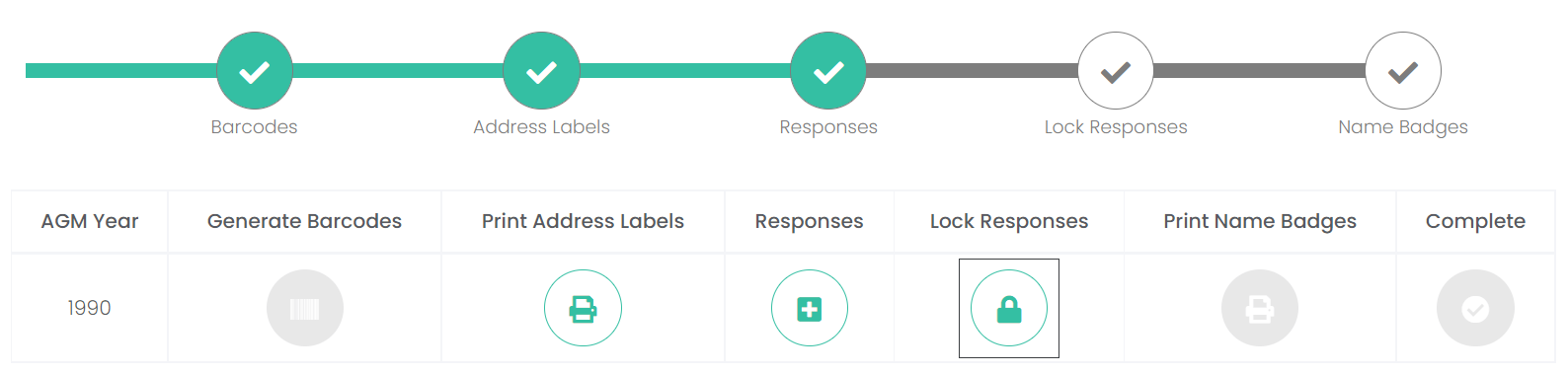
To lock the responses, click on the Lock Responses icon.
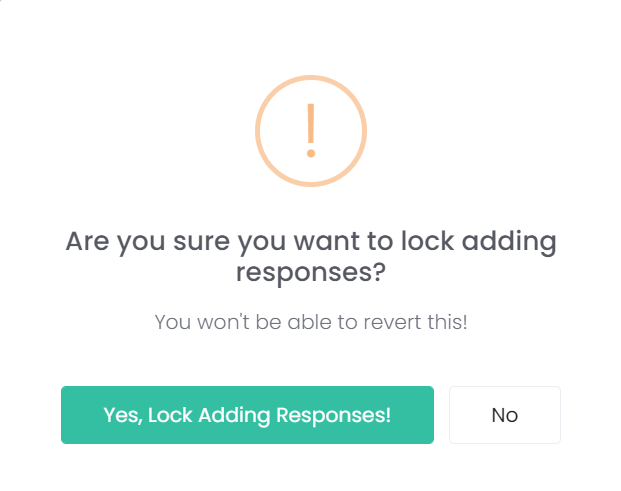
A message will display, asking to confirm that you want to lock adding responses and advises this cannot be reverted.
If you would like to proceed, click the Yes, Lock adding responses! button.
The Lock Responses section of the process timeline has been marked as complete.

You will no longer be able to Print Address Labels on this campaign.

You will now be able to Print Name Badges for those attending the General Meeting.