Job Details
There are three ways to access the Job Details screen:
-
Click the View Details button on the job on the Dashboard screen:

-
Click the blue View action button on the Job Management screen:

-
Click the hyperlink under the Status column on the Job Management screen.This method is only available to supervisor accounts, and will open a version of the Job Details screen that includes a visual pipeline view of the phase.

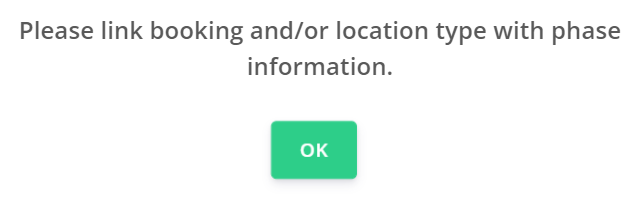
Where no location has been linked to the job or no phase info has been created for the grave type linked to the job, the phases will not populate and the message pictured below will be displayed when attempting to View Details of the job in Task Manager.
Phases and tasks associated cannot be allocated or initiated until the job has a location linked.
There are four tabs to view on the Job Details page:
-
Job Snapshot
-
Job Details
-
Phase Info
-
Assign To