Inventory Availability
Inventory Availability enables you to check what locations are available for sale within a selected cemetery.
It also links with MapMakr in byondcloud, so if you have created a map project for this area, you can upload this map project here.
You can navigate to Inventory Availability either via the side menu or via the Dashboard.
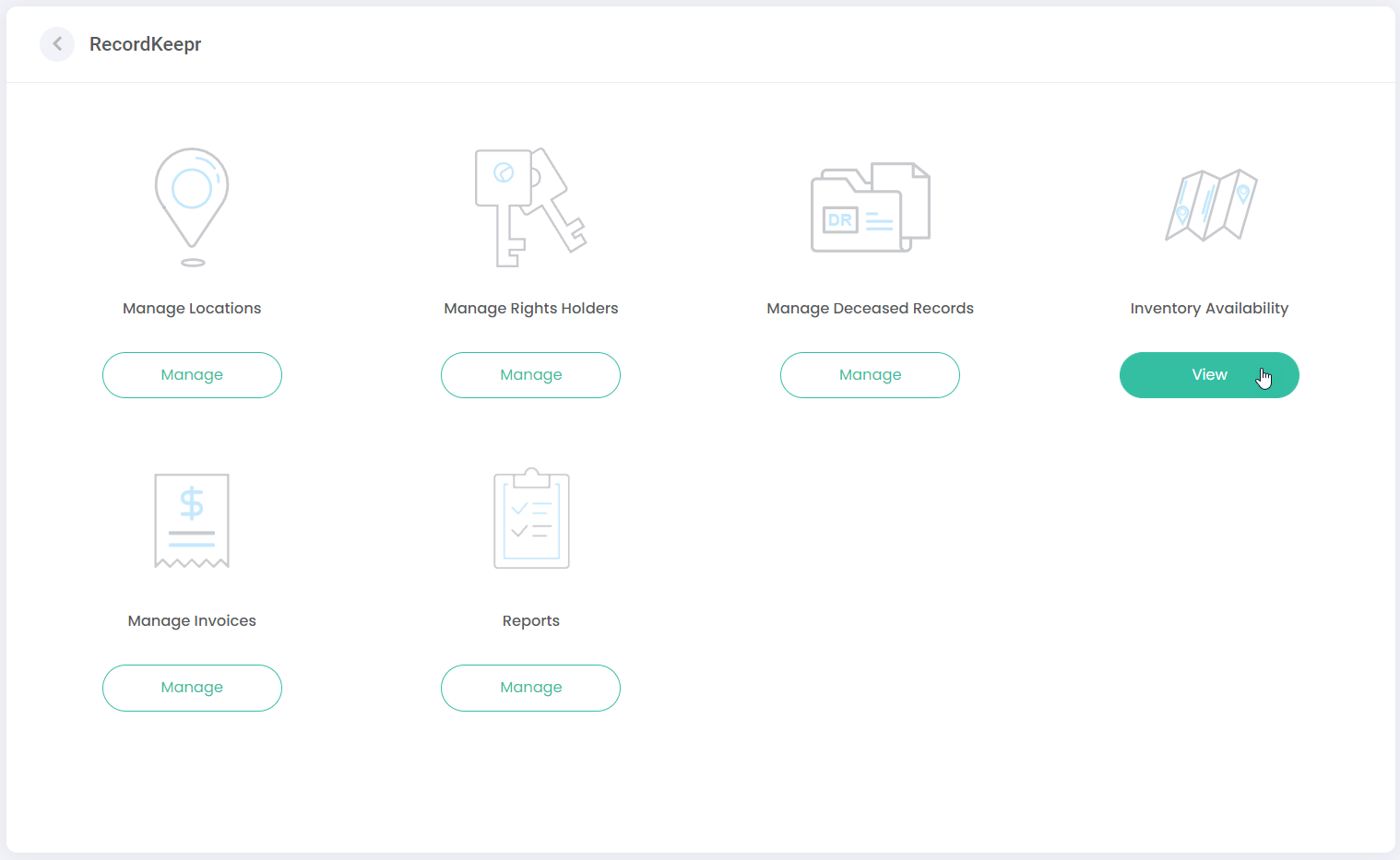
The following screen displays, enabling you to search for available locations:
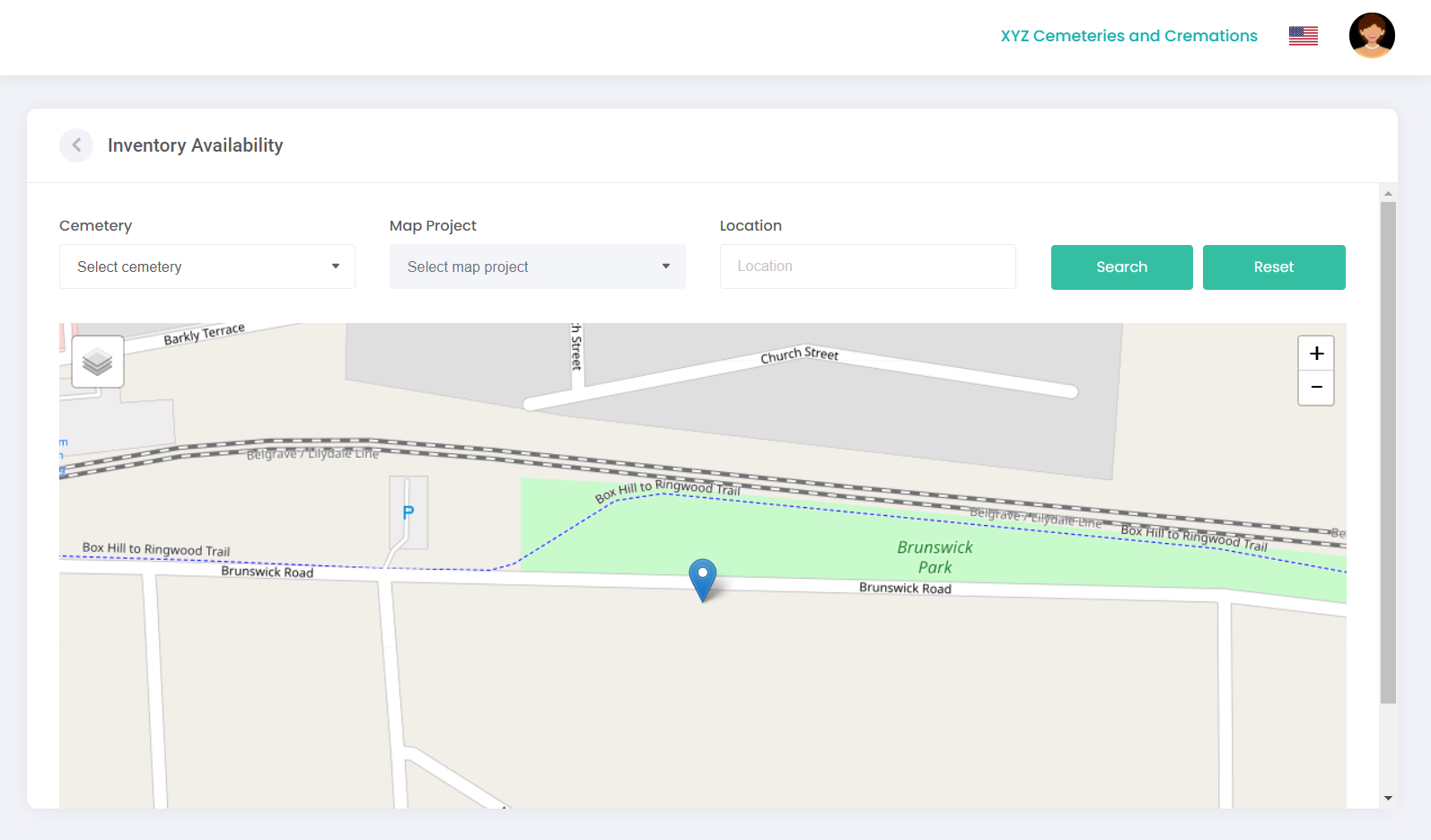
In the Cemetery field, select the relevant cemetery you are searching from the drop-down list.
If you have created a map project for this area in MapMakr, select the relevant map project from the Map Project drop-down list.
Alternatively, enter the location in the Location field.
Click Search.
A map will display, showing blue pins in the locations available for sale:
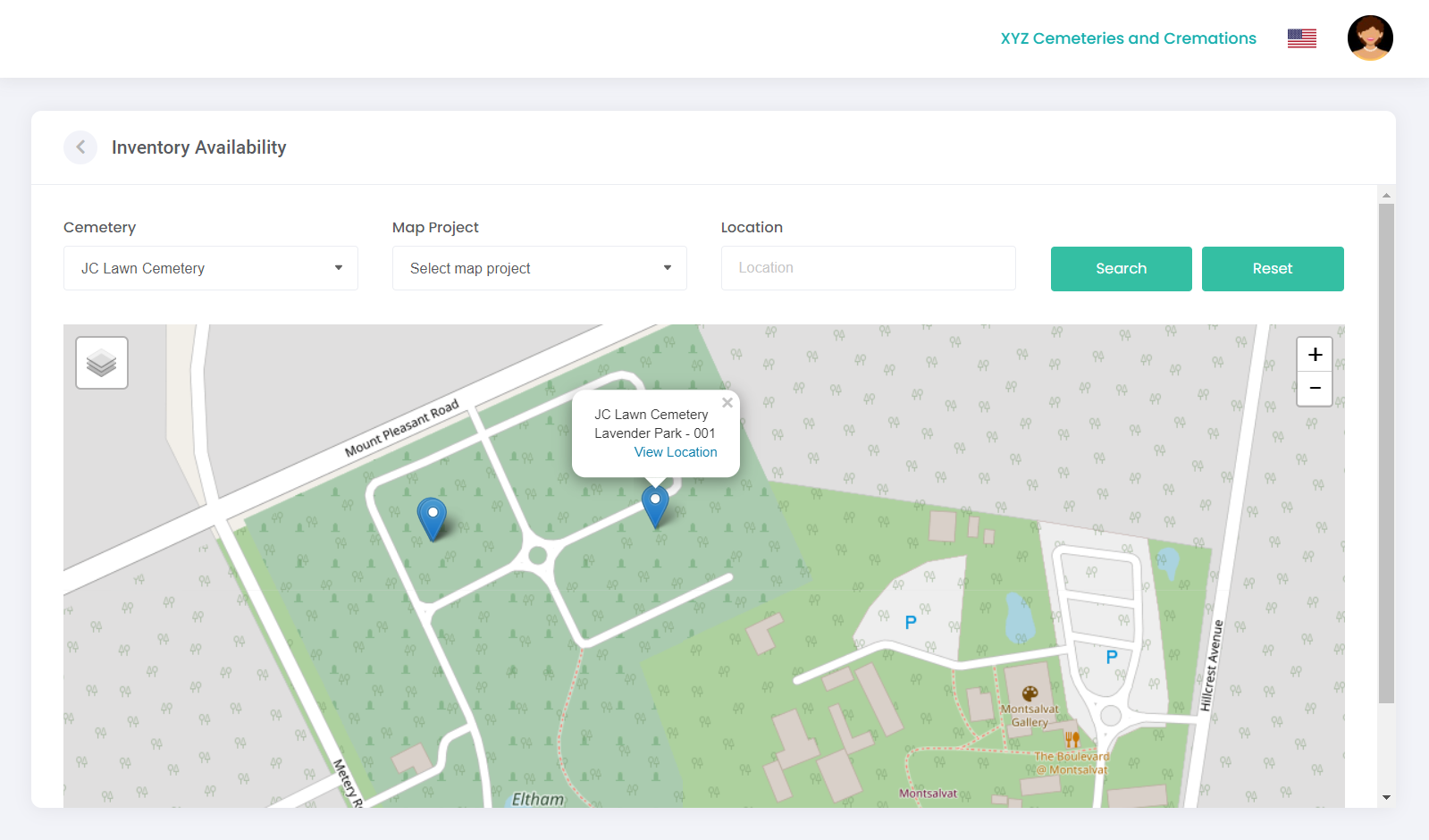
You can click on the blue pins for more information and to view location details.
Use the Reset button to clear the search and start again.