Import Custom Jobs
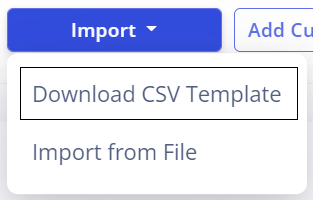
Under the Import drop-down, click the Download CSV Template button.
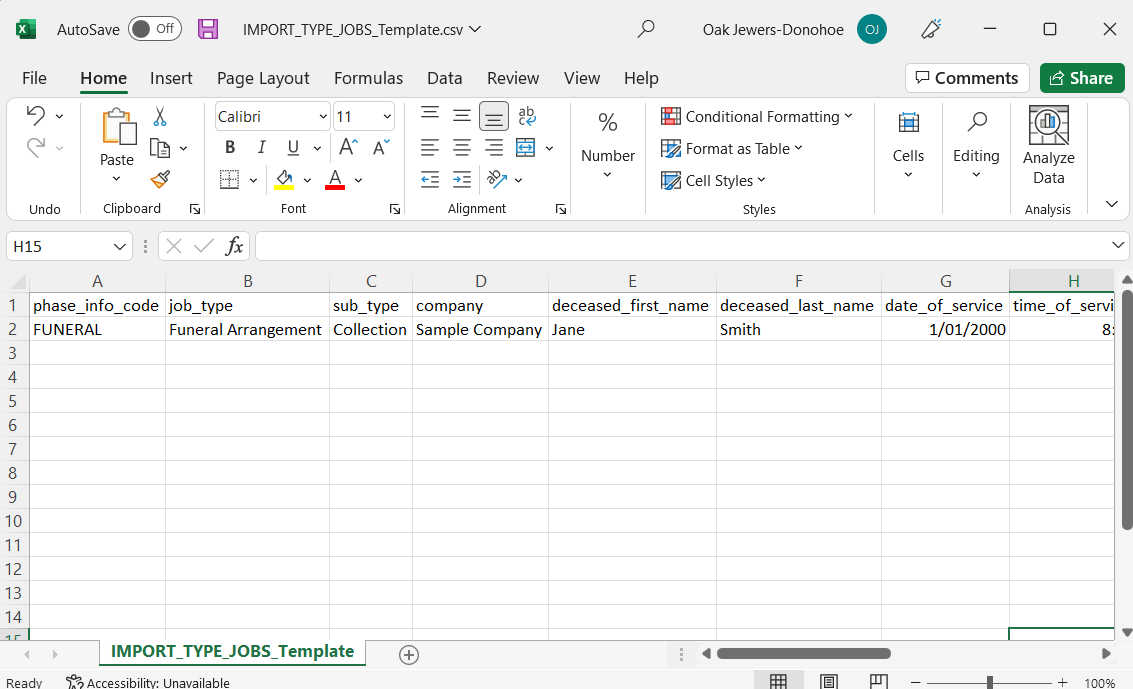
This will provide the following template. From here, all the information about each custom job can be filled out.
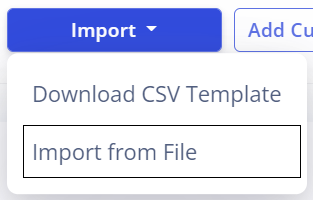
Once the template has been filled, it can be imported back into task manager by navigating back to the Job Management screen. Then, under the Import drop-down, click the Import from File button.
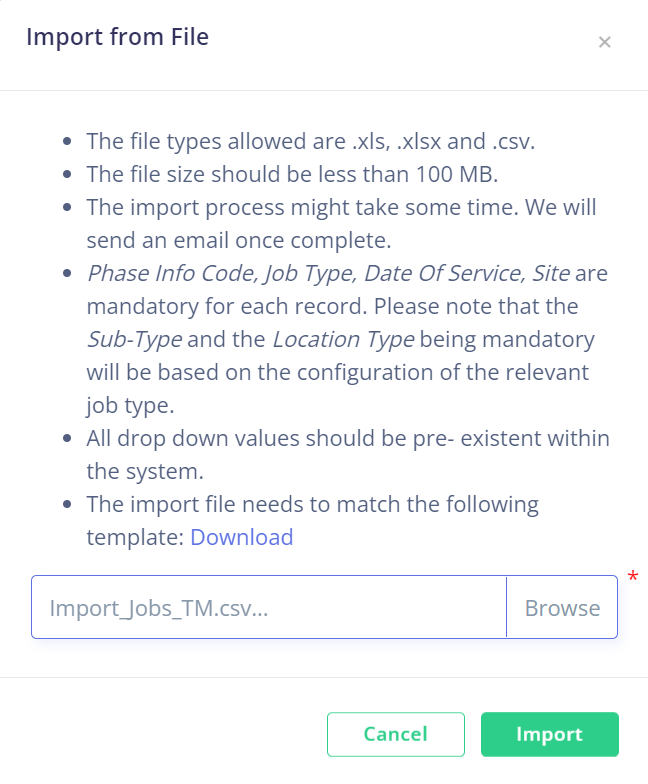
This will open the Import from File pop-up. This pop-up will explain the requirements of the file being uploaded, such as file type and content.
Click Browse to open your device's file browser, then find the completed template and click Import.
The imported jobs will populate in the Job Management screen.