Getting Started
To begin using byondcloud applications, register your business following the steps outlined below.
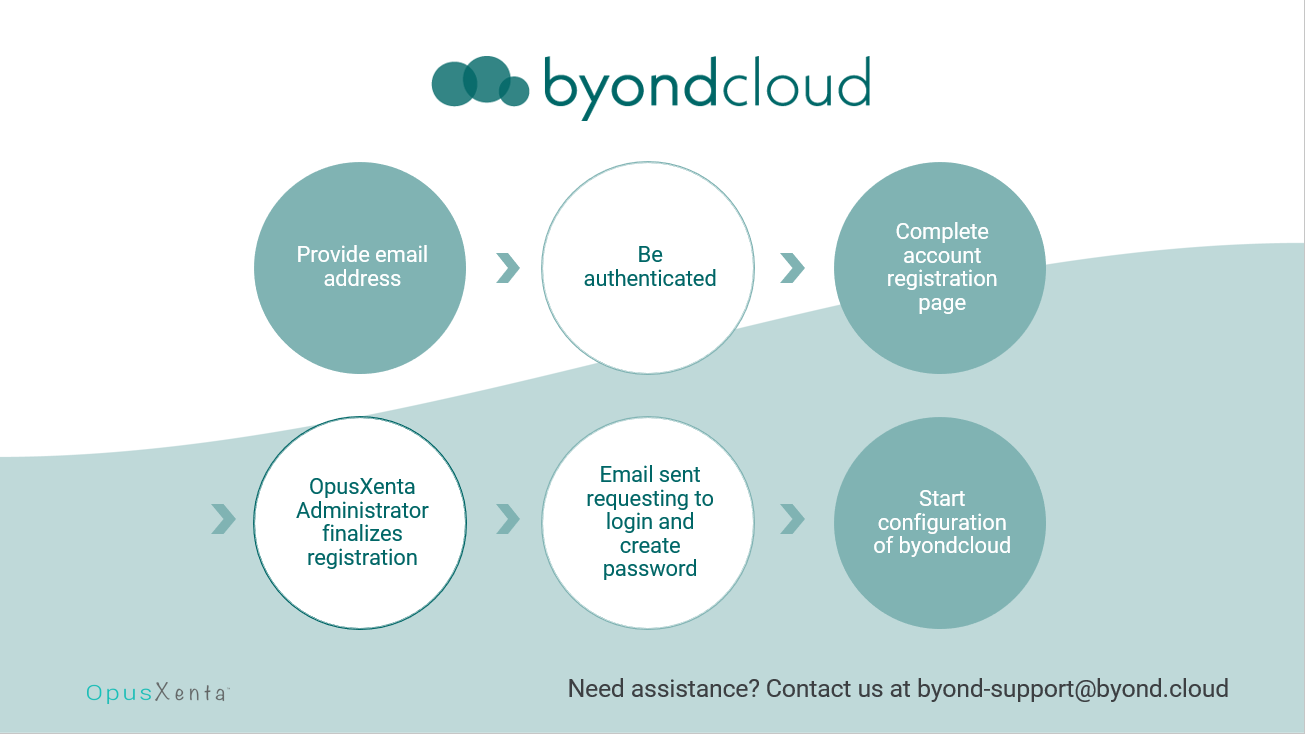
Browse to apps.byond.cloud and send through a request to join.
Provide byondcloud with your email address for authentication.
Complete the account registration page provided.
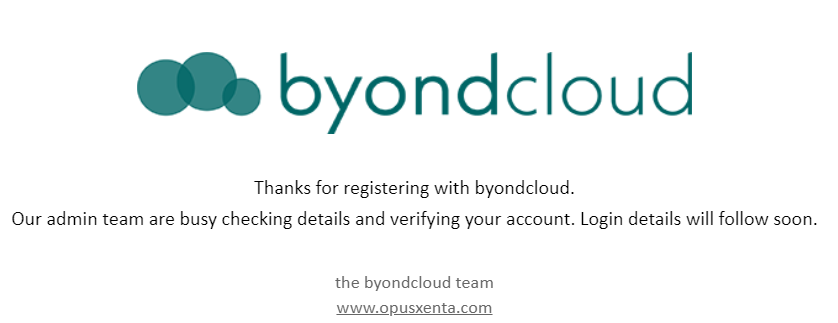
An OpusXenta administrator will verify and provide the link to the byondcloud website via email.
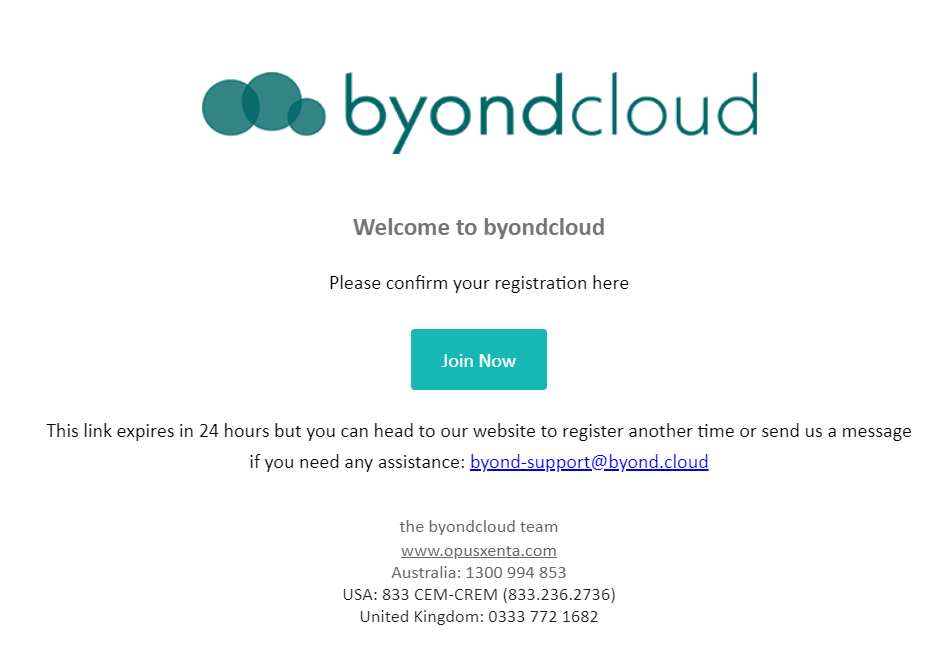
Confirm your registration using the Join Now button.
You will receive an email from byondcloud to login & create your password.
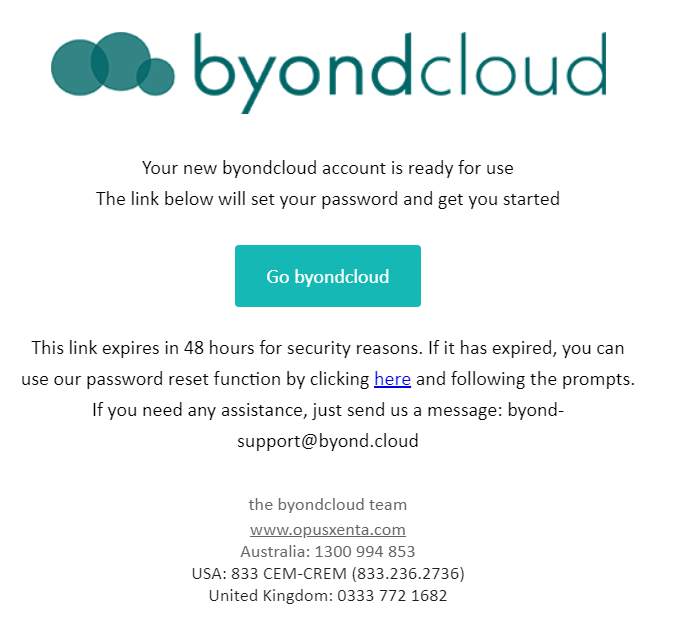
Your business administration account is now ready for use.