Floral Programs settings
The minimum settings necessary to run Floral Programs are the following:
-
connecting Organization Settings to your main Web Domain
-
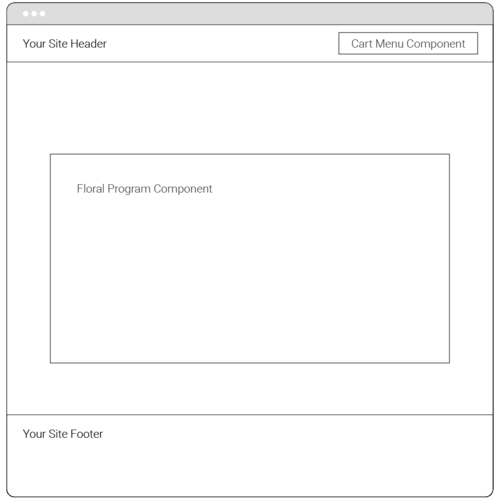
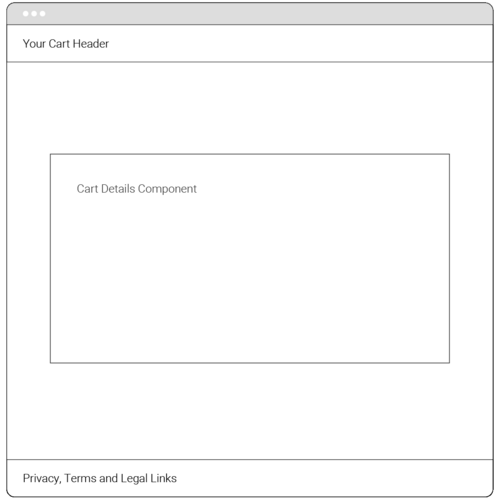
creating two (2) web pages: landing page and cart details, which will be used by the consumers to view the Floral Programs offering and buy products online
-
completing Settings for the three Floral Programs widgets
-
copying and pasting the widgets on the landing and cart pages.
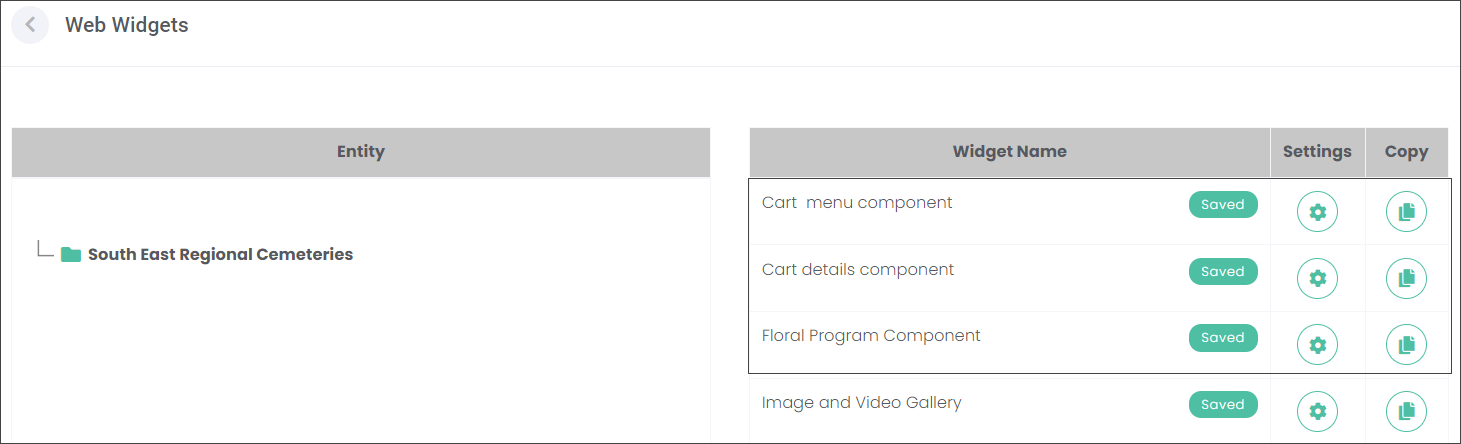
Floral Program Component
Press the Settings gear icon to configure the widget.
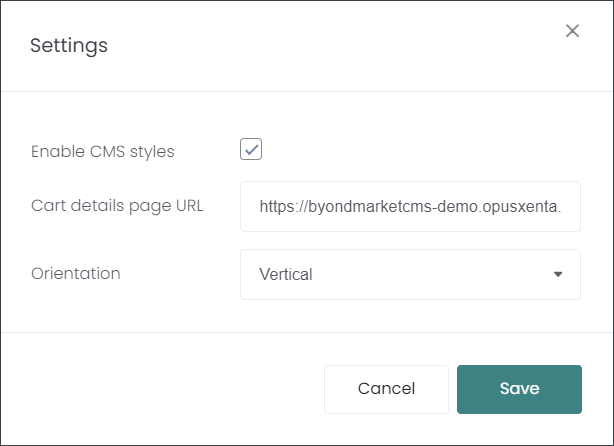
Paste the URL of your cart web page in the Cart details page URL field.
Select the Orientation : Horizontal or Vertical. Then press Save.
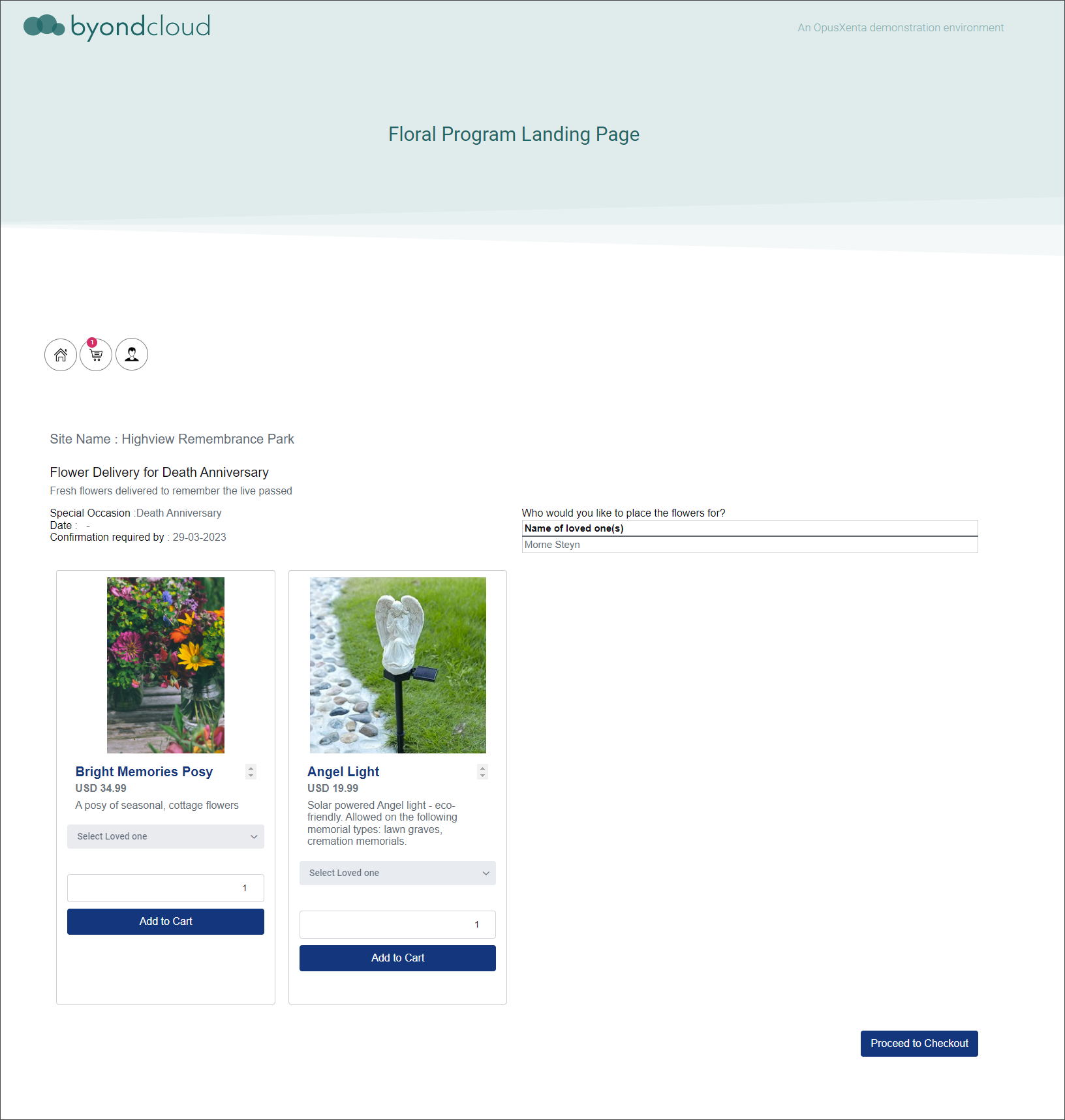
If you select the Vertical Orientation, the products on the page will look like in the example below.
Cart menu component
Press the Settings gear icon to configure the widget.
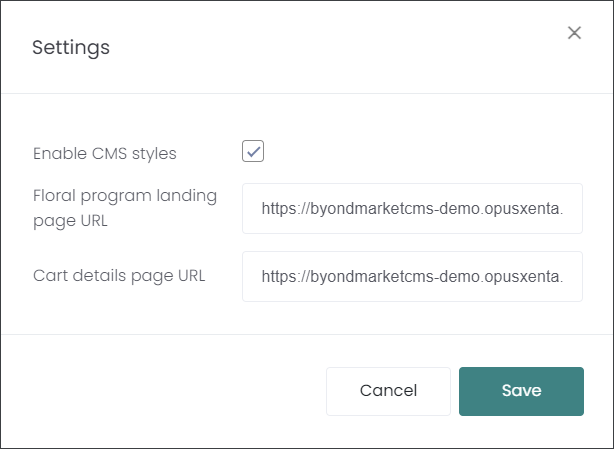
On the Settings pop-up window, you will paste your two (2) web pages URLs -landing page and cart - in the corresponding fields at the top.
Cart details component
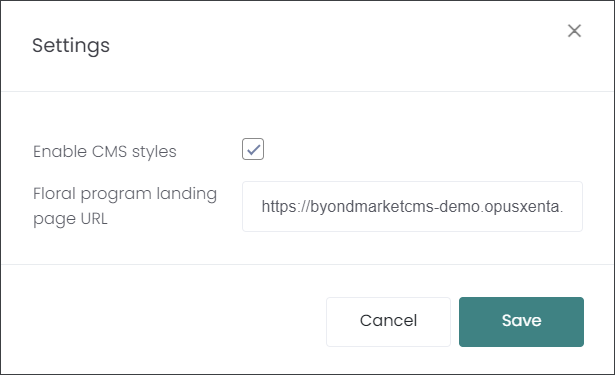
Press the Settings gear icon to configure the widget.
On the Settings pop-up window, you will paste the landing page URL in the text field.
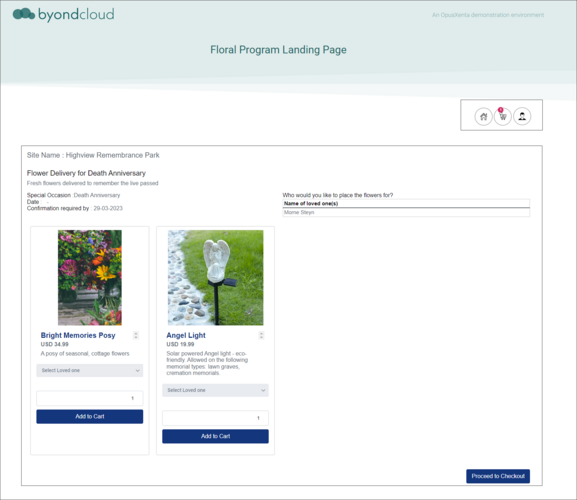
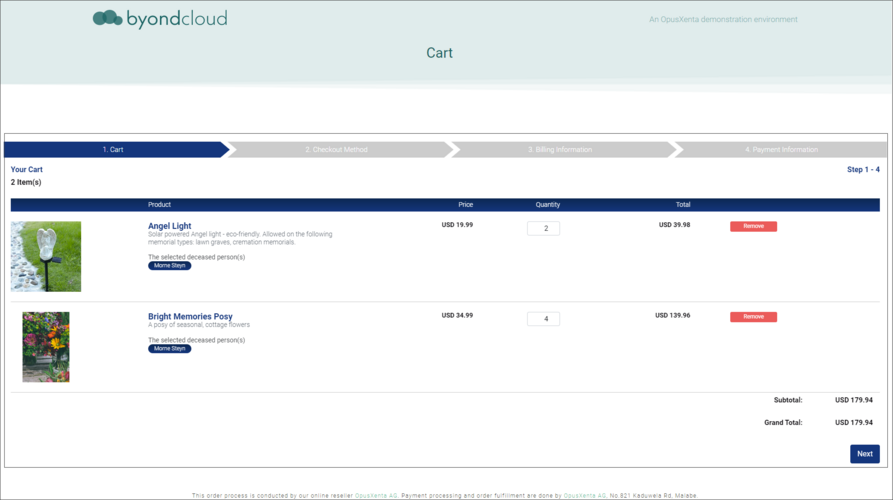
Shown below are examples of a landing page and cart page with corresponding widgets.