Email Templates
Email Templates are used to design the emails that are sent to the contact lists in Floral Programs. This topic will explain how to design those templates using the Email Template editor.
The Email Template editor can be opened from the Dashboard in the Floral Programs ' Configuration screen or through the Side Menu, under Configuration.
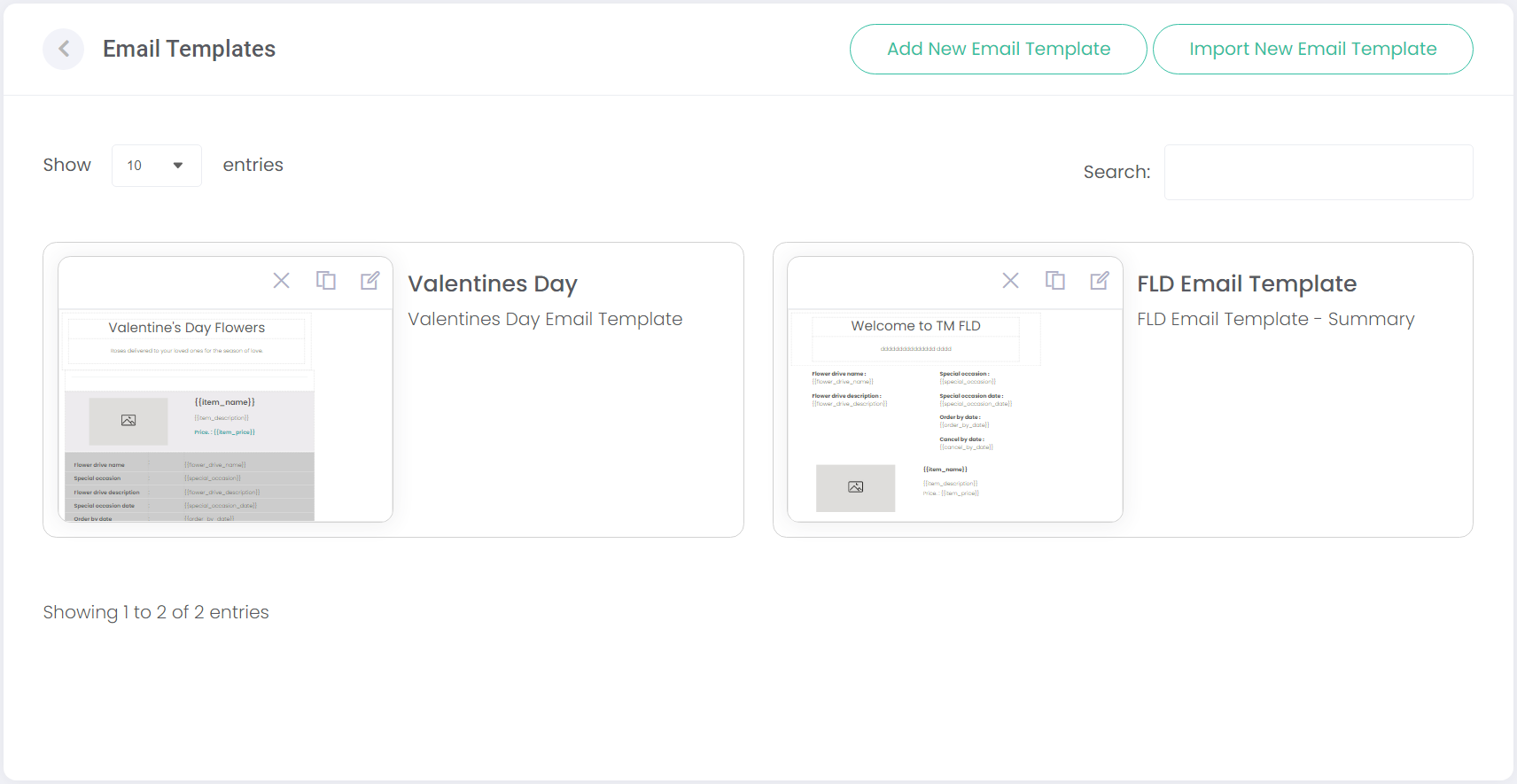
The Email Templates screen will show existing templates, and provides options to add new templates or import templates.
Templates can be deleted, duplicated, or edited with the buttons on the top-left of each template.
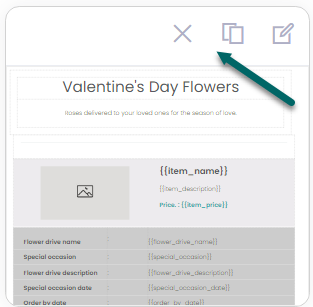
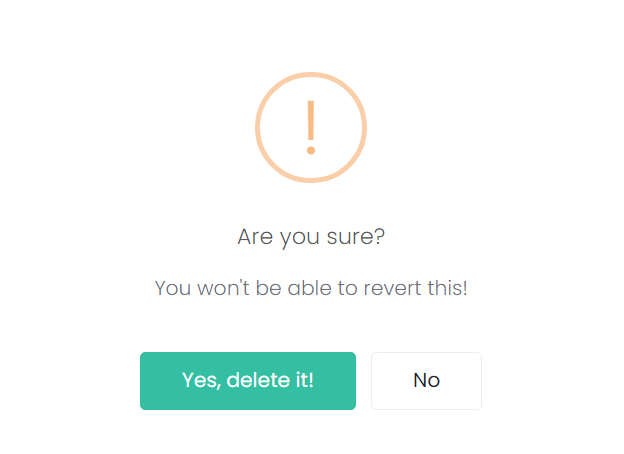
Click the delete button will open the following pop-up, confirming that you wish to delete the template.
Click Add New Email Template to configure a new template.

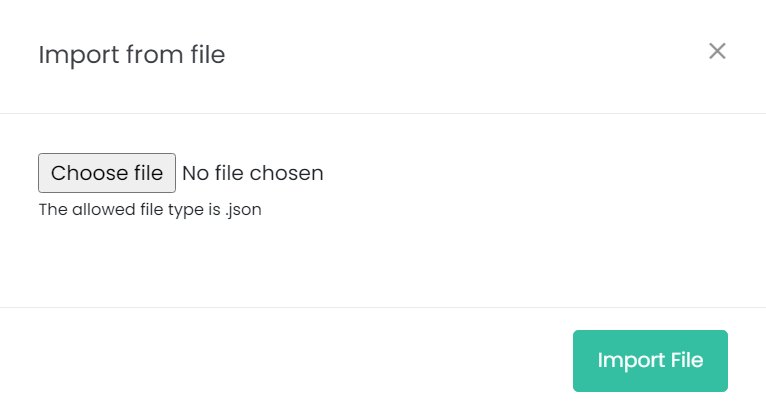
Or, click Import New Email Template to open the Import from file function.
From here, browse your computer for a .json email template file. This allows templates to be exported/imported between byondcloud accounts.