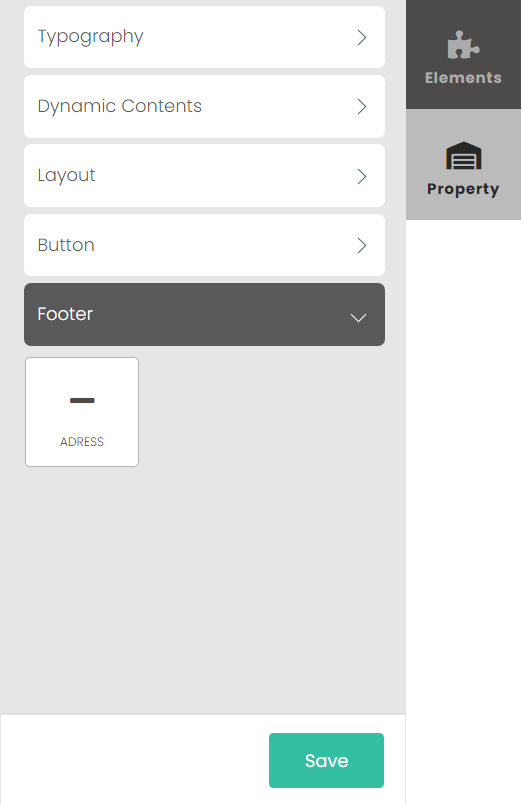
Elements
The Elements tab is where different content, widgets, and text can be selected and added to the template on the left.
The elements are separated into four categories, Typography, Dynamic Contents, Layout, Button, and Address. Each will be explained below.
Typography
The Typography elements are free-text fields, allowing any text to be typed into the template.
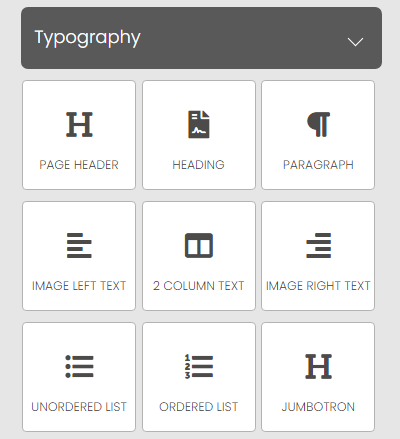
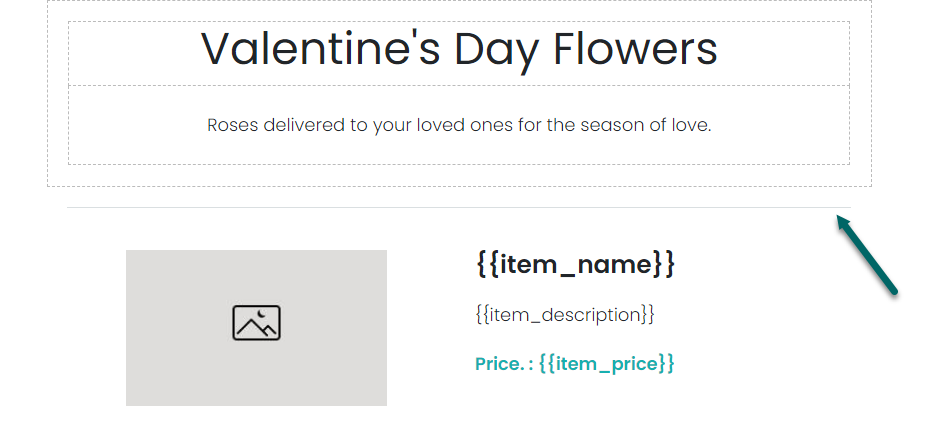
For example, the Page Header has been used below to type "Valentine's Day Flowers" and a small description has been added underneath:

Dynamic Contents
Dynamic Content elements are widgets that have specific and unique functions.
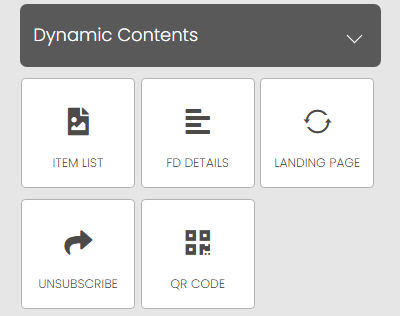
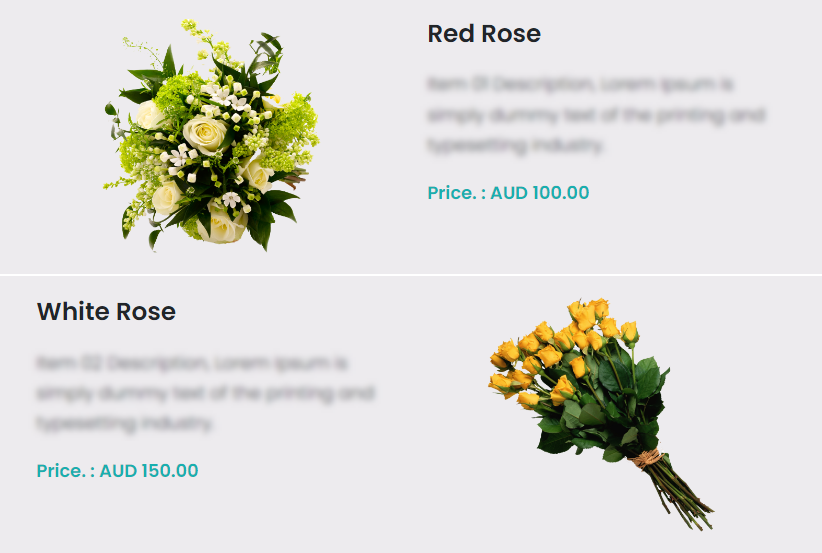
Item List will generate a list of all the items on offer in the associated Floral Program, complete with item names, descriptions, and prices.
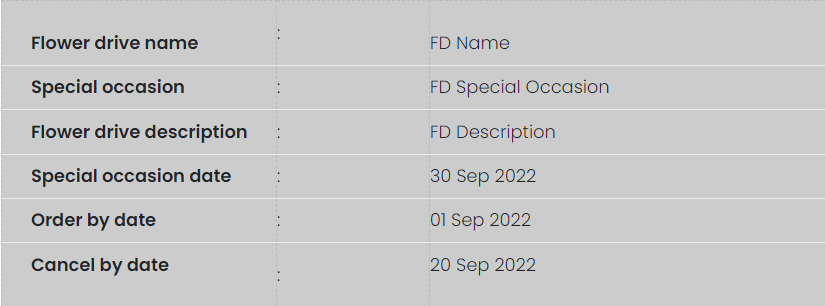
FD Details will generate details about the Floral Program, including the Floral Program name, special occasion, description, and relevant dates.
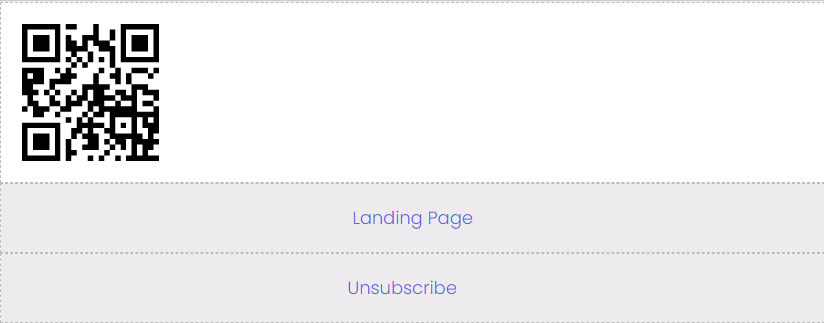
Landing Page will generate a click through link that will take customers to a website landing or sales page.
Unsubscribe will generate a link that allows customers to opt-out of future email marketing.
The QR Code will allow customers to scan the code to be taken to a website or application.
Layout
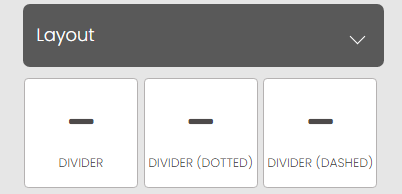
Layout elements give tools to change the layout of the template with dividers.
Button
The Button element creates a clickable button on the email template that can be configured for various purposes.
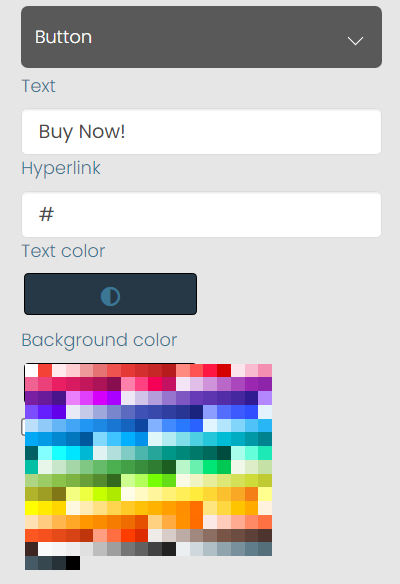
The button's Text, Text Colour, and Background Colour can all be changed. The Hyperlink field dictates where the button will take the user when they click it.
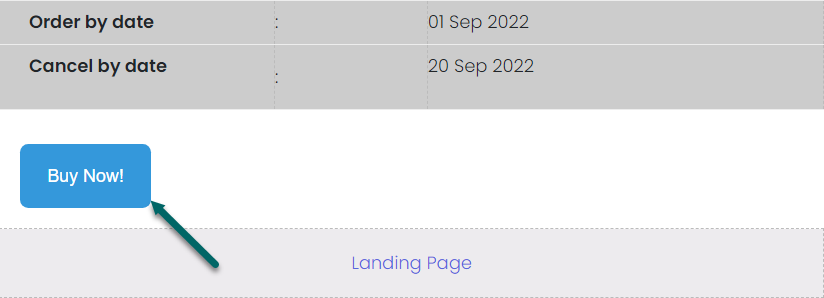
The button on the template is pictured below:
Footer
The Footer element allows an Address to be entered at the base of the template.