Edit Responses
In certain instances, it may be necessary to edit a response. In our example, a customer Katie Peterson, who initially required a Proxy vote, called the office to advice that she will be attending the General meeting with her husband James.
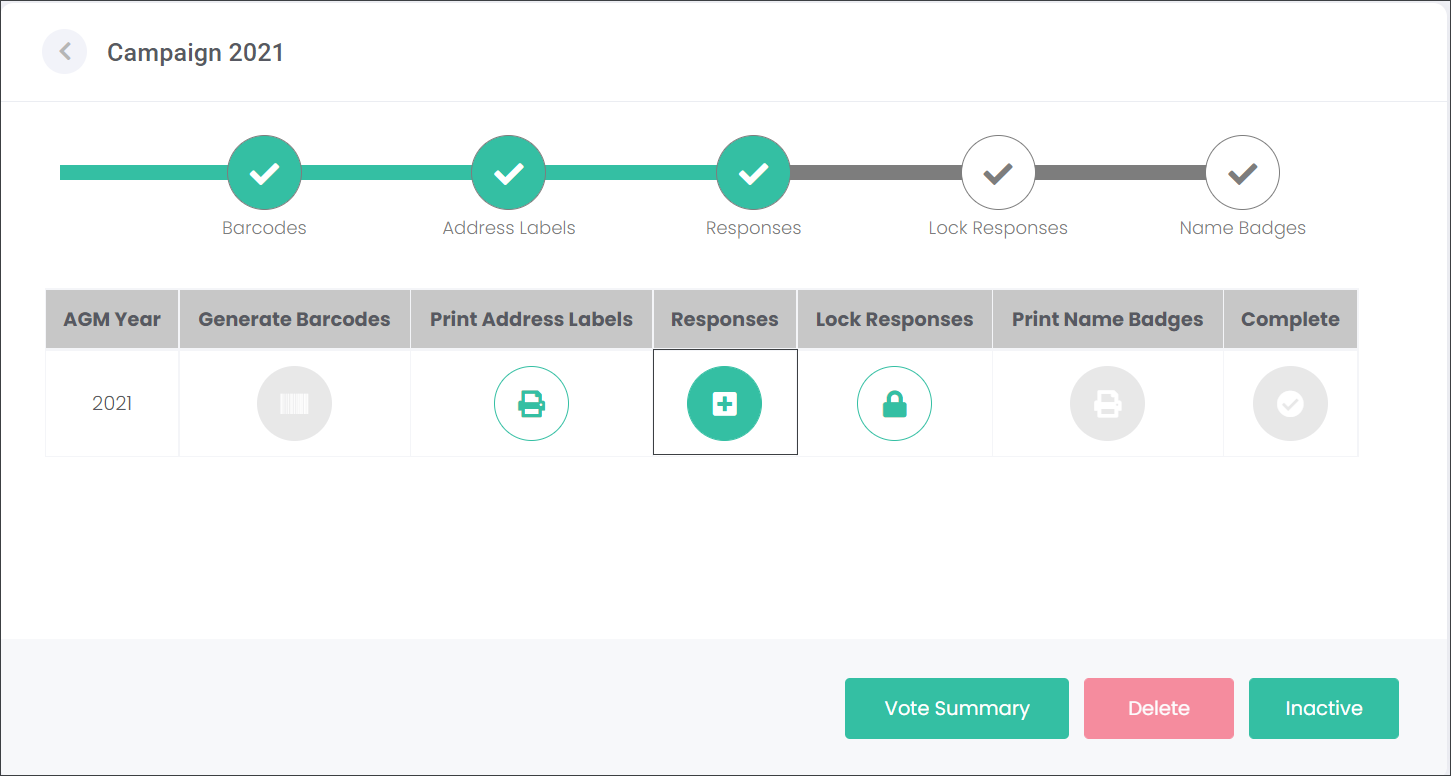
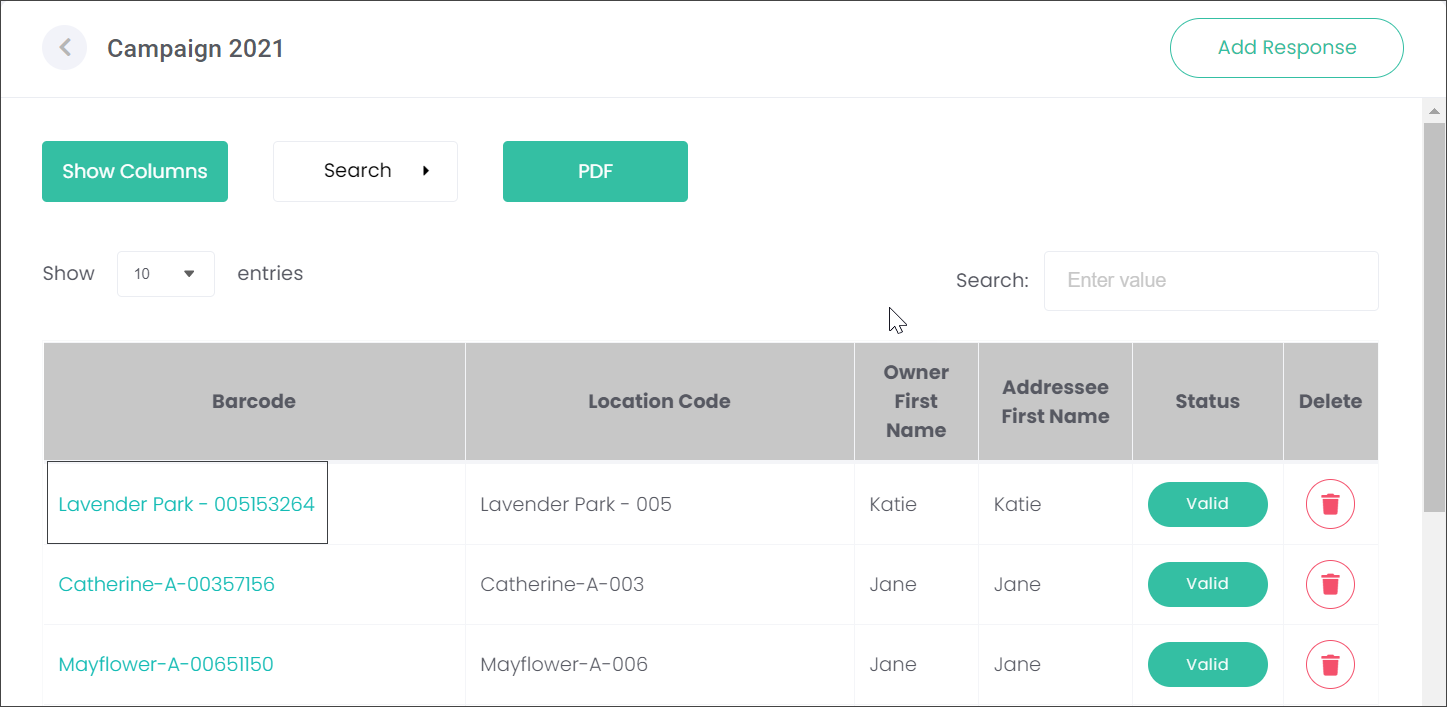
The user can change Katie's response by navigating to the Responses section, locating the response and clicking on the barcode hyperlink.
Locate the response that requires editing and click on the barcode hyperlink.
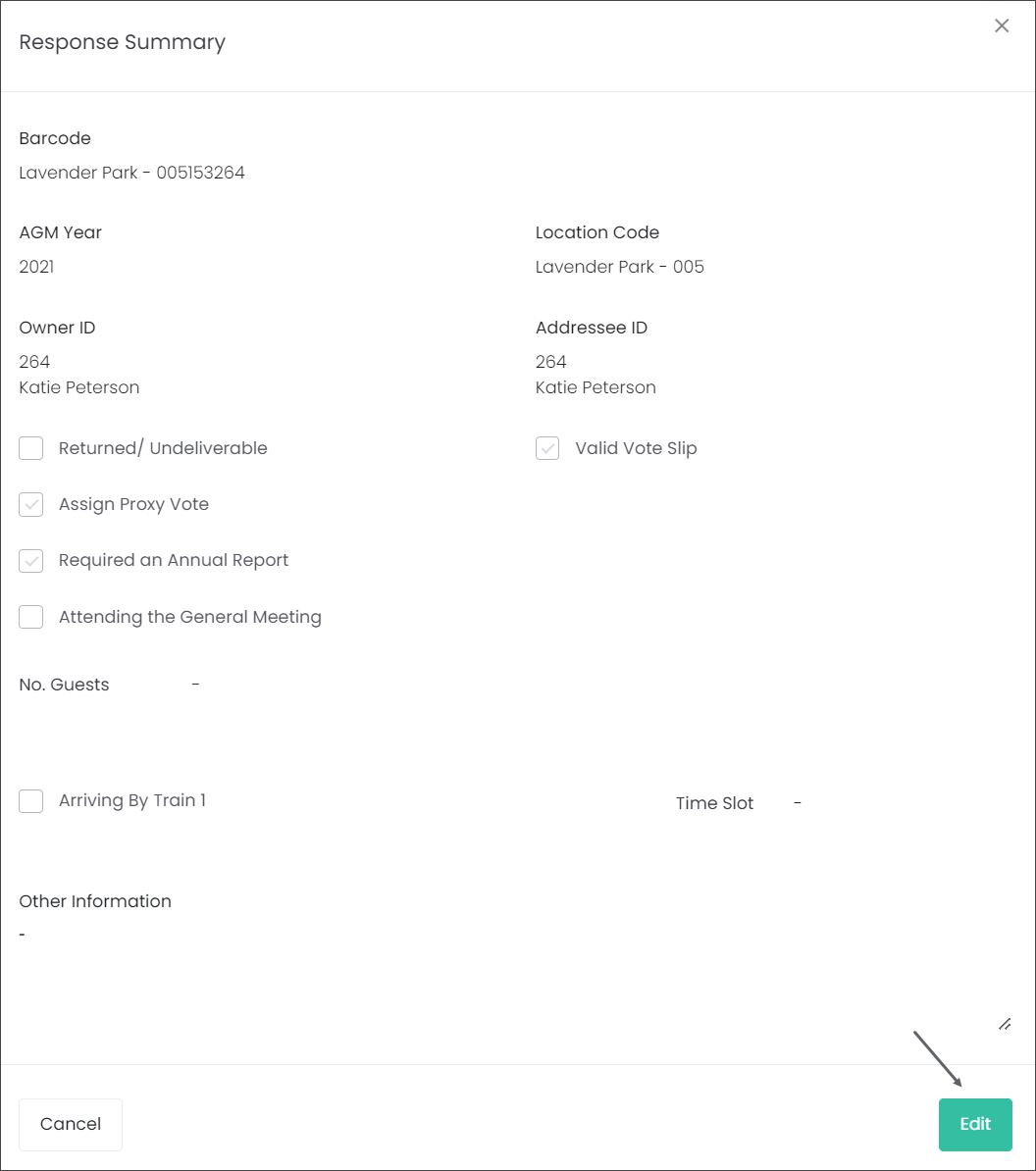
A summary of the response will open up in a pop-up window. On the bottom right-hand side of the page, click on the Edit button to make the changes.
Make any required changes. In our example, Katie will be attending the meeting accompanied by her guest James Peterson.
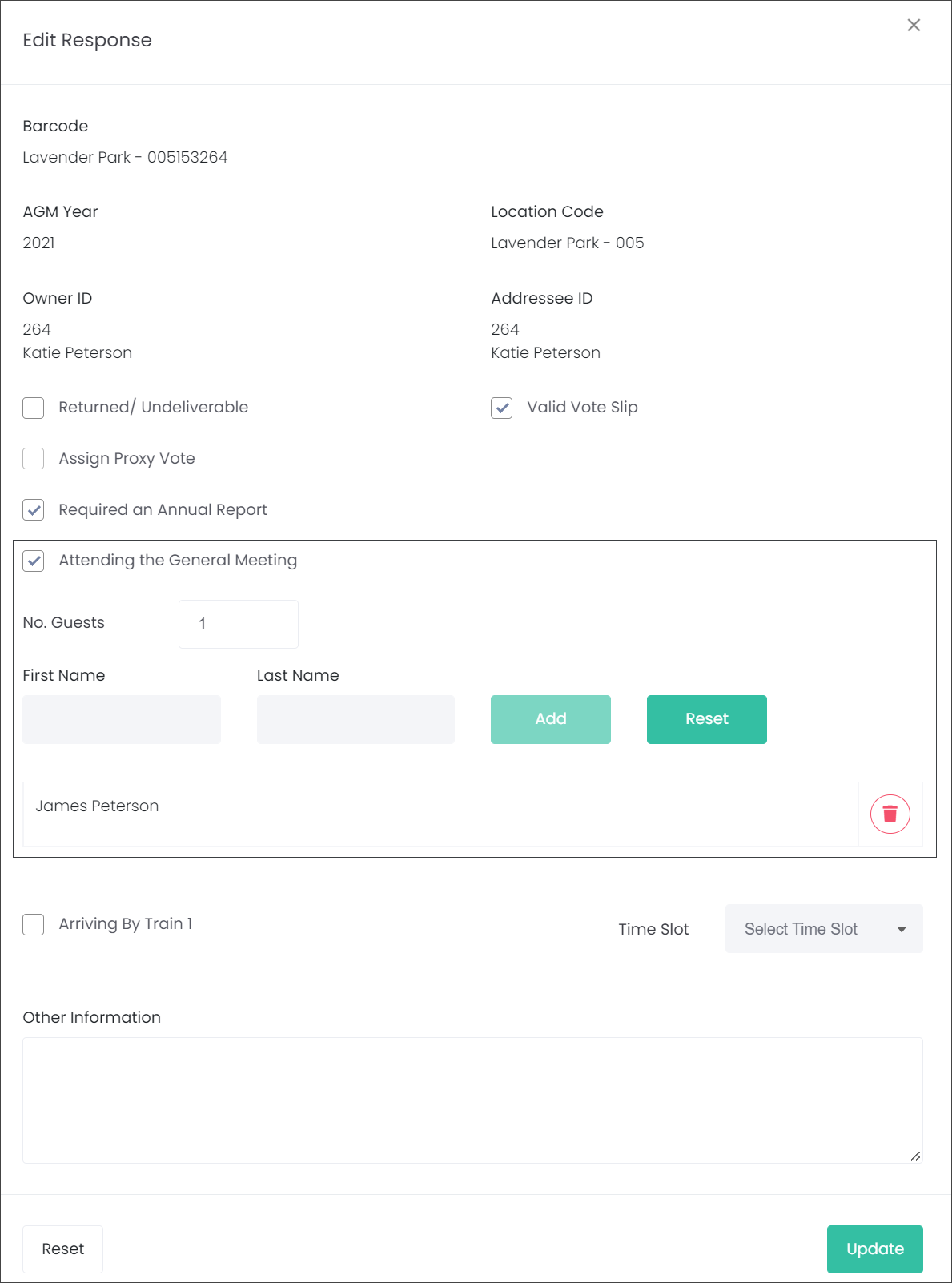
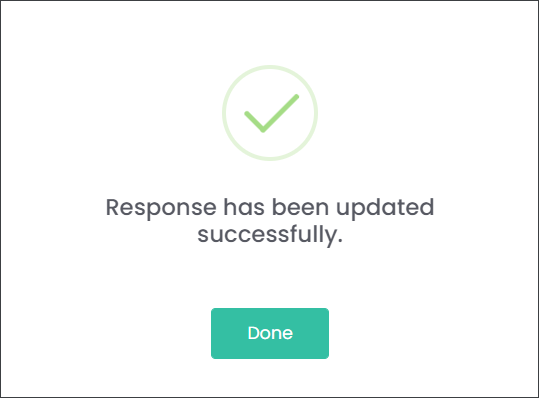
Then click Update on the bottom right corner of the screen.

To reset to the previously saved response, press the Reset button on the bottom left-hand side of the screen.
If changes were made which affect the status, validity, and whether a proxy vote is assigned, these will be reflected in the appropriate fields.