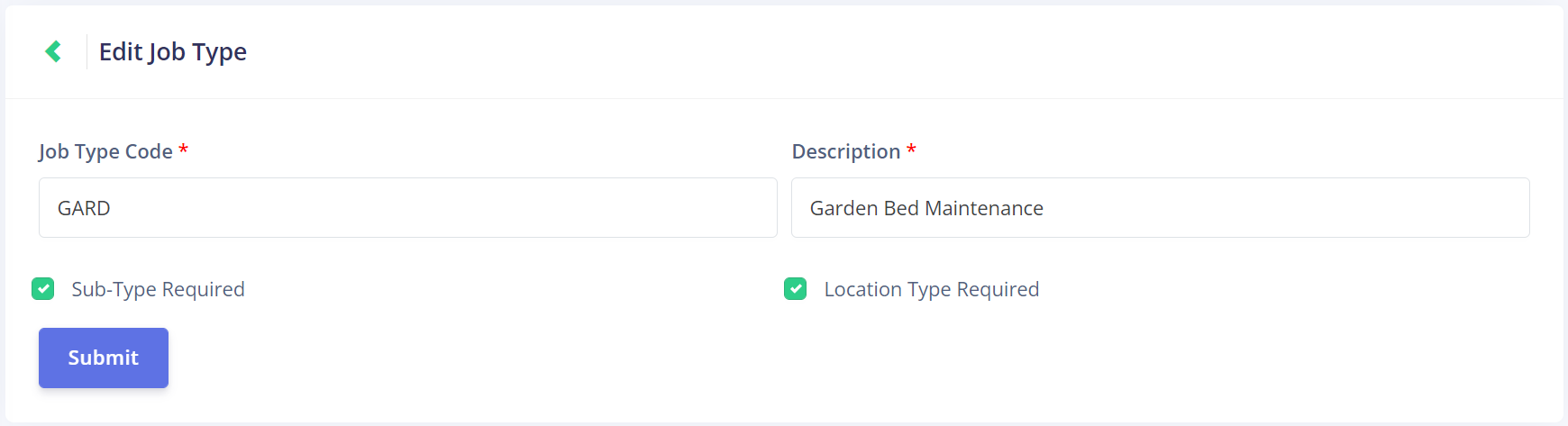
Edit Job Type
Click on the Edit button under the Actions column on the Job Type Management page to open the Edit Job Type page.

This page mirrors the Add Job Type page.
You can change the Job Type Code and Description fields of an existing job type.
You can also re-select whether a sub-type or location type are required.