Edit Custom Job
Click on the Edit button under the Actions column on the Job Management page to open the Edit Job page.

This will allow all the information configured on the New Job screen to be changed.
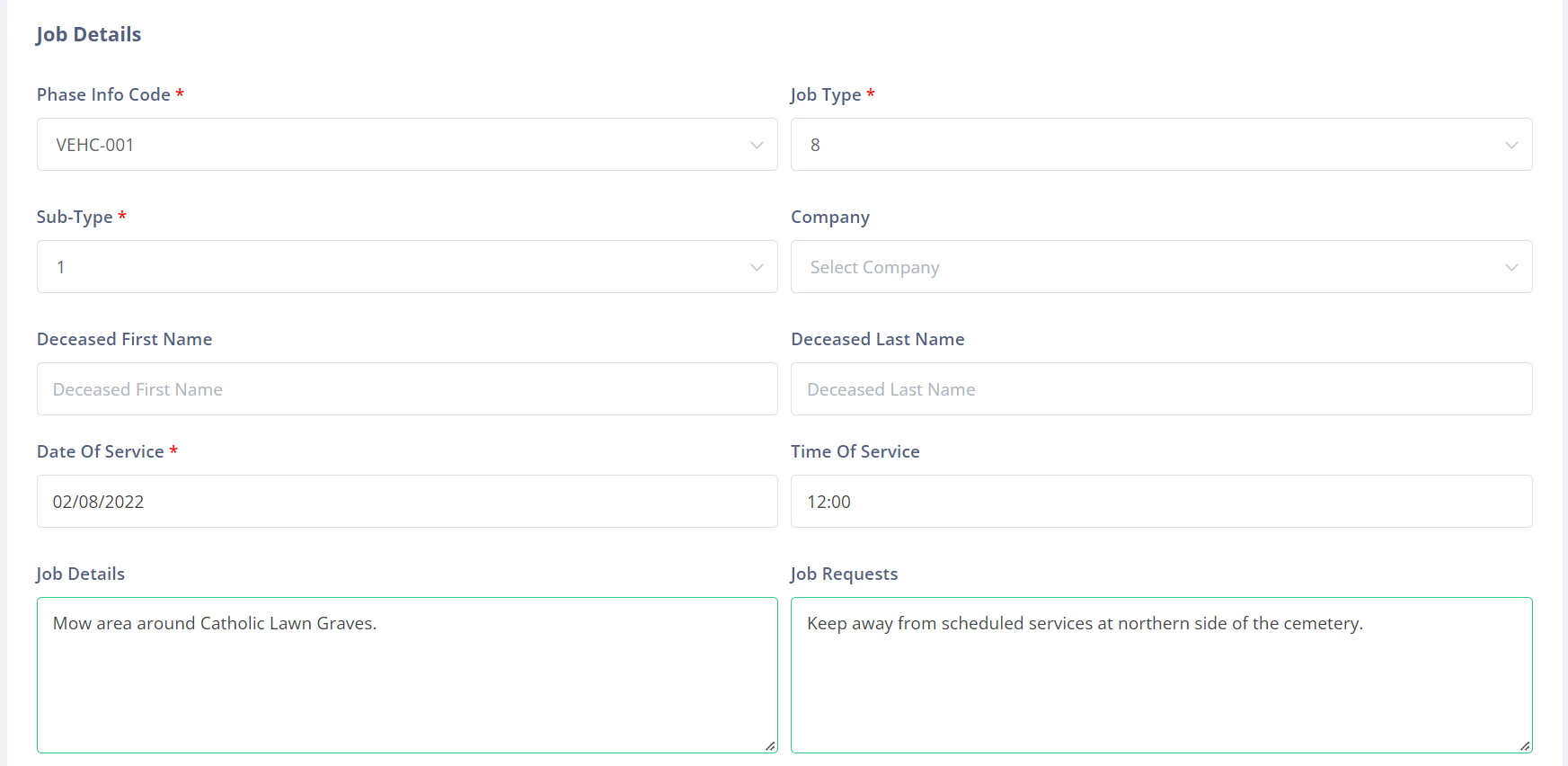
Once the desired changes are made to the custom job, click the Submit button to save them.