Documents tab
In this section, you can attach any relevant documentation relating to the rights holder, such as a Certificate of Entitlement or Tax Invoice.
To add a document:
Click on Add New.
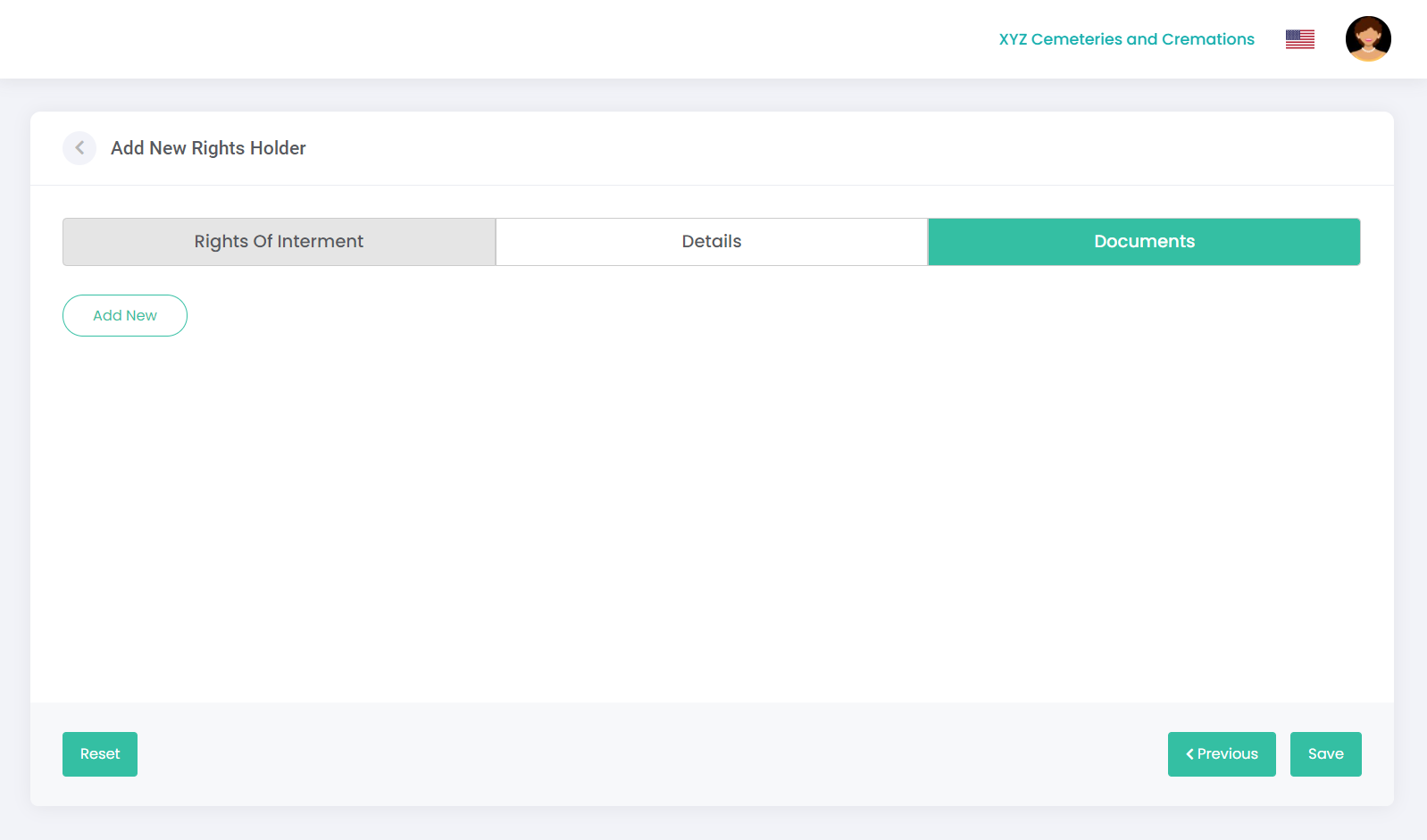
The following screen displays, prompting you to upload any documents:
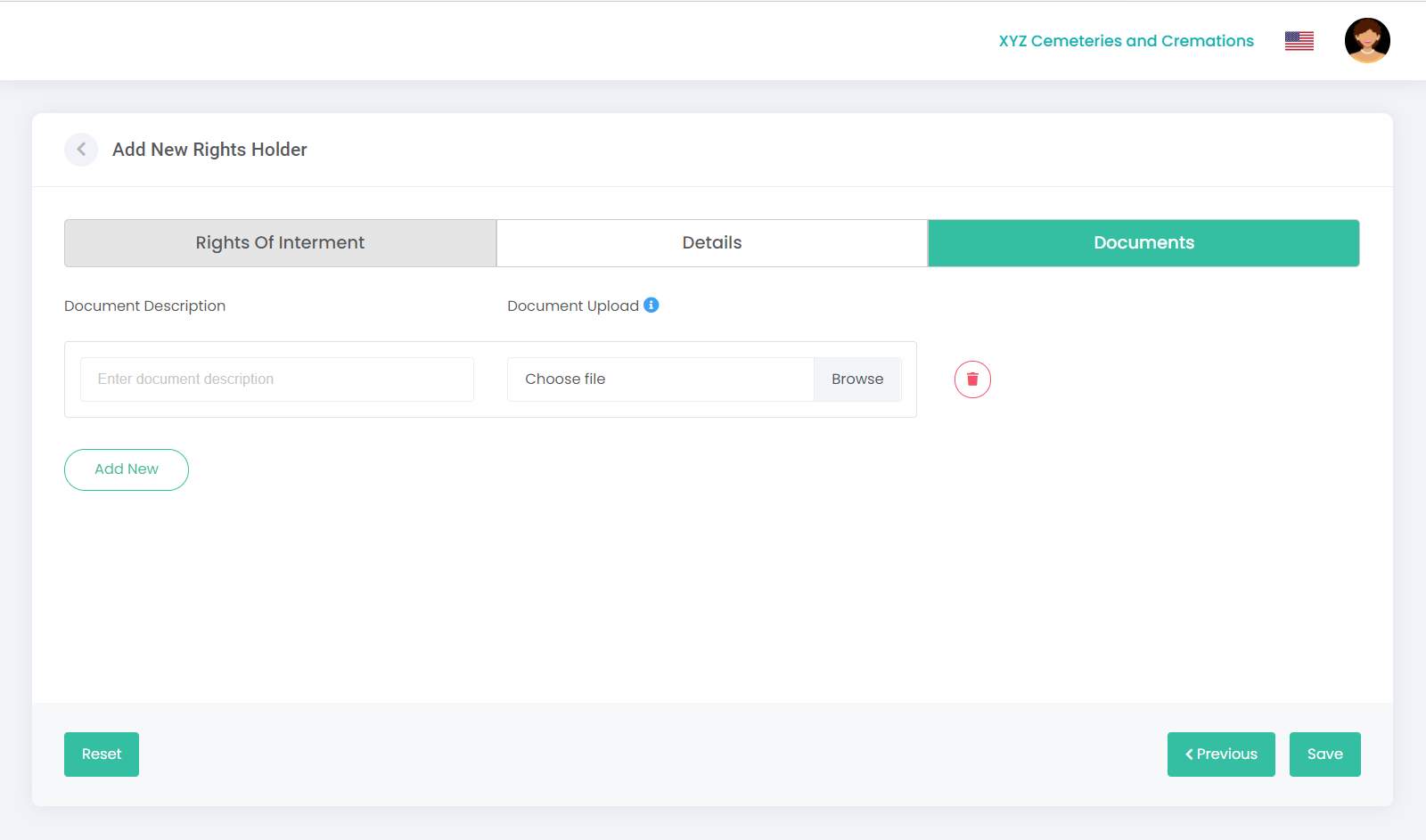
Click on Browse in the Document Upload field to select a file from your computer. Note: The maximum upload is 5MB.
The name of the saved document will display in the Document Description field; however, you can override this by typing in your own description.
To add additional documents, click Add New and repeat the steps above.
Click Save to complete.
Note: If there is an error on one of the tabs (e.g., any missing information), this will be highlighted in red, prompting you to edit and re-save.