Details
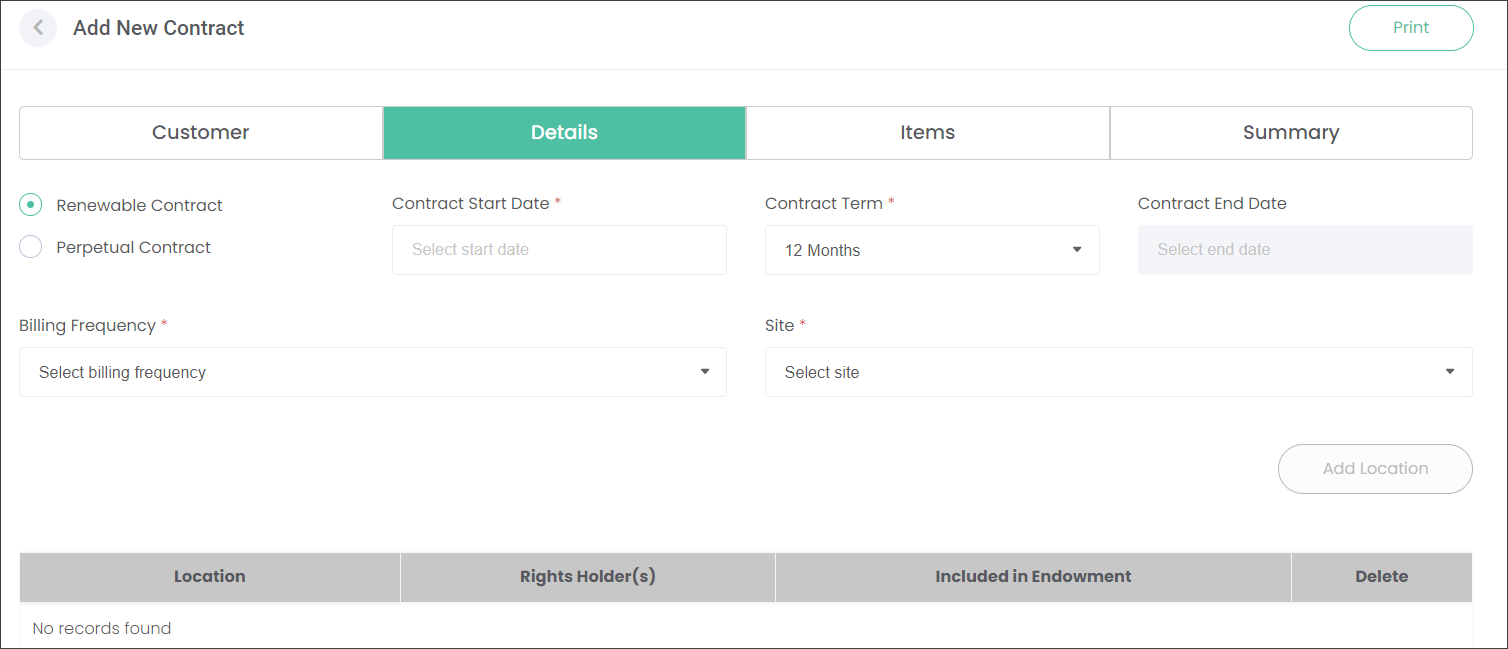
In the Details section, you can specify the terms of the Contract like the Contract type, its duration, and Billing Fequency.
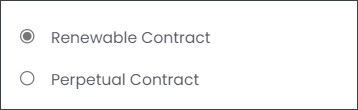
The two circles on the left allow users to establish whether the Care Program is:
-
A Renewable Contract which is valid for a certain time.These can be renewed through a Renewal Program or expire and no more products are provided.
-
A Perpetual Contract which is automatically renewed by the system for perpetuity.Note: Perpetual Contracts can be integrated with Funds Manager and Endowments.
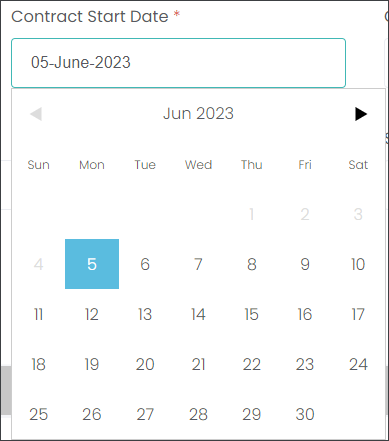
 Choose the Contract Start Date by clicking on the respective field and selecting a date from the calendar.
 Choose the Contract Term by selecting from the drop-down menu.The Contract End Date is calculated based on the selected Contract Term.Note: If the Other option is chosen in the Contract Term menu, the user can manually specify the Contract End Date.
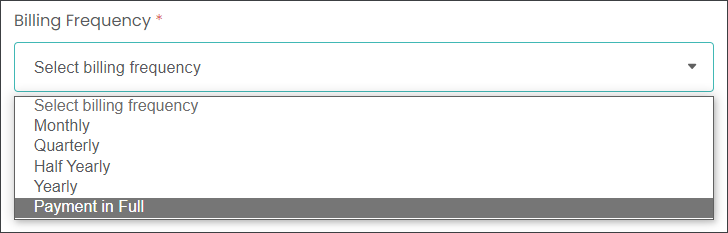
 From the Billing Frequency menu, select when the cemetery will charge a customer for the program delivery.The users can also choose the Payment in Full option.
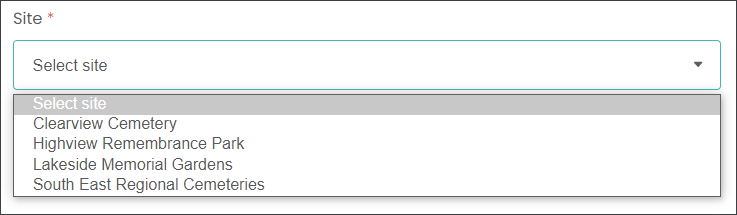
 Select the Site where the program will be delivered. Note: The Site selection influences what the Care Program Type and Items will be available to add to the new Contract.
 Press the Add Location button to choose which individual location will be included in the new Contract.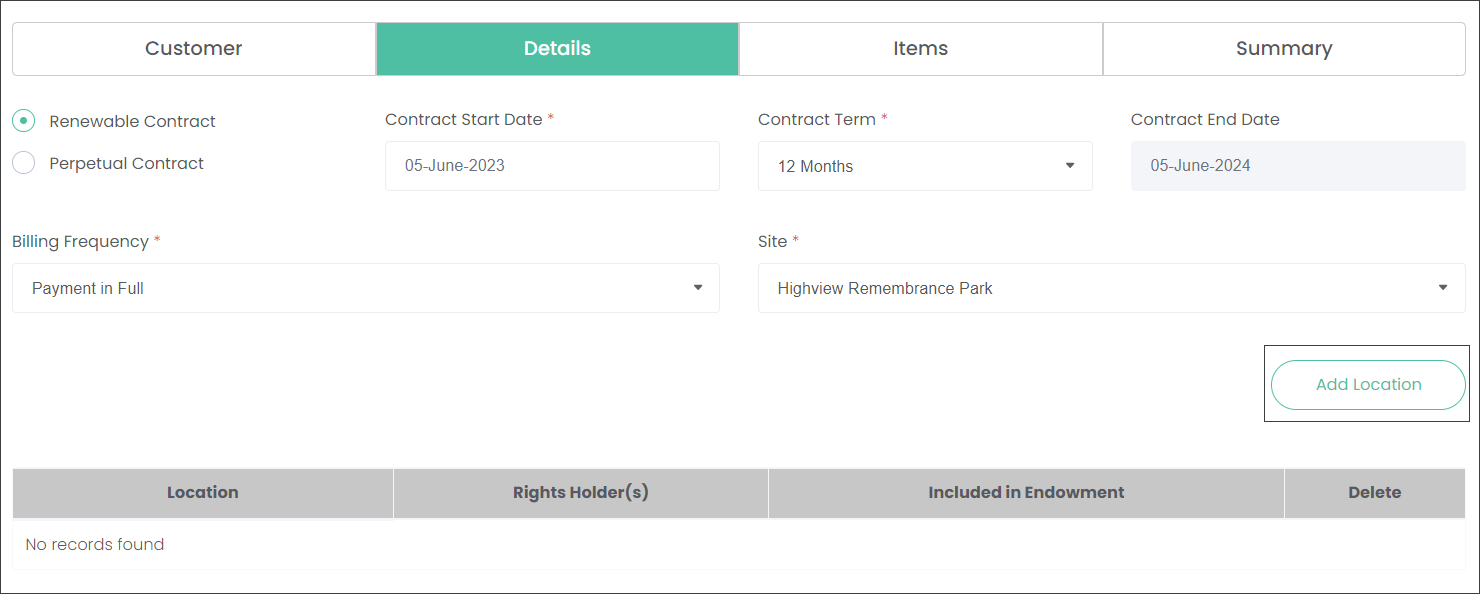
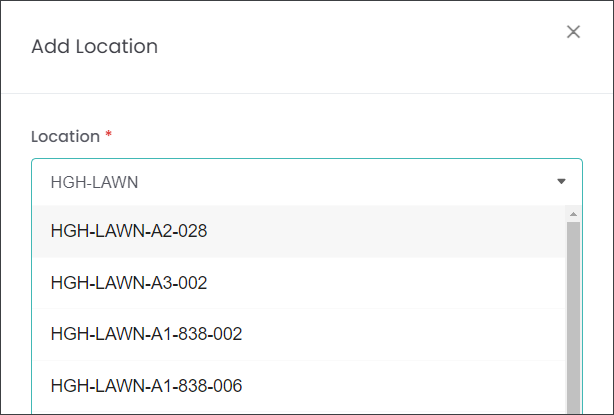
In the Location field type in a location code or select from the available list, sourced from RecordKeepr.
When you select the designated location, the system auto-populates the Holder of Right. In our example, Sebastian, Kylie and Amber are joined Holders of Right for grave 006 in the Lawns area.
The Included in Endowment tick box flags the record as a part of an endowment program.
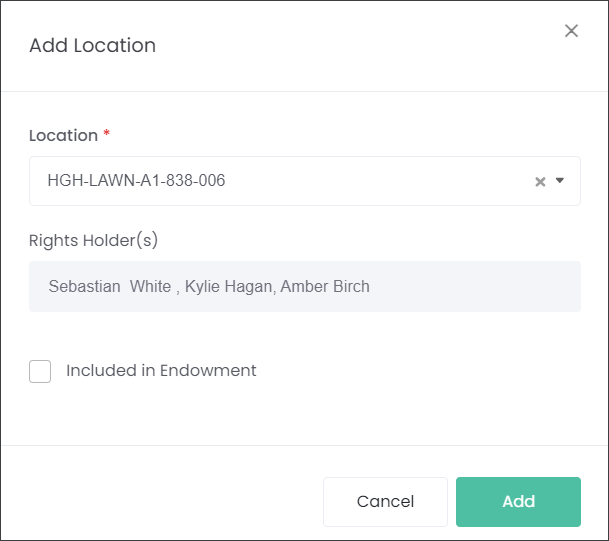
Press the Add button to secure the location selection.
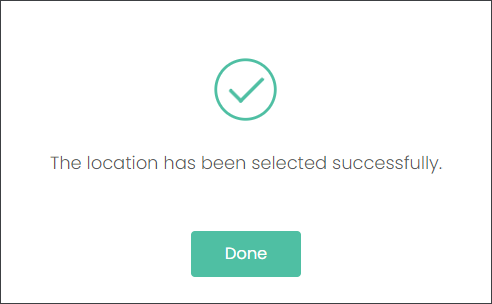
Note: The users can add one or multiple locations to a single Contract.
Endowment Owners
If you are using Funds Manager to manage and track your Investment Fund and Endowments, the execution of the cost for Care Programs can be deducted from the customer's endowment.
If the customer has an endowment, the endowment will selection list displays on the Details tab.
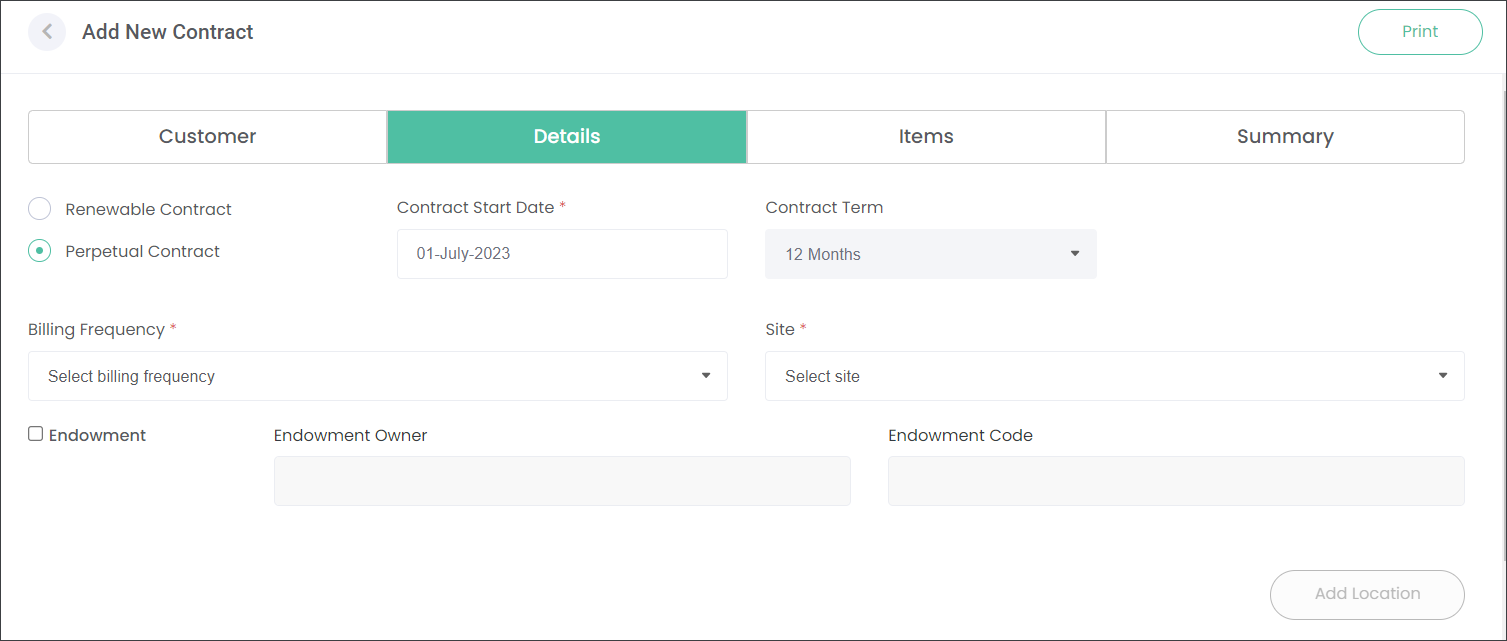
Check the Endowment box and type in the customer's name in the Endowment Owner field. The field will access the Funds Manager data set.
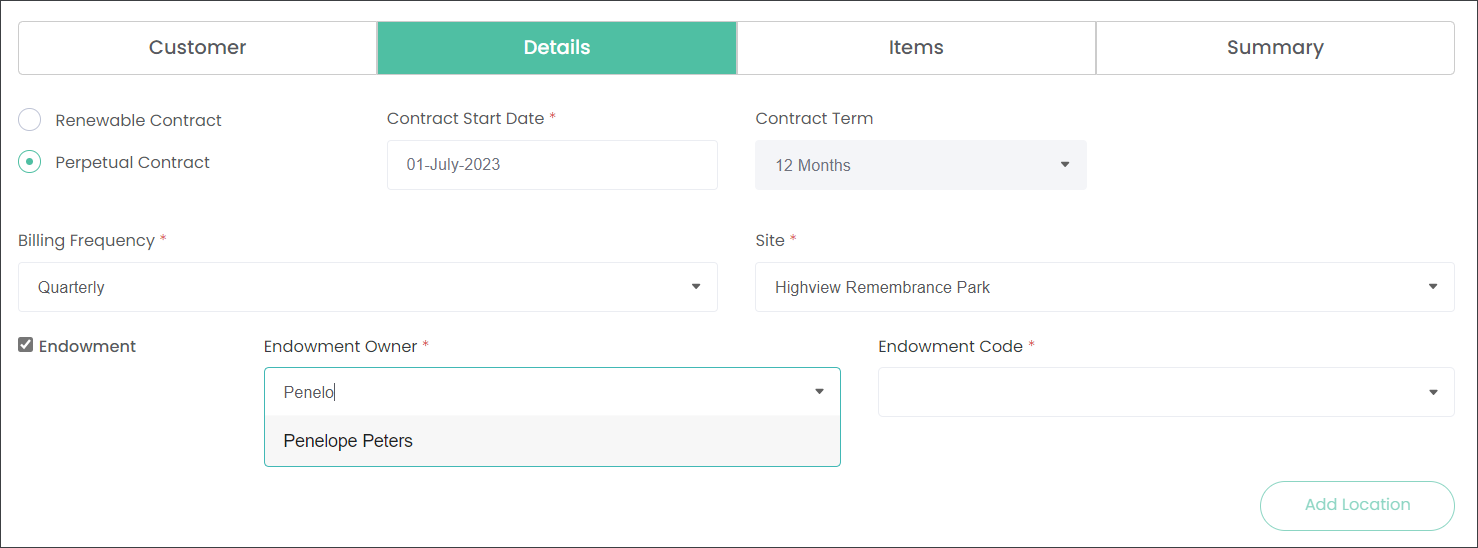
When you select the customer's name, the Site, Endowment Code and Location will auto populate as per the endowment settings from Funds Manager.
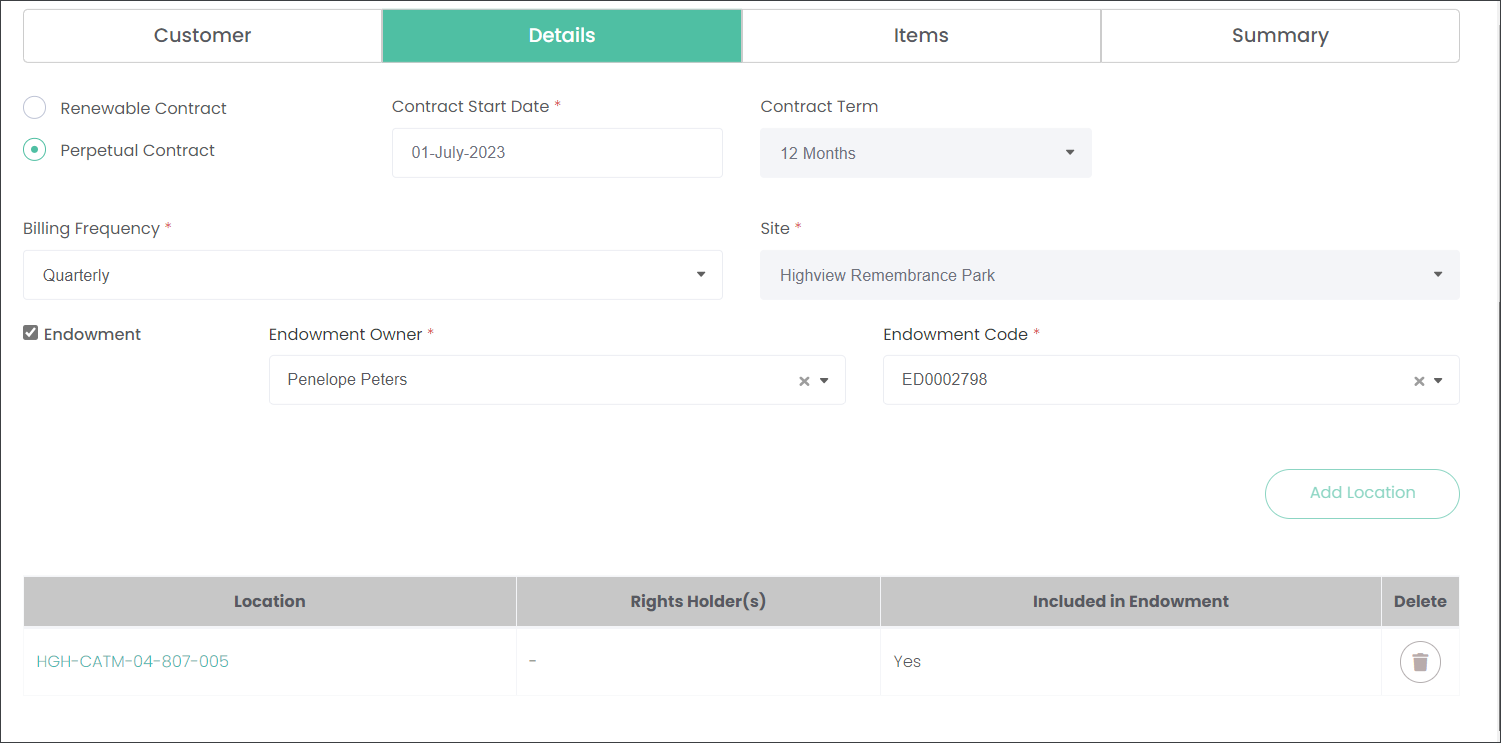
Then proceed with adding the Contract as per instructions above.
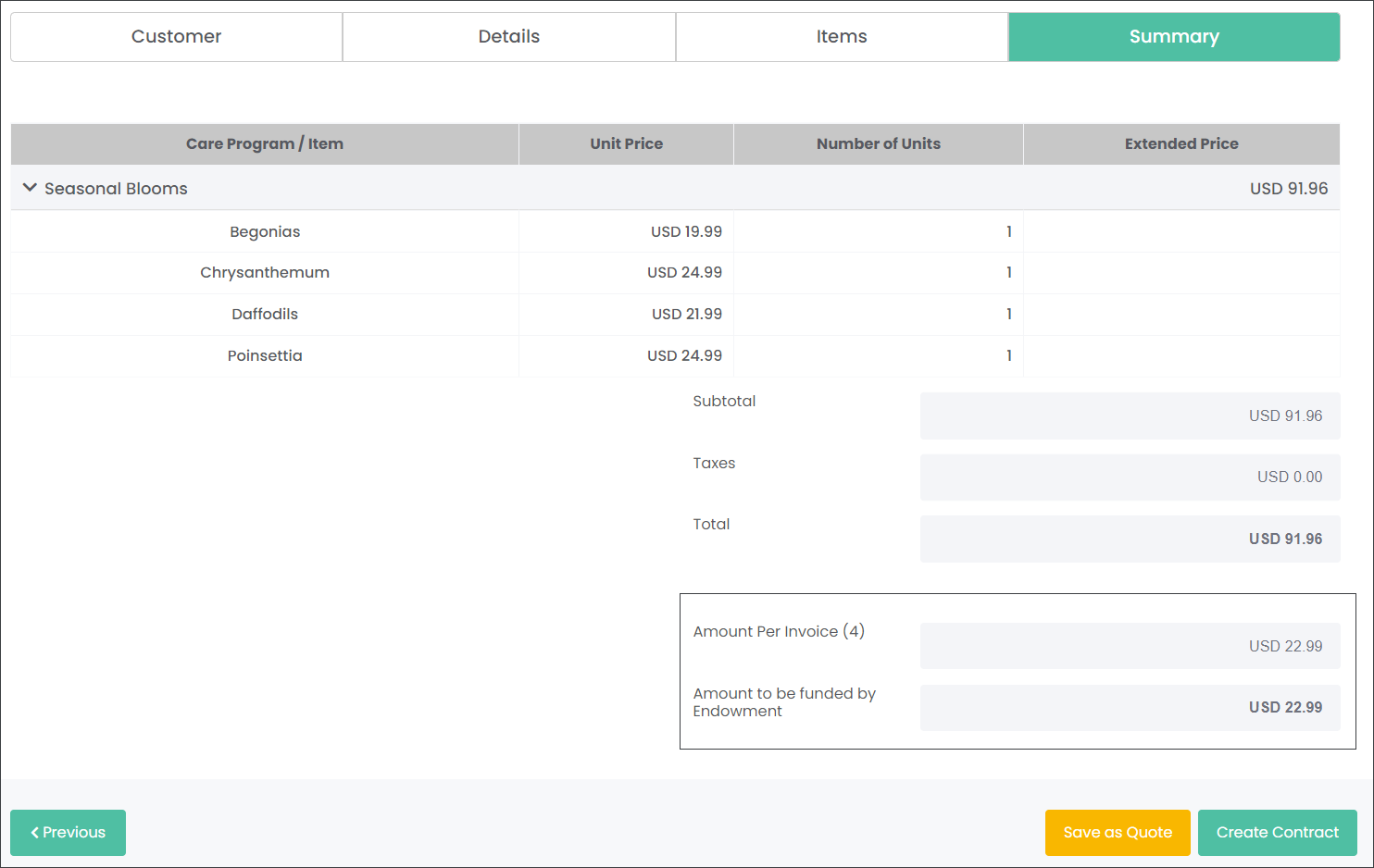
On the Summary tab, you will see how much money will be deducted from the endowment fund as per selected Billing Frequency. In our scenario, the customer will be billed quarterly.