Customer
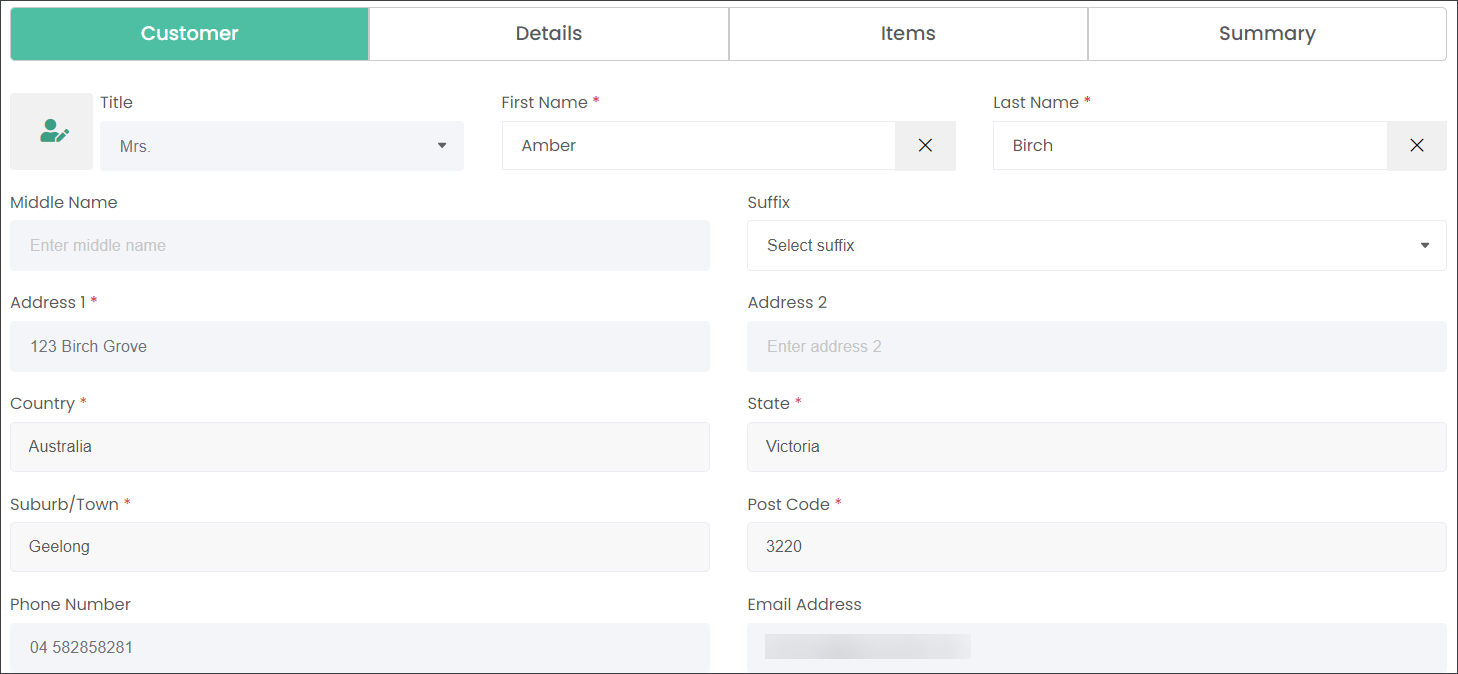
Begin creating a new Contract in the Customer tab.
Click on the First Name or Last Name field and select an existing rights holder record.
The system will populate the contact's information in the available fields.

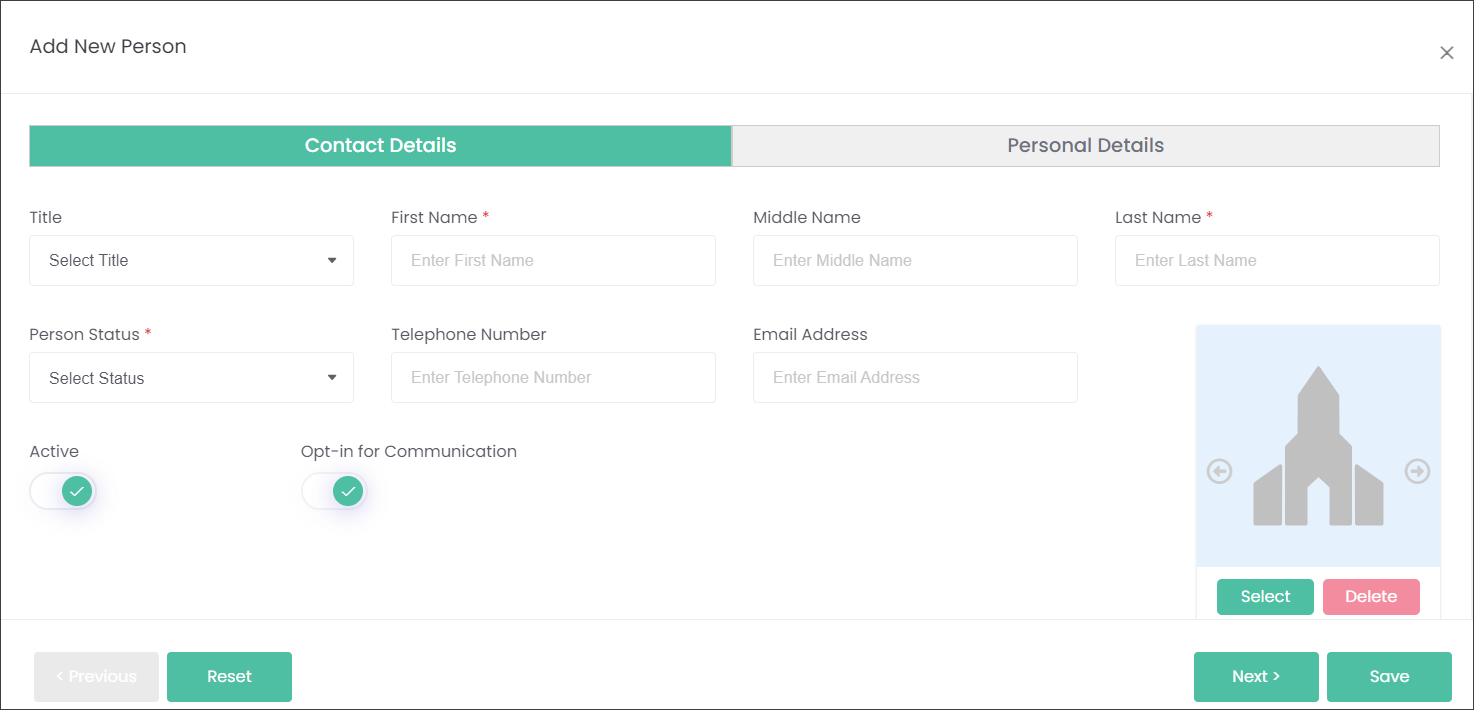
Alternatively press the Add New Person button to create a new person record.

Press the Next button or click on the Details tab to navigate to the second section.