(c) Copyright by OpusXenta Pty Ltd. All rights reserved.
Contact Details Tab
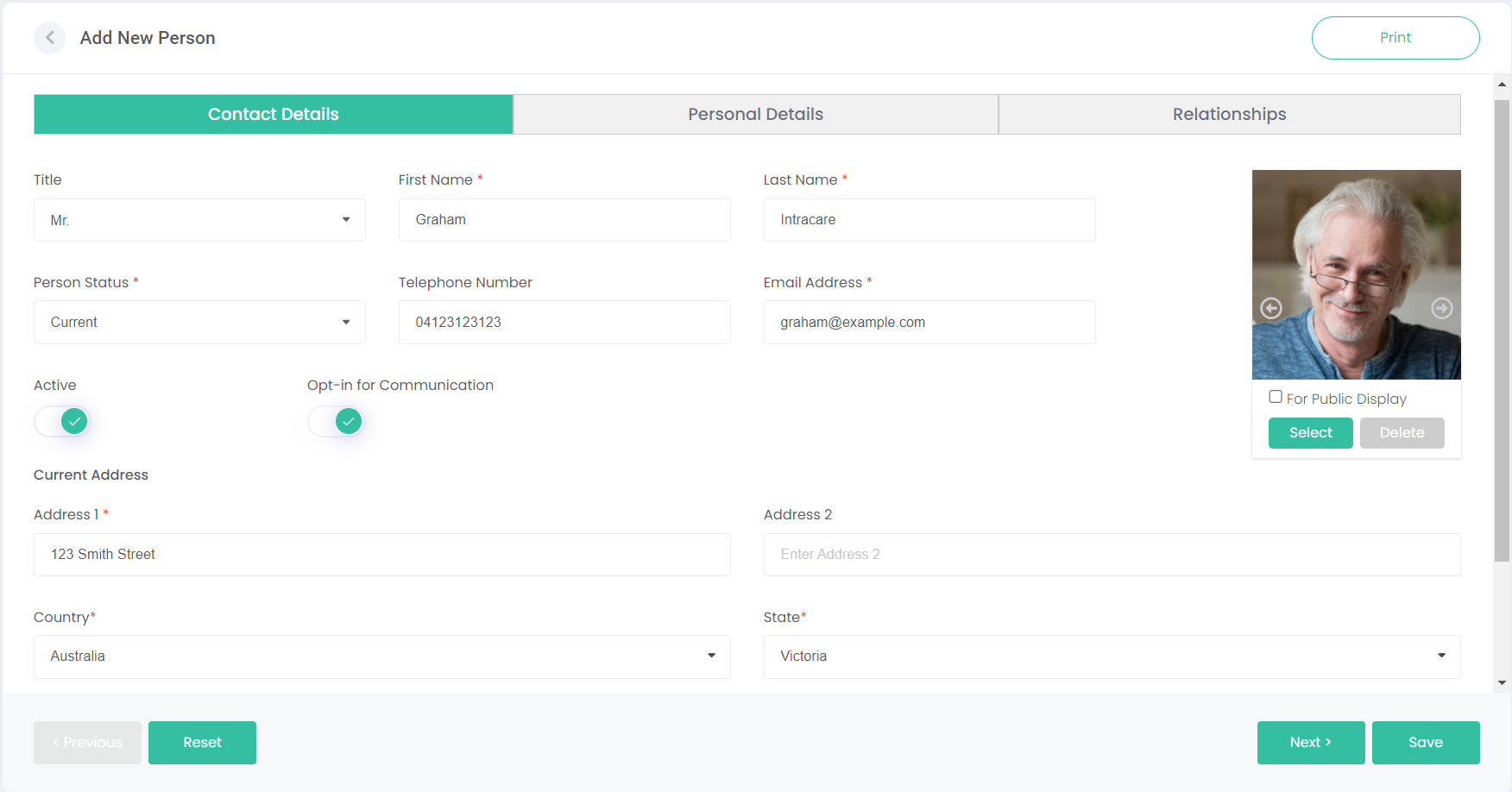
The Contact Details tab is where the most important information about the person is captured. Name, Address, and Contact details can be added here, as well as a few other unique fields.
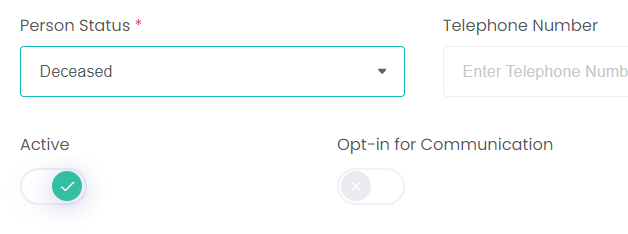
The Person Status field tells us if the person is Deceased or Current. The person's status will dictate some of the fields that can be completed on this tab and the Personal Details tab.
Ticking Opt-in for Communication means this person can be added to Contact Lists and can be sent emails and other marketing materials. If the person is deceased, this field will be locked as off.
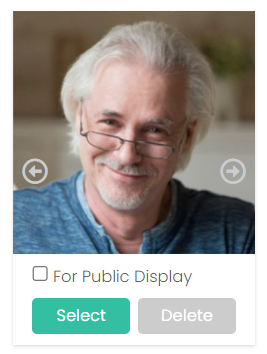
Images or videos of the person can be added on this screen too.
Click Select under the image on the right-side of the screen to upload an image or video.
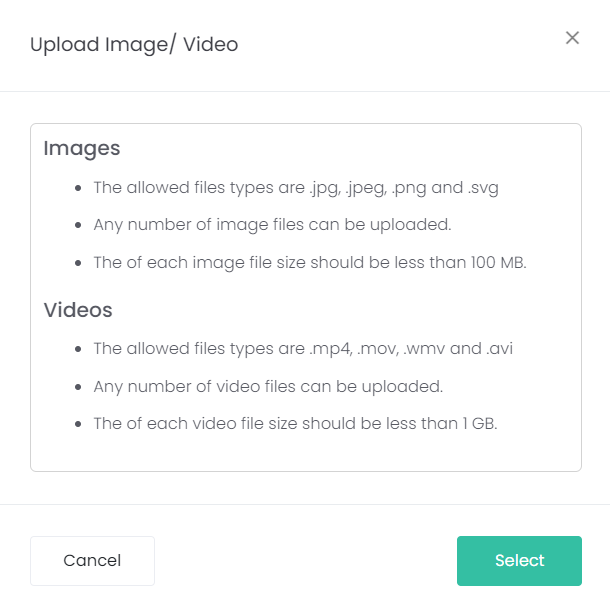
Some instructions will pop-up on the type of images and videos that can be uploaded. Click Select on this pop-up to browse your device for an image or video.