(c) Copyright by OpusXenta Pty Ltd. All rights reserved.
Configuring Transportation Mode
Should you have attendees that will need to be picked up from the train station, for example, one more configuration is recommended before the campaign starts.
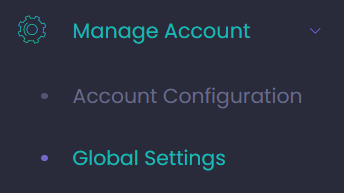
From the side menu on the left-hand side of the page, visit Manage Account -> Global Settings.
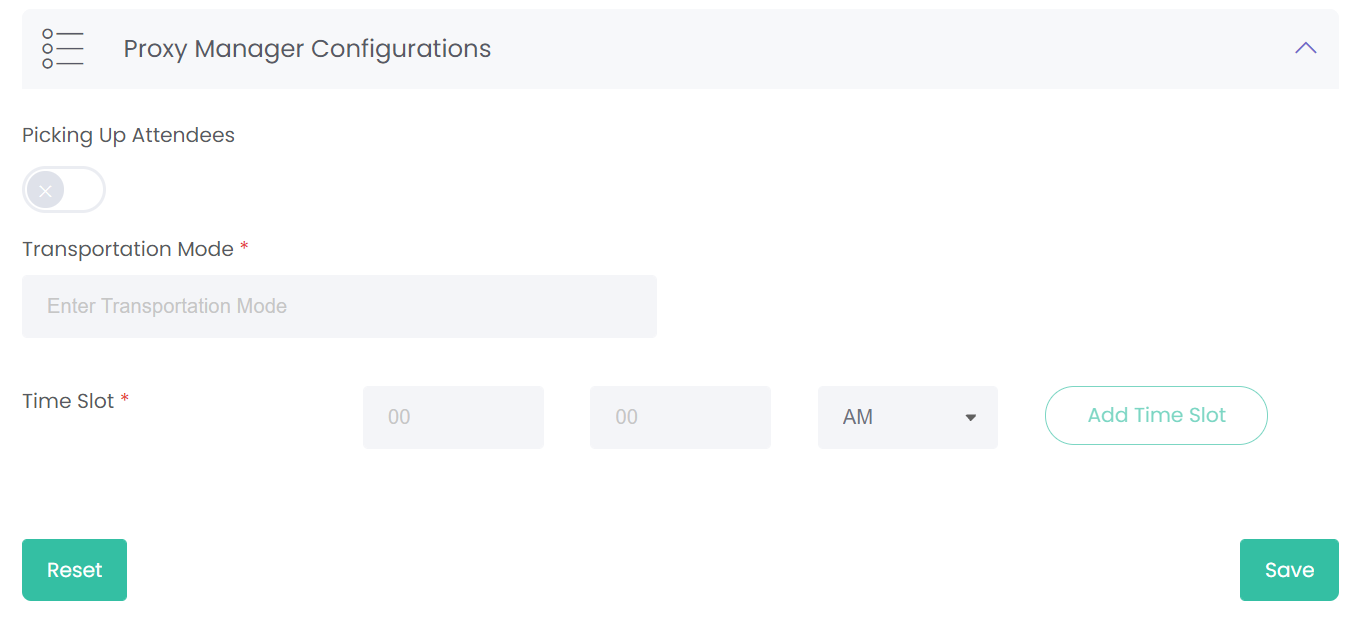
Click on the Proxy Manager Configurations header and the following fields appear below.
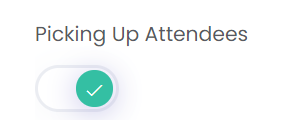
Click on the X under Picking Up Attendees and it will turn into a green check mark.
The remaining fields will now allow editing.
Type in the Transportation Mode that attendees will use.
For our example, the attendees will arrive via Train 9.
Enter in the Time Slot that the train will arrive at the station.
For our example, attendees will arrive at 09:30 AM.
Should there be more train times that need to be added, choose the Add Time Slot button.
An additional time slot option will be added.
Should a time slot be added that is not necessary, click on the next to the time slot to delete.
Or click the Reset button to reset the time on the most recently added time slot to 9:00 AM.
Once all time slots have been added, click Save on the bottom right-hand side of the page.




 next to the time slot to delete.