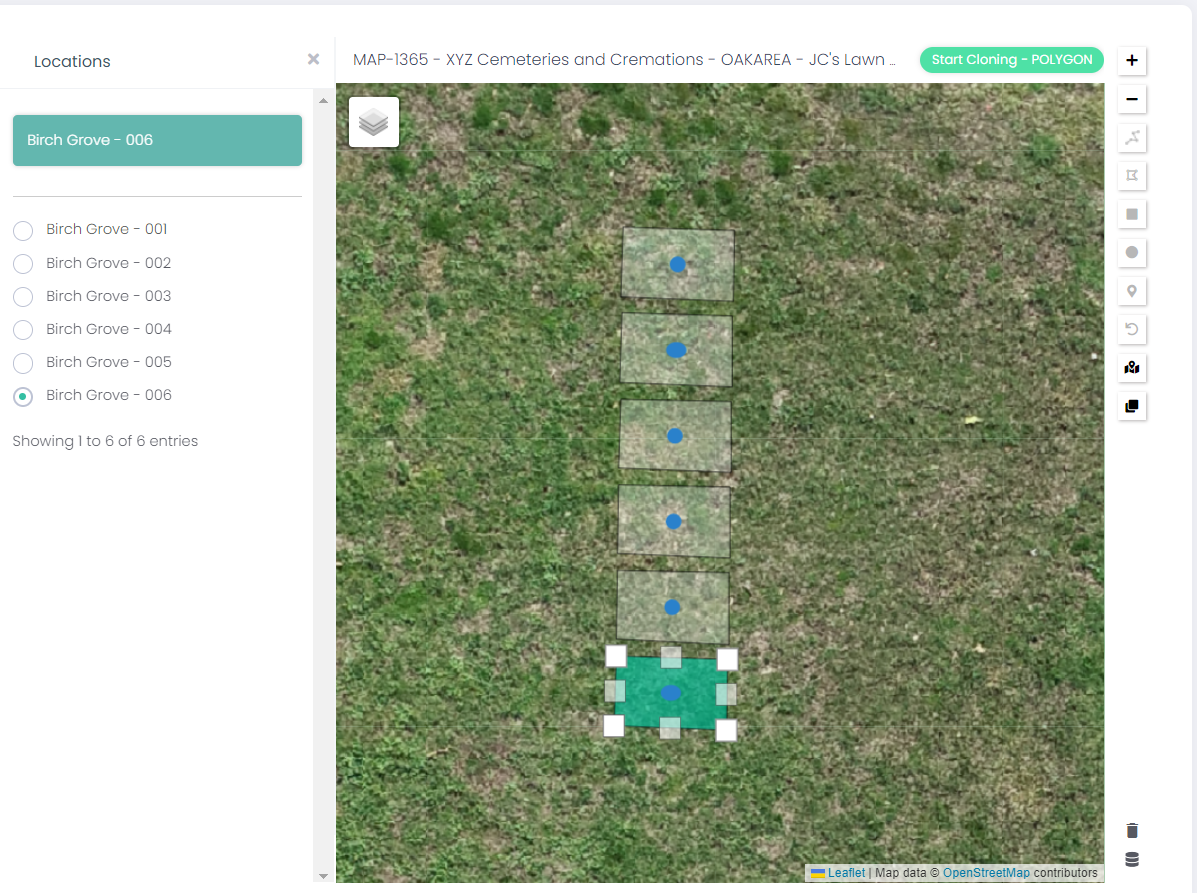
Clone Multiple Polygons
The Clone Polygon tool allows the user to clone a polygon multiple times in a line to map a series of locations at once.
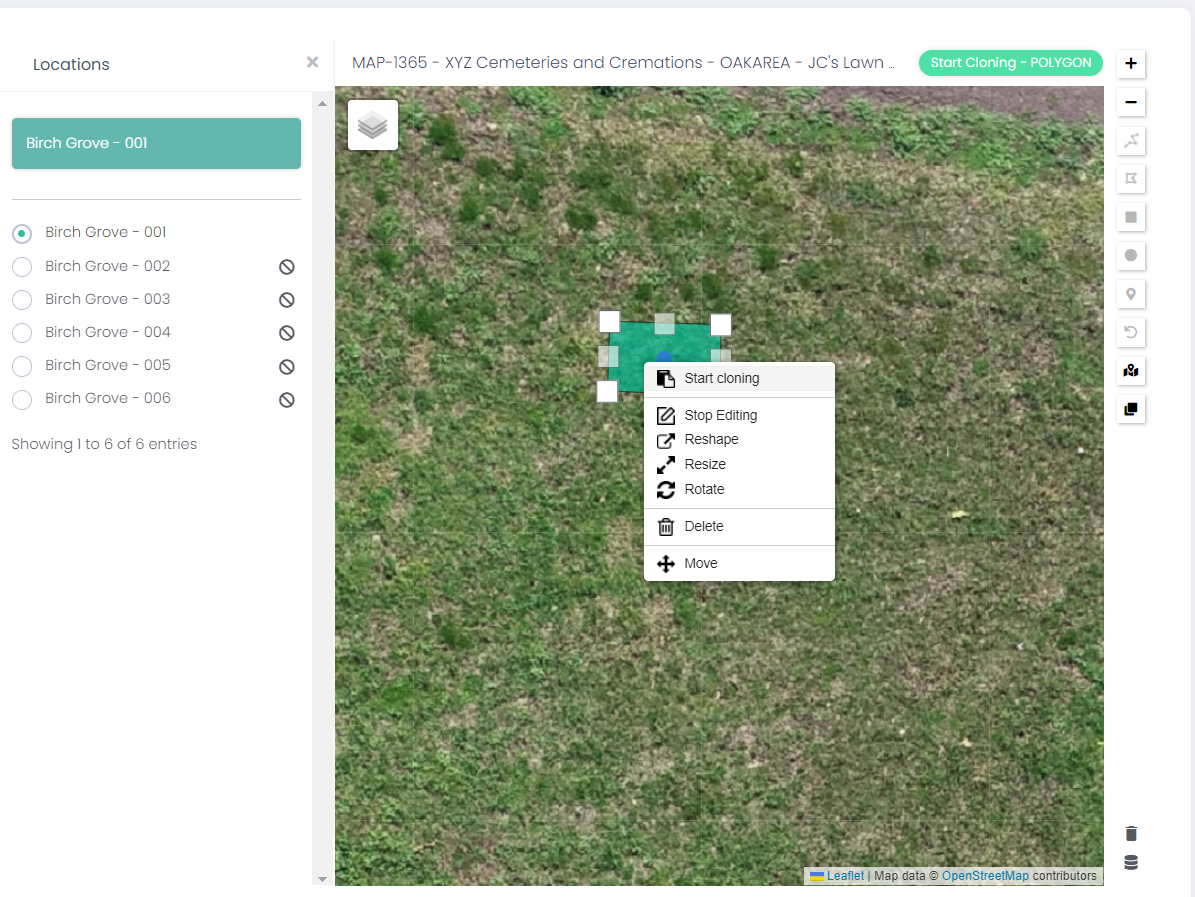
To begin, select a mapped polygon location, then right click the polygon and select Start Cloning.
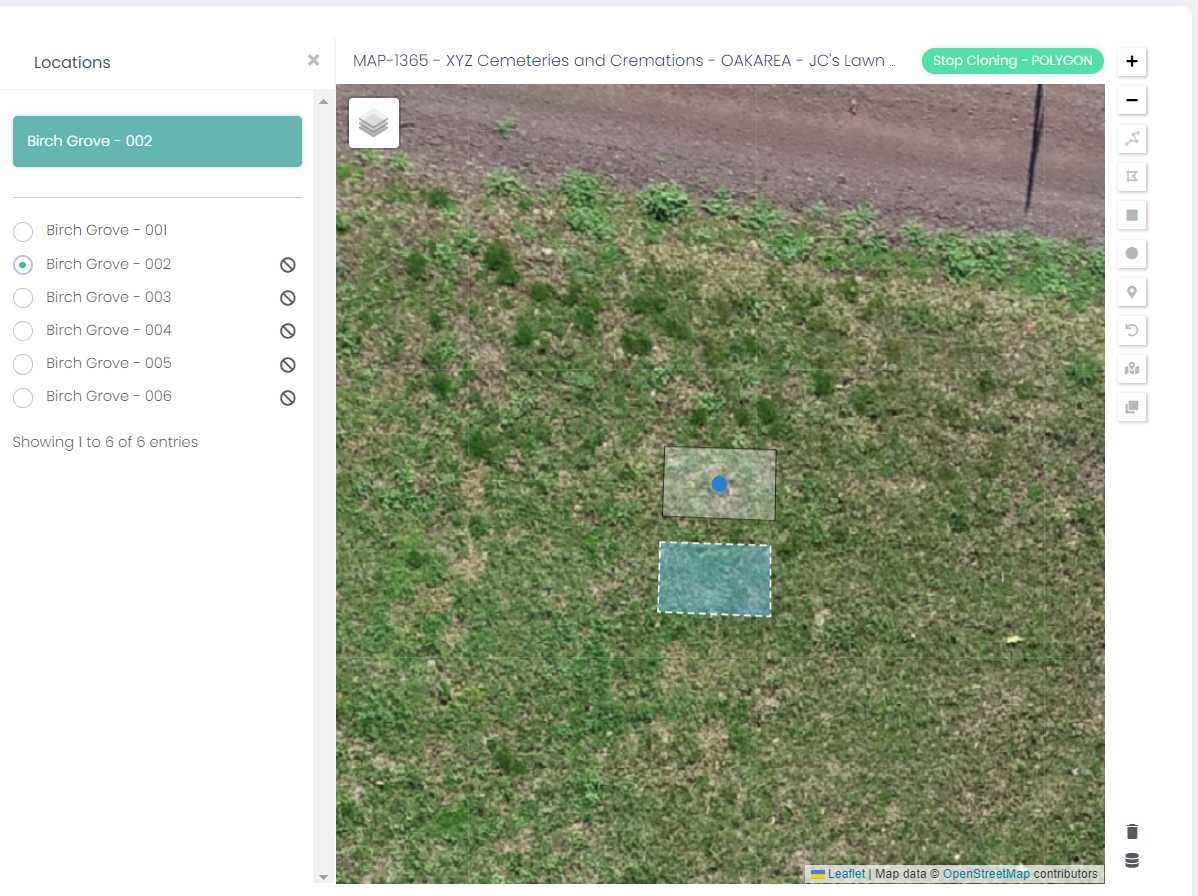
Select an unmapped location from the list on the left.
Position the blue polygon clone in line with the first location and left-click to map the second location.
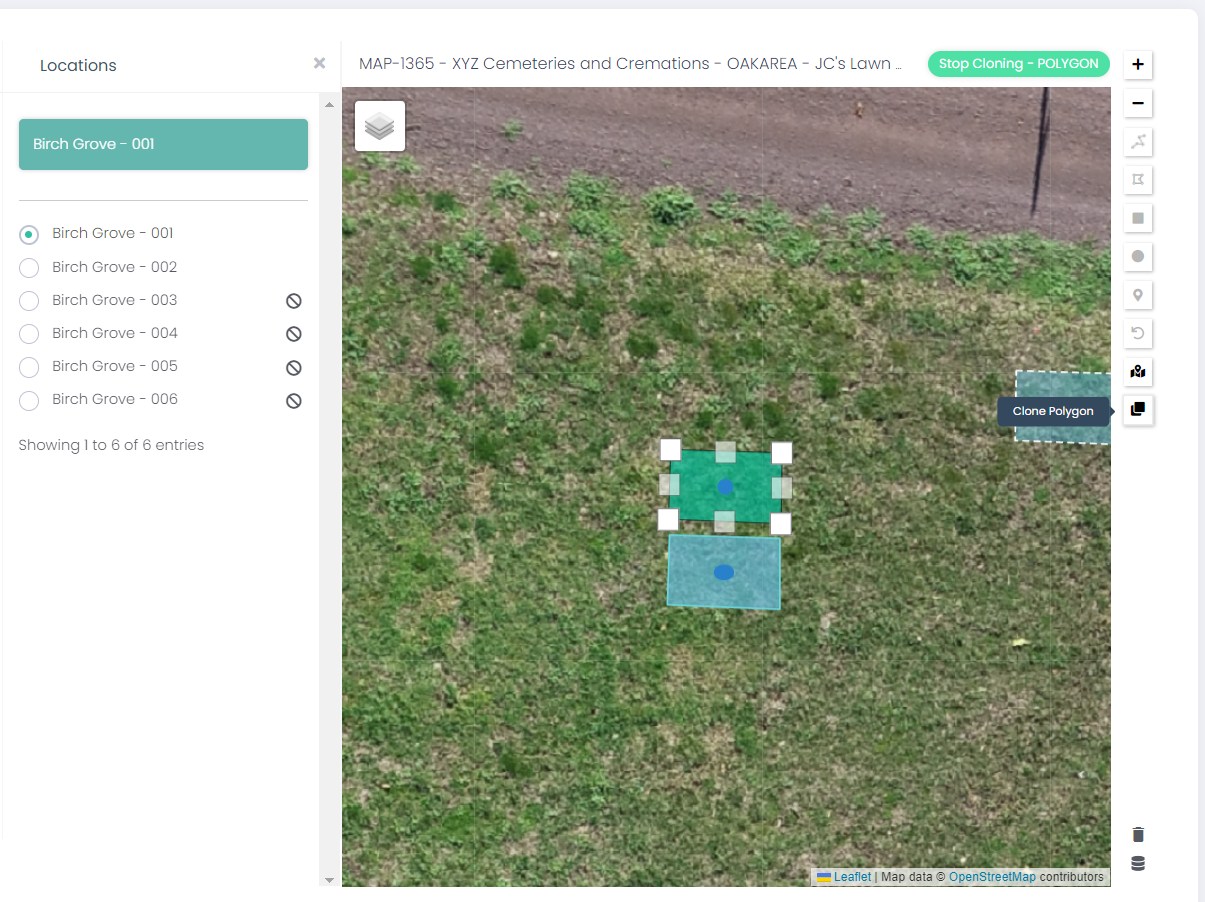
Select the original location from the list on the right, then click the Clone Polygon button on the right-hand side of the map, at the bottom of the listed buttons.
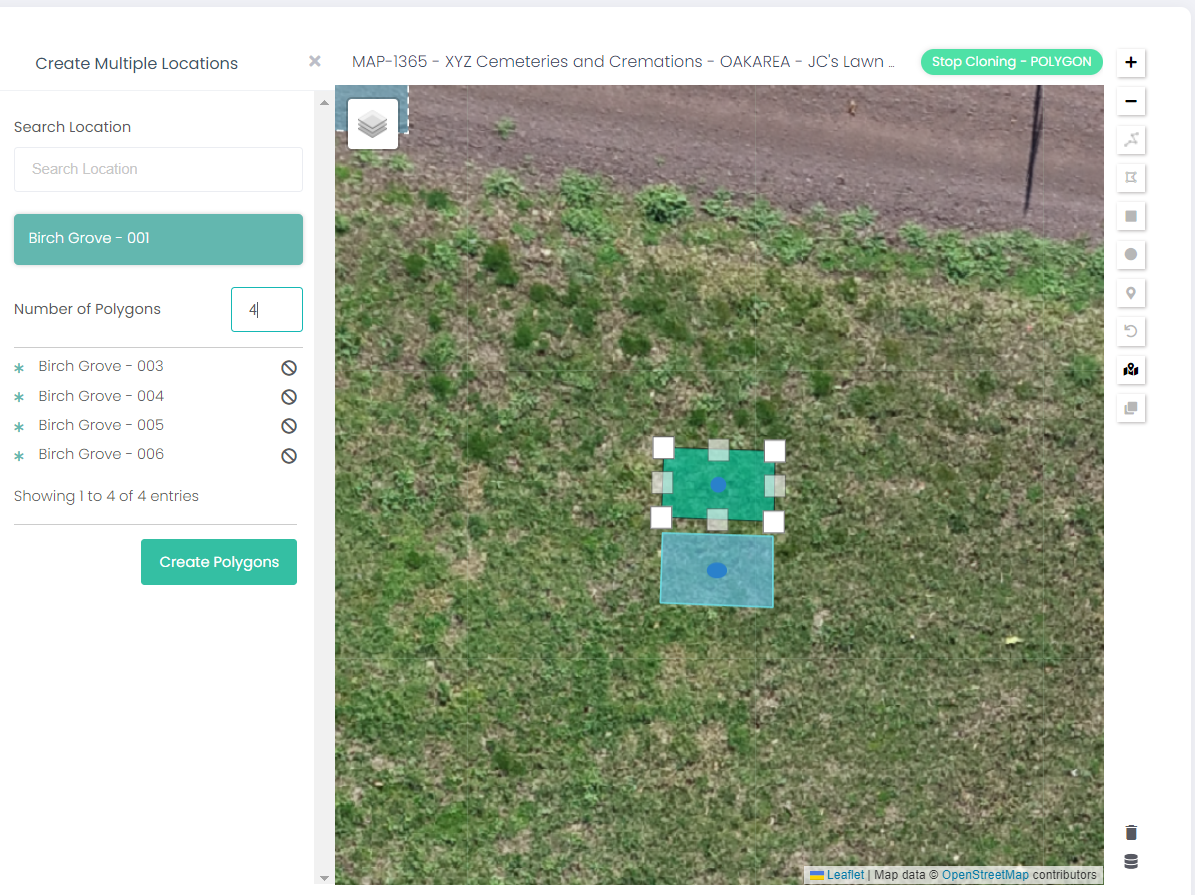
This opens the Create Multiple Locations function on the left-hand side of the map.
This screen allows the user to Search Location to find the locations that will be cloned.
The Number of Polygons dictates how many unmapped locations will be mapped to the cloned polygons.
Once the correct locations have been listed and the number of polygons selected, click Create Polygons.
The following message will display:
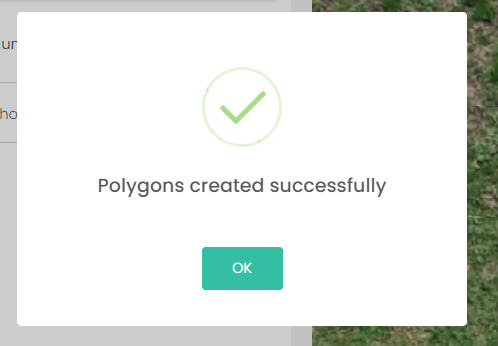
The polygons have now been created and mapped with the desired locations.