Bookings: Approve or Cancel
Once the booking has been reviewed, the user can proceed to Approve or Cancel the booking.
Approvals and cancellations are likely to be managed in byondpro.
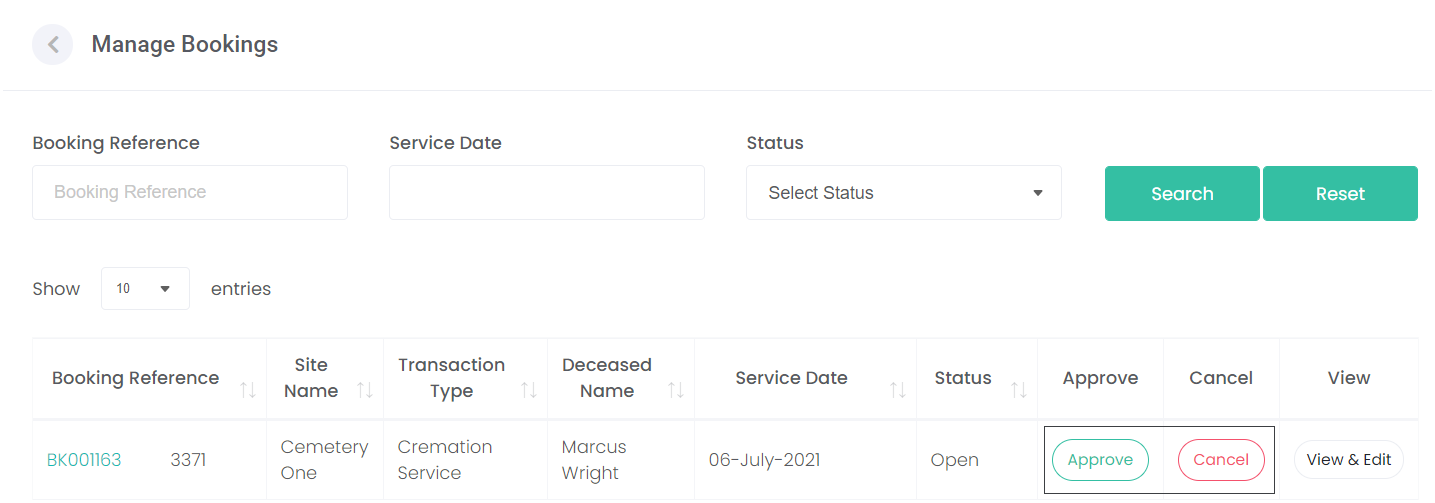
However, if a cemetery user is managing the approval and cancellation from within the byondcloud product, they can choose the Approve / Cancel button as shown in the screen below.
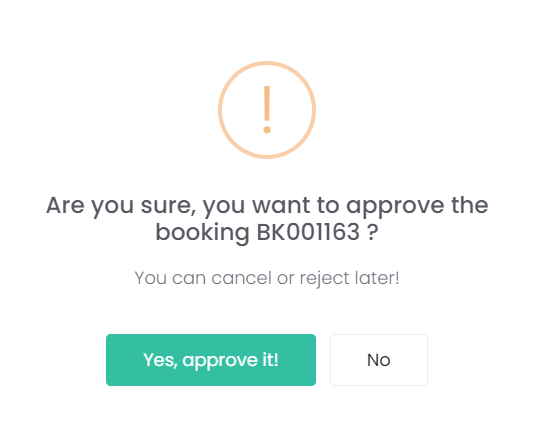
If the user chooses Approve, the following confirmation message is displayed.
To proceed with the approval, choose Yes, approve it!
To back out of the approval, select No.
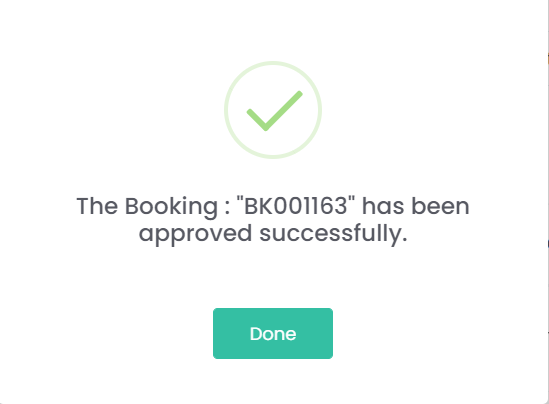
Once approved a confirmation message appears to say the booking was approved successfully as shown below.
On the Manage Bookings screen, the booking is now displayed with a status of Approved By Cemetery and the Approve button is no longer visible.

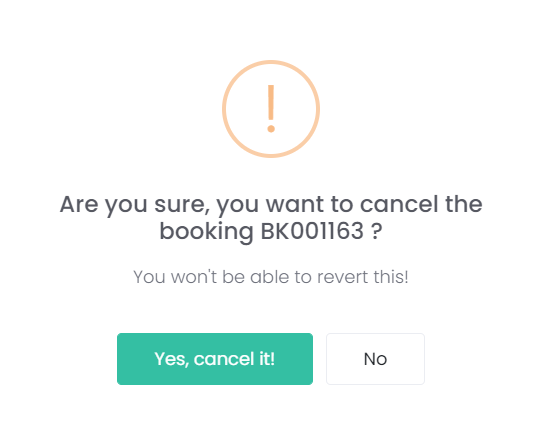
If the user were to choose to Cancel the booking, the following warning message will be displayed.
To proceed with the cancellation, choose Yes, delete it!
To back out of the cancellation, choose No.