Attendees
The Attendees Report helps to manage those who will be attending, their guests and how they will be arriving at the Annual General Meeting.
The report can be viewed within byondcloud, exported to excel, downloaded as a PDF, or printed as necessary.
From the Reports section, choose an AGM Year and the Attendees report, then click Display.

A list of locations will display with the following information:
-
Location Code
-
Location Name
-
First Name
-
Last Name
-
Number of Guests
-
Whether Arriving By the transportation mode.
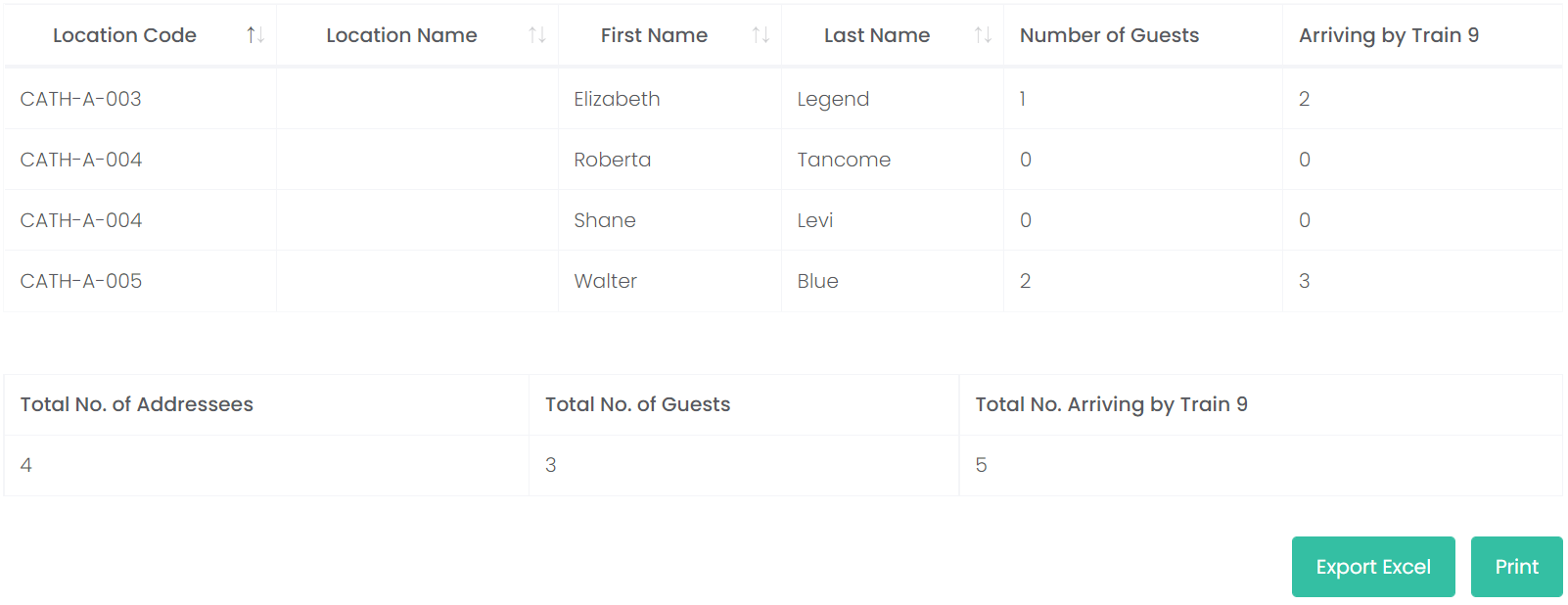
The following information will be tallied below:
-
Total Number of Addressees
-
Total Number of Guests
-
Total Number Arriving By Train (Or mode of transportation).
To view a copy of the report in Excel, click on Export Excel on the bottom right-hand side of the page.
A copy of the report will download to your device. Click on the file to view.
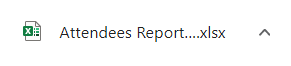
The editable Excel copy shows the report details.

Alternatively, to print or view a PDF copy of the Responses, click on the Print button on the right-hand side of the page.

A pop-up window displays with a PDF version of the report.
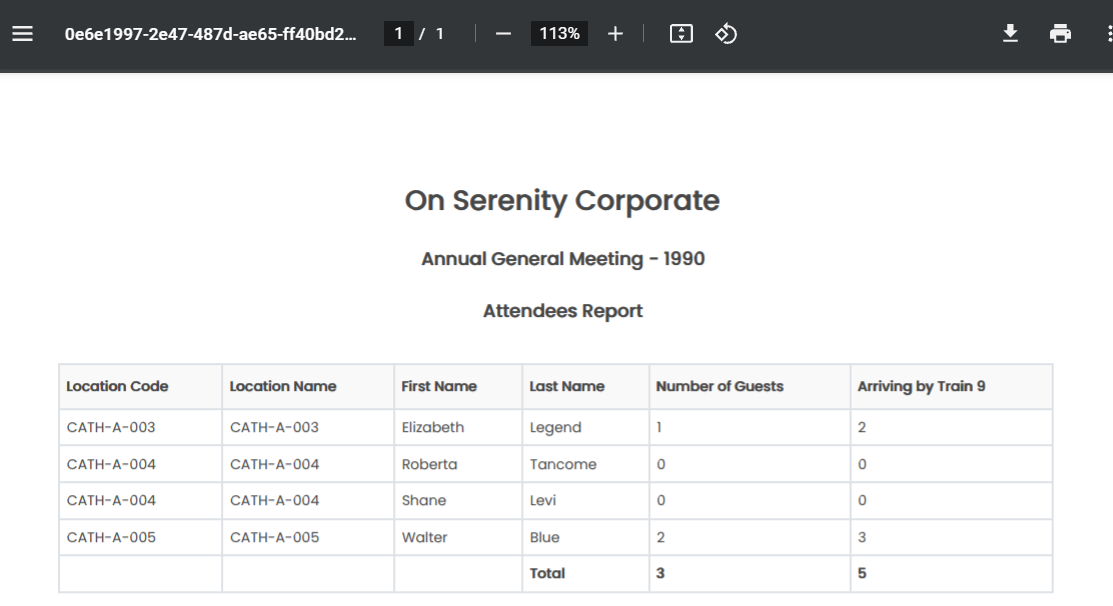
To download the report, choose the Download icon.
To print the report, click on the Print icon.

To exit from the pop-up window, click on the X.

To return back to Proxy Manager, click on the arrow next to Reports.