Add Team
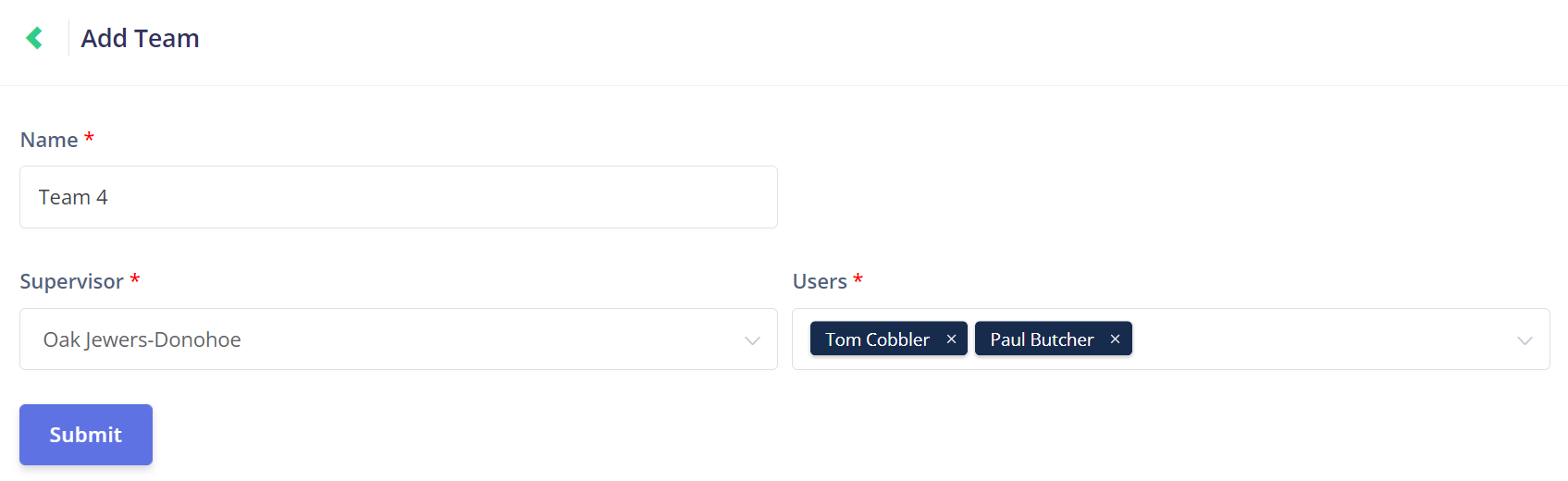
Click on the New Team button at the top of the Team Management page to open the Add Team page.

On this page, you can name the team, allocate the team a supervisor, and add users to the team.
When you click on the Users drop-down, all the active users that can be added to the team will be shown.
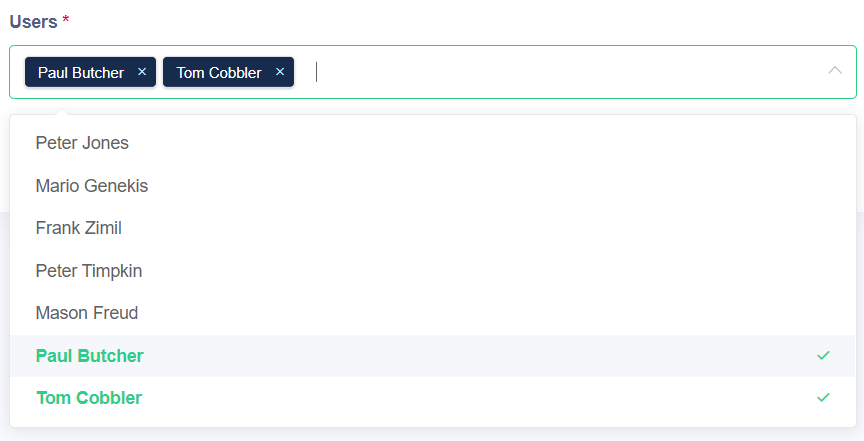
If a user is already a member of another team, they will need to be removed from their existing team before they can be added into the new team.
In this example, Peter Jones is already in another team.
As such, the system prevents the new user from being added to the team and displays the following message:
As such, the system prevents the new user from being added to the team and displays the following message:

During the allocation process, the supervisor can add Peter to a task that is not being undertaken by a team other than his own.
In this way, Peter can work with other teams if needed.
Once the team has been configured to your liking, click the purple Submit button on the bottom left of the screen to save the new team.