Add New Price List
On the Add New Price List page you can create a new default Price List. The Price List that is marked as Active is the default one.
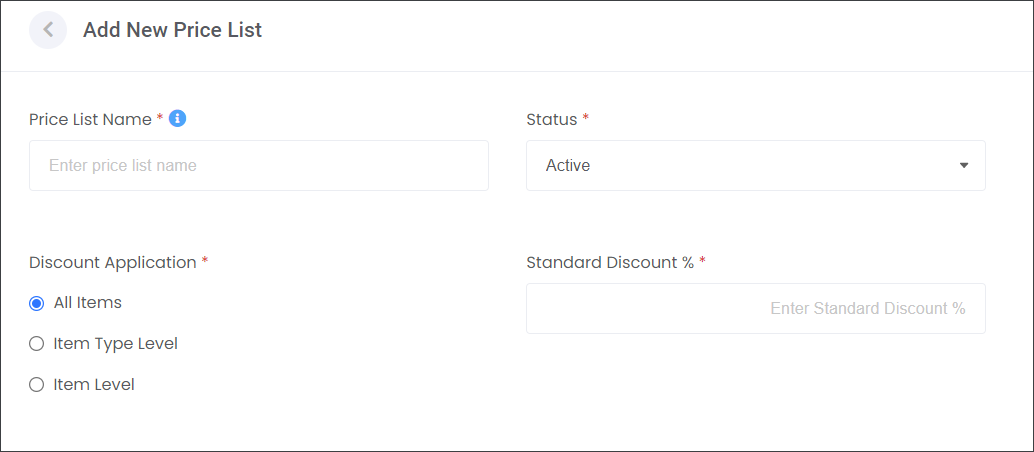
You have three options for creating your Price Lists.
All Items
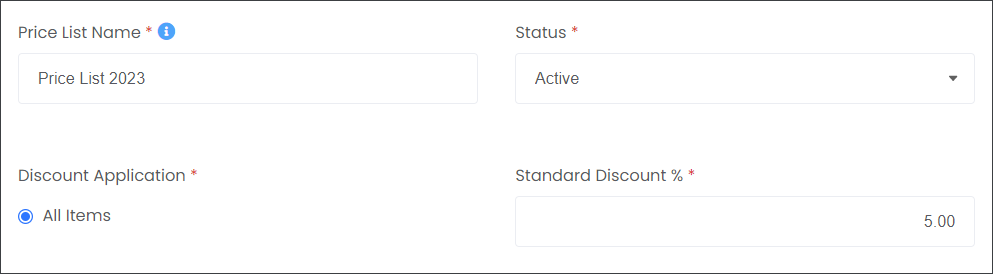
You can apply a Standard Discount on All Items by typing in the percentage number.
This field is mandatory, however if you don't want to apply a discount, type in zero (0).
Items Type Level
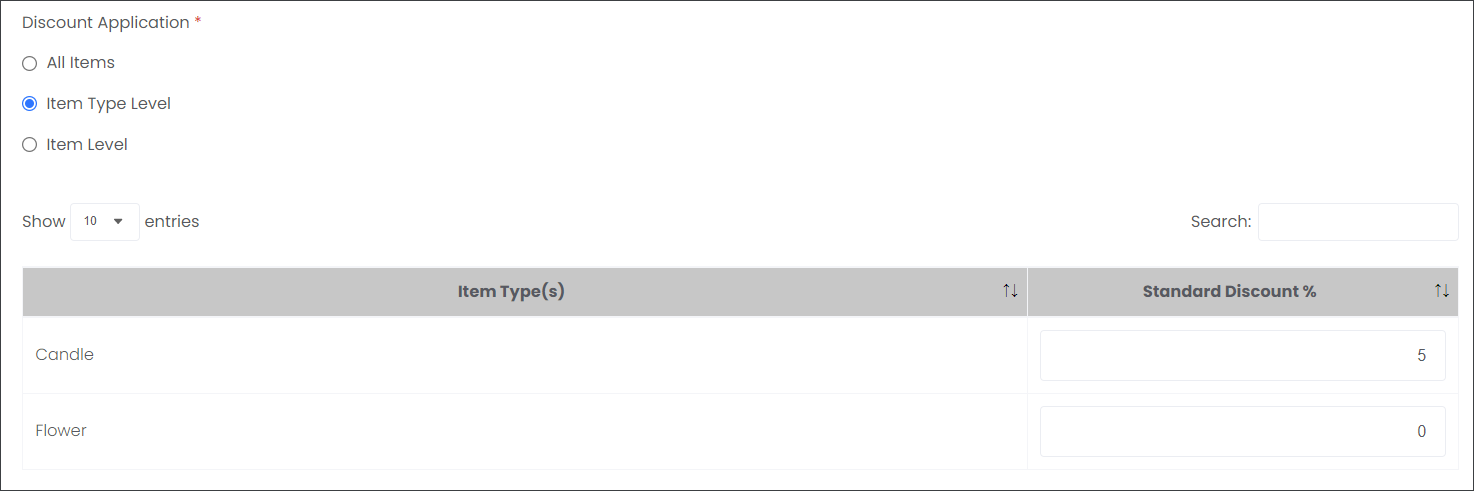
You can apply different Standard Discounts on your Item Type Levels by typing in the percentage number in line with the Item Type.
In the example below, you can see that the Supplier gives a Standard Discount of 5% on all Candles but no discount on Flowers.
The Item Type Levels represent the current types in your Items catalog. The Supplier, in the example below, has only Candles and Flowers on offer so they can apply discounts only to those Item Types.
Item Level
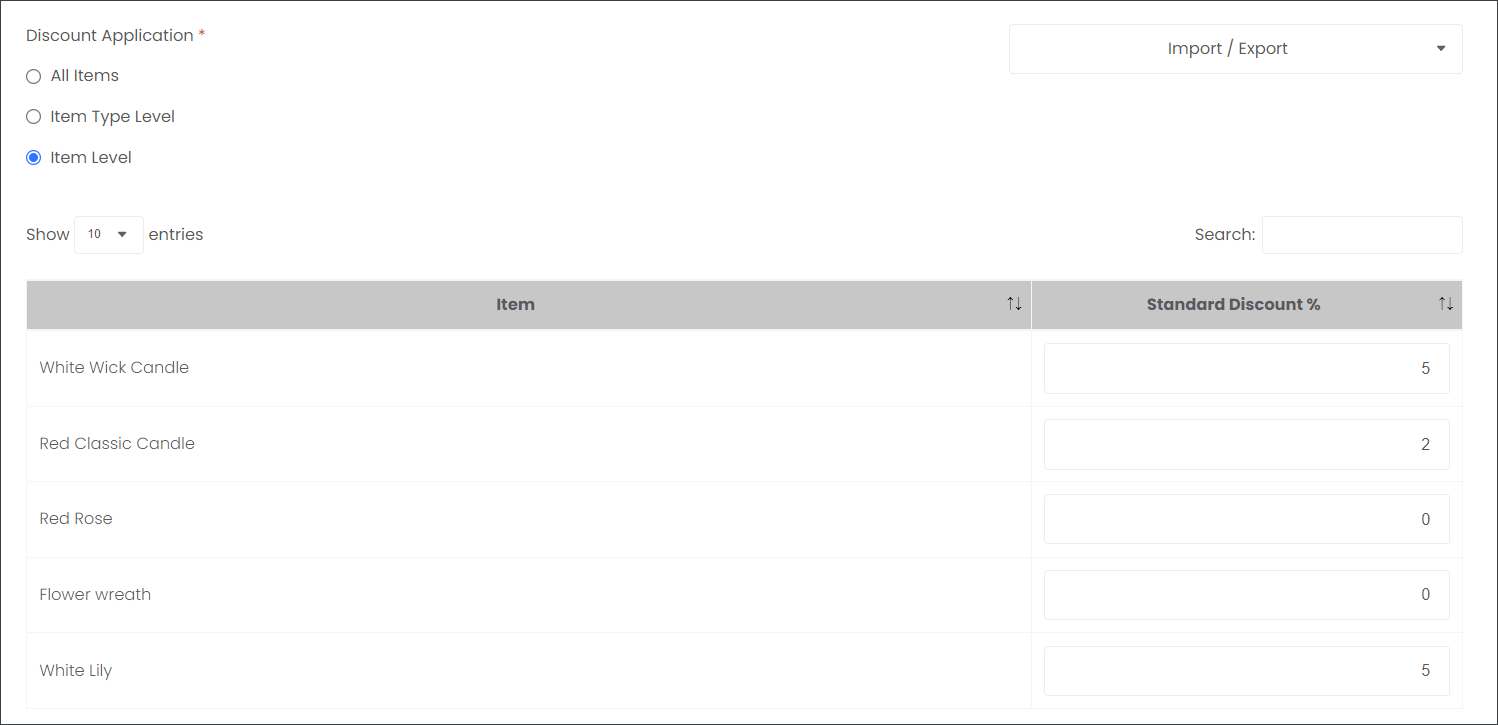
You can apply different Standard Discounts on your individual products by typing the percentage number in line with the Item.